
The Names and Numbers tool turns a roster into a gang sheet. You enter names and numbers as lists, set the type styling once per list rather than per entry, and the builder lays everything out and packs it onto the sheet for you. It is built for teams, uniforms and group orders.
Before You Start
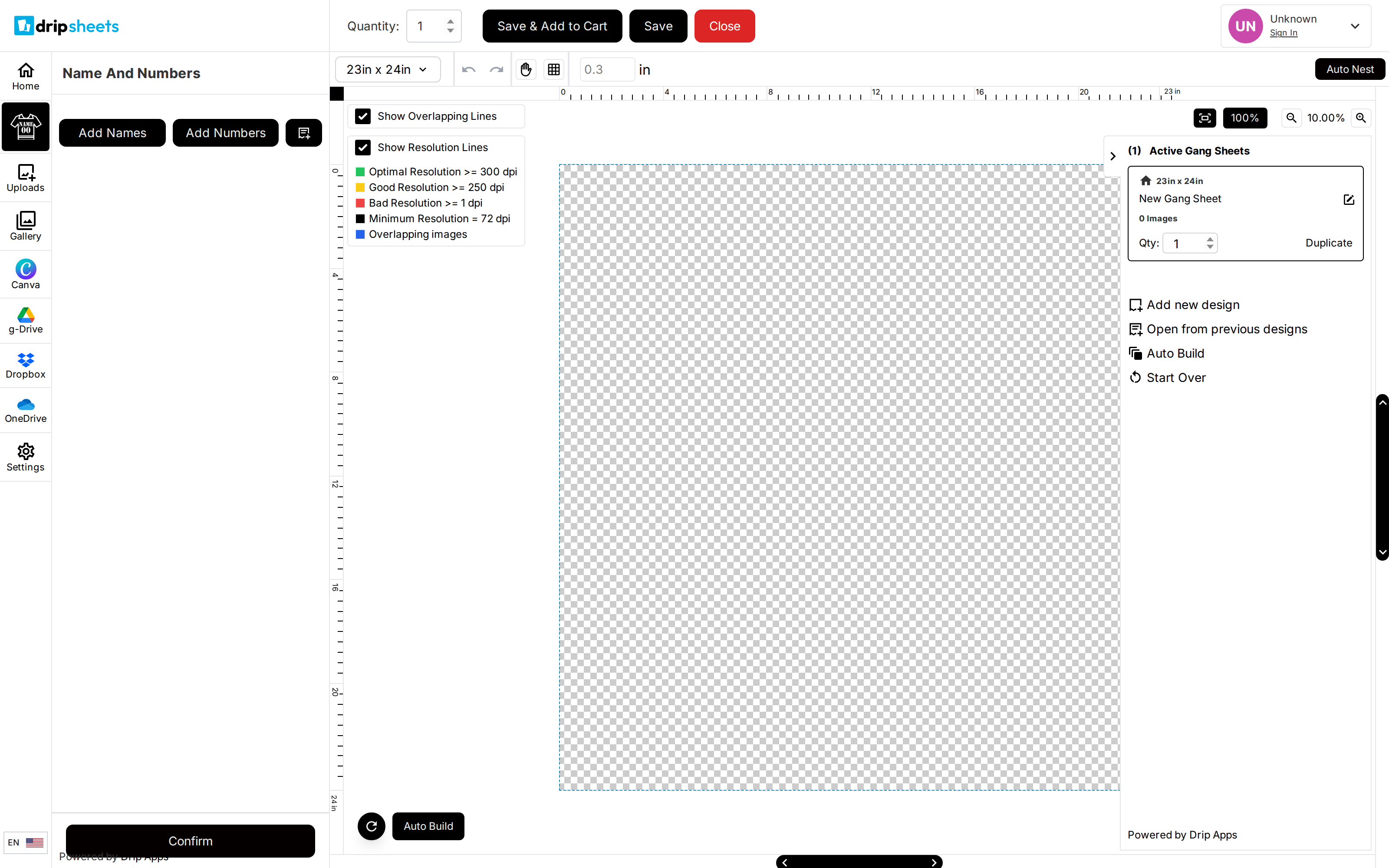
Open the tool from the Name & Numbers tab in the builder's tool rail, or from the Names and Numbers option on the welcome screen. If neither is there, the shop has not enabled the tool on this product.
The sizes, fonts and default maximum widths available in the tool are set by the shop, so the exact options you see vary from store to store.
Build Your Lists
Entries are organised into groups. Everything in a group shares one set of styling, so put items that should look the same in the same group.
- Click Add Names to start a list of names, or Add Numbers to start a list of numbers. A new group opens.
- Type the first entry into the text field and set its Qty — how many copies of that entry you want printed.
- Click Add Another for each further entry in the group. Use the circled X beside a row to remove it.
- Click Add Names or Add Numbers again to start a second group if part of your order needs different styling.
- Click a group's header bar to collapse or expand it. The header summarises the group's colour, size, font and maximum width so you can check several groups at a glance.
If you already have the roster in a spreadsheet, skip the typing. The document-with-a-plus icon next to Add Names imports the whole list from a CSV. See the article on importing a CSV file.
Style a Group
Open a group and set:
- Size — the printed height of the text. The shop offers Small and Large, and may also offer Medium; each option shows its actual measurement.
- Font — chosen from the fonts the shop has made available to this tool.
- Max Name Width or Max Number Width — an upper limit on how wide an entry may get. A long name is shrunk to fit rather than running wide. Leave it blank for no limit.
- Stroke Width — an outline around the characters, from 0 to 10.
- Text Color and Stroke — click either to open a colour picker, or type a six-digit hex value.
Size sets the height, and Max Name Width then caps the width. A very long name in a group with a maximum width set will come out shorter than the size you chose, because shrinking it to fit the width shrinks the height with it. That is expected behaviour, not a fault.
Name and Number Pairs
If the shop has enabled it, an Add Name + Number button appears below the other two. A pair group stacks a name above a number as a single unit, which is the usual layout for the back of a jersey.
A pair group has its own controls: Name Height, Number Height and Gap — the space between the two. If the shop has published presets, choose one from Preset to fill all three in at once. The shop can also lock the gap, in which case the Gap field is not shown.
Each pair row has a Name field, a Number field and a Qty. If you fill in only one of the two, the builder places that half on its own rather than leaving an empty space.
Place Everything on the Sheet
Click Confirm at the bottom of the panel. The builder generates every entry at the quantity you set and packs them onto your gang sheet, respecting your margin settings.
Number entries are stripped down to digits before printing. Anything else you type into a number field — letters, hyphens, spaces — is removed, and an entry with no digits at all is dropped silently. If a player's number is "10A", enter it as a name, not a number. Blank rows are skipped the same way.