
Uploading your own artwork is the starting point for most gang sheets. This covers where to upload from, how to get images onto the sheet, and what to do when an upload does not appear.
Before You Start
Sign in to your account first. Uploads made while signed out are not saved, so they will not be waiting for you next time.
Upload and Place Your Images
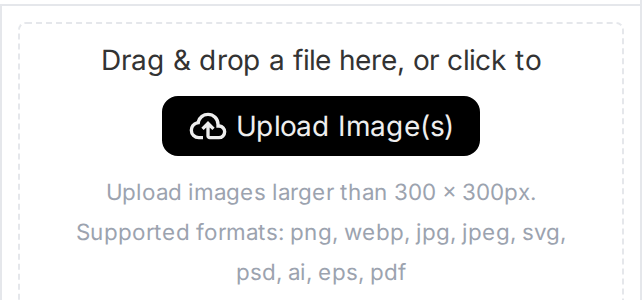
- Go to the Home screen of the builder. Uploads cannot be started from the Uploads tab, which is the most common reason people get stuck.
- Click Upload Image(s).
- Select the files you want from your device and confirm.
- Your images appear in the upload preview area.
- Click an image to place it onto your gang sheet.
- Open the Uploads tab at any time to manage everything you have added.
Pro tip
Use high-resolution PNG or JPEG files. Resolution is the single biggest factor in how your print turns out, and a small image scaled up on the sheet will look soft.
If Your Images Do Not Appear
Newly uploaded files occasionally lag behind in the Uploads tab. Click Refresh to reload the list and they should show up straight away.
If they are still missing, confirm you are signed in. Uploading while signed out is the usual cause.