
Steps
- Access Gang Sheet Settings – 1. Navigate to the Gang Sheet tab. 2. 3. Click Update More to expand advanced settings. 4. 5. Alternatively, navigate through Settings → Settings → Gang Sheet . 6.
- Locate the “Edit Request Email” Field – Inside the Gang Sheet settings tab, you’ll find various fields related to file handling and notifications, including: - Gang Sheet File Name Format - Edit Request Email - Print File Name - File Name Position - File Name Height - Gang Sheet File Type - Trim Empty Space at the Bottom - Upload to Dropbox
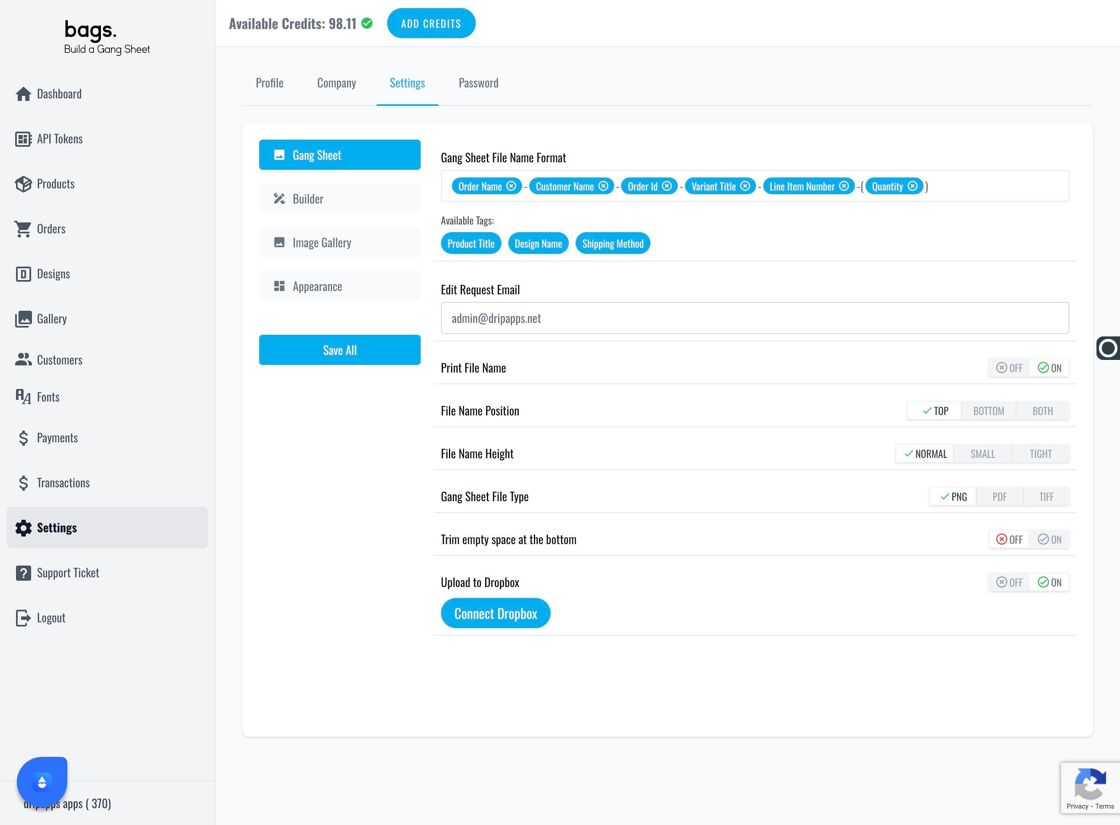
Edit Request Email Field - Enter Your Email – 1. Under the Edit Request Email field, input the address where you'd like to receive edit notifications. 2. This ensures you’re notified instantly when customers request changes to their gang sheets.
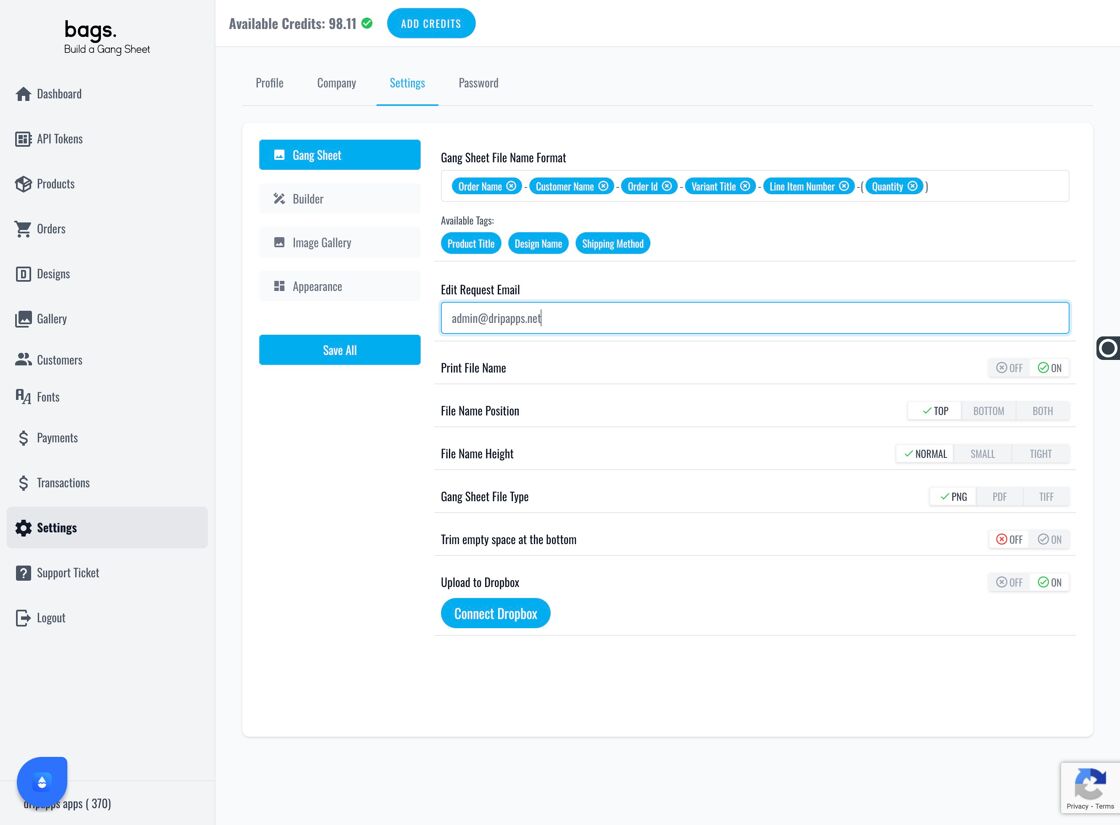
Input email address
Best Practice
Use a monitored support inbox or CRM-connected email to ensure no edit request goes unnoticed. You can update this address at any time.