
Steps
- Click Gang Sheet –
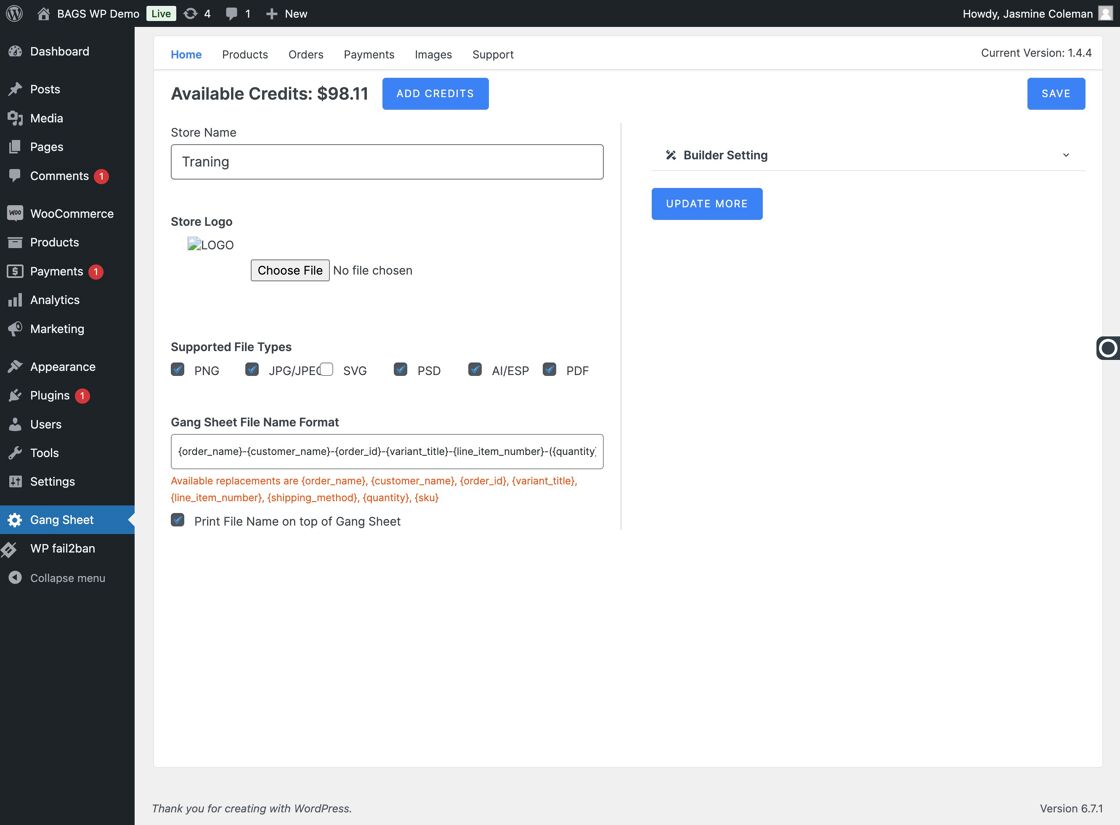
Click Gang Sheet Tab - Click Update More –
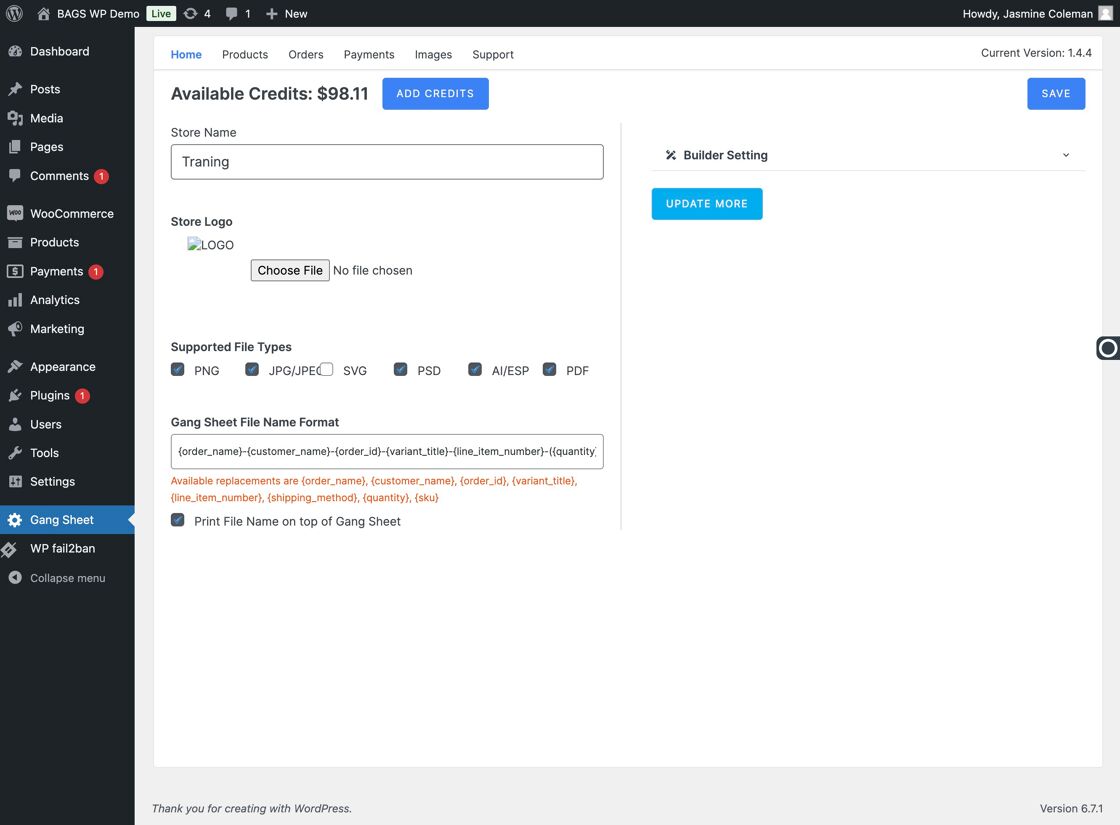
Update More Option - Go to Settings –
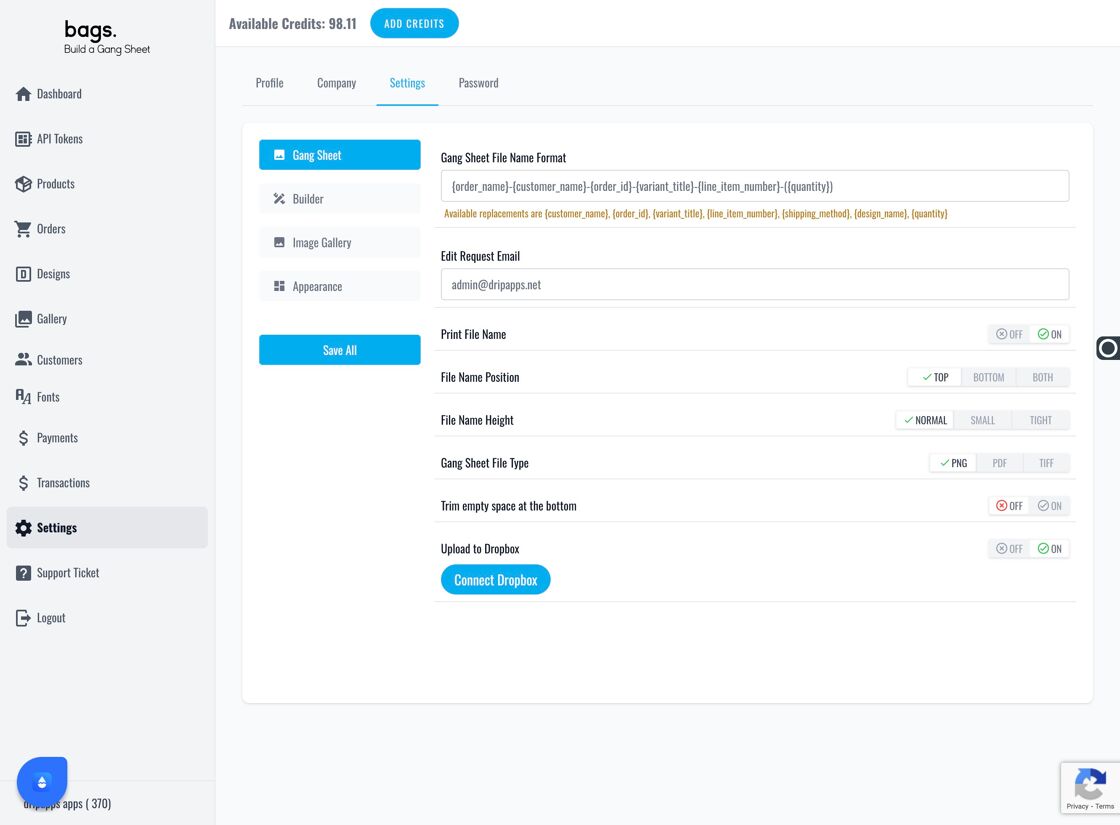
Settings Tab - Select the Secondary Settings Tab –
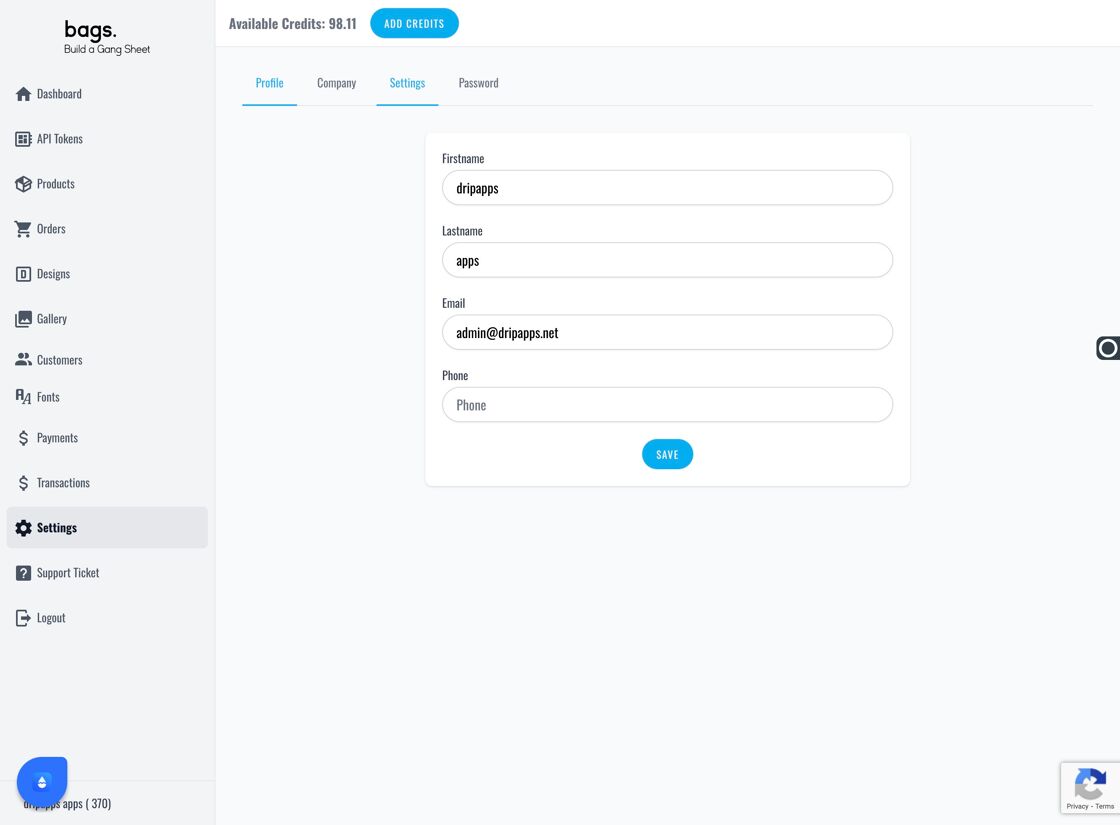
Tab Settings Navigation - Open the Image Gallery Section –
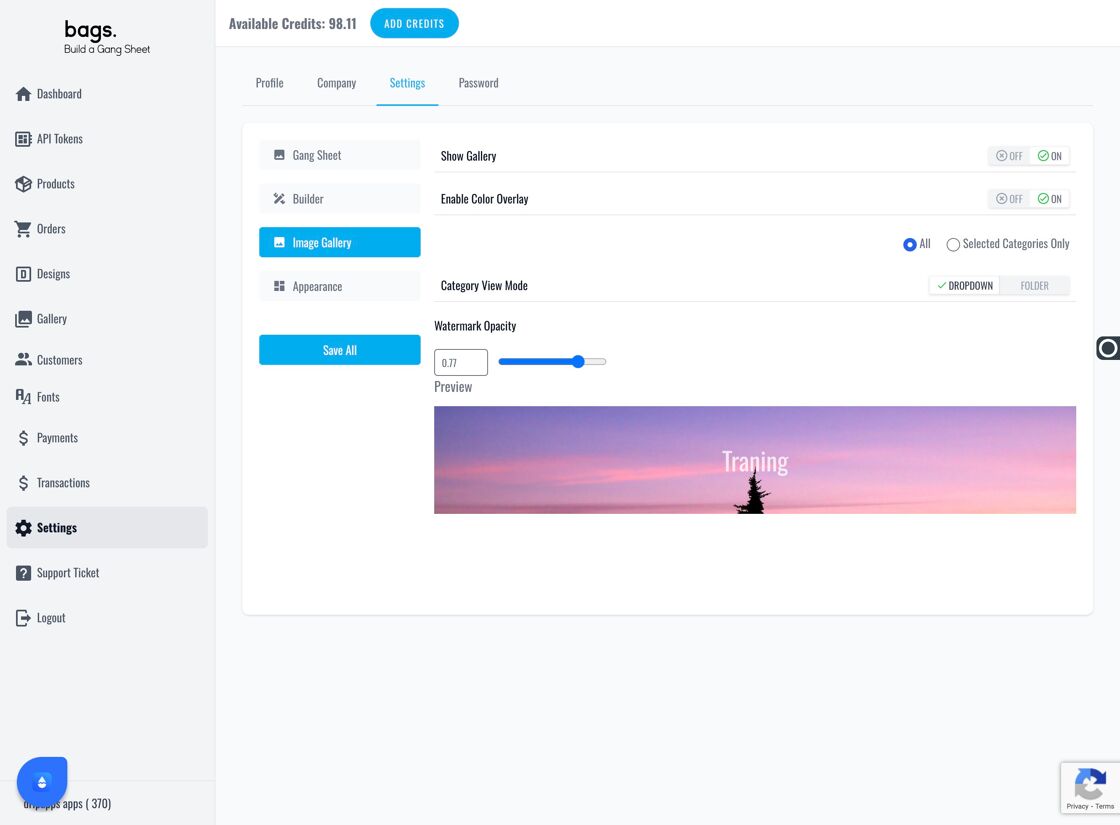
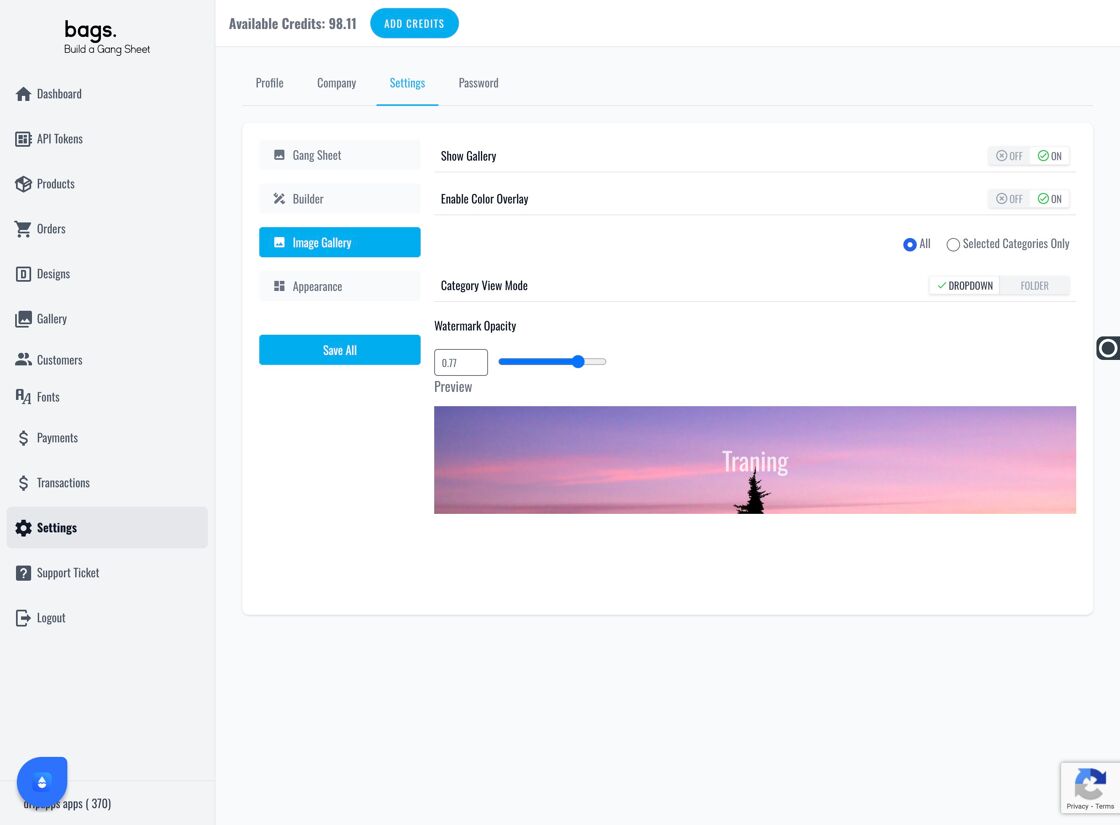
Image Gallery Panel - Toggle Show Gallery – Use the "Show Gallery" switch to enable or disable gallery visibility on the customer-facing interface.
Show Gallery Toggle Option - Click Save All to Apply Changes –
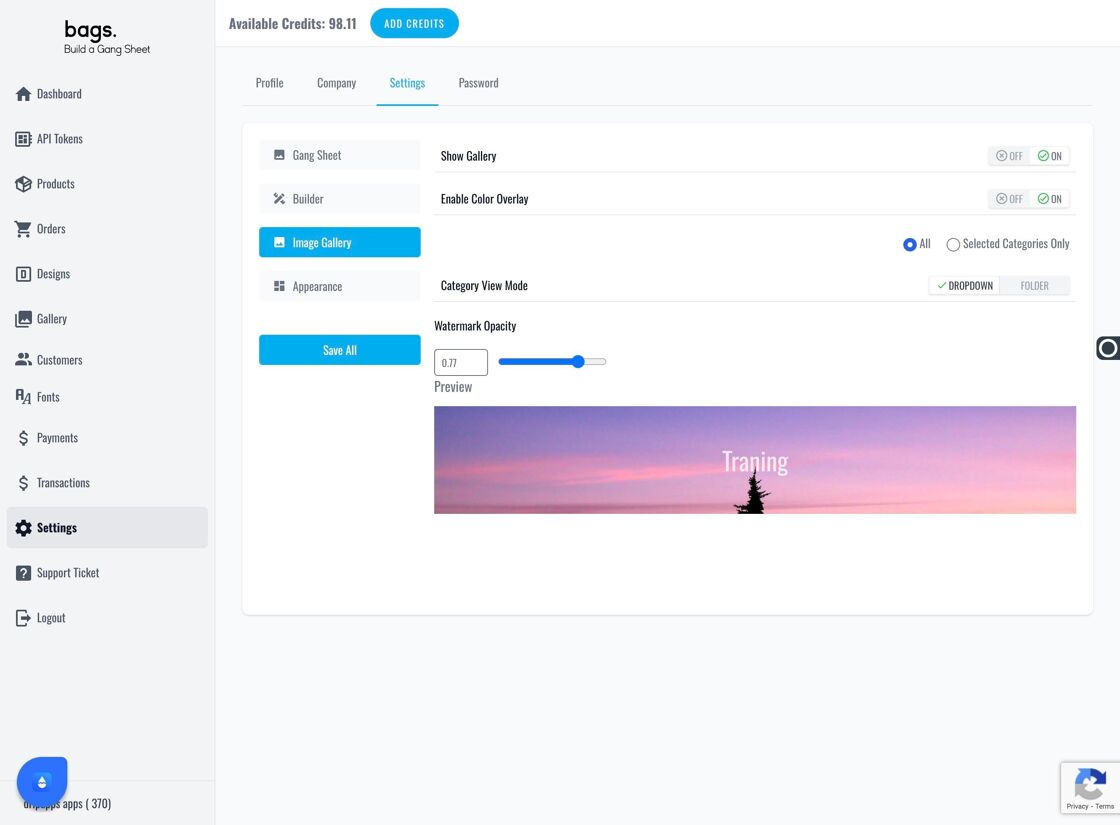
Save All Changes Button