
Steps
- Click Gang Sheet –
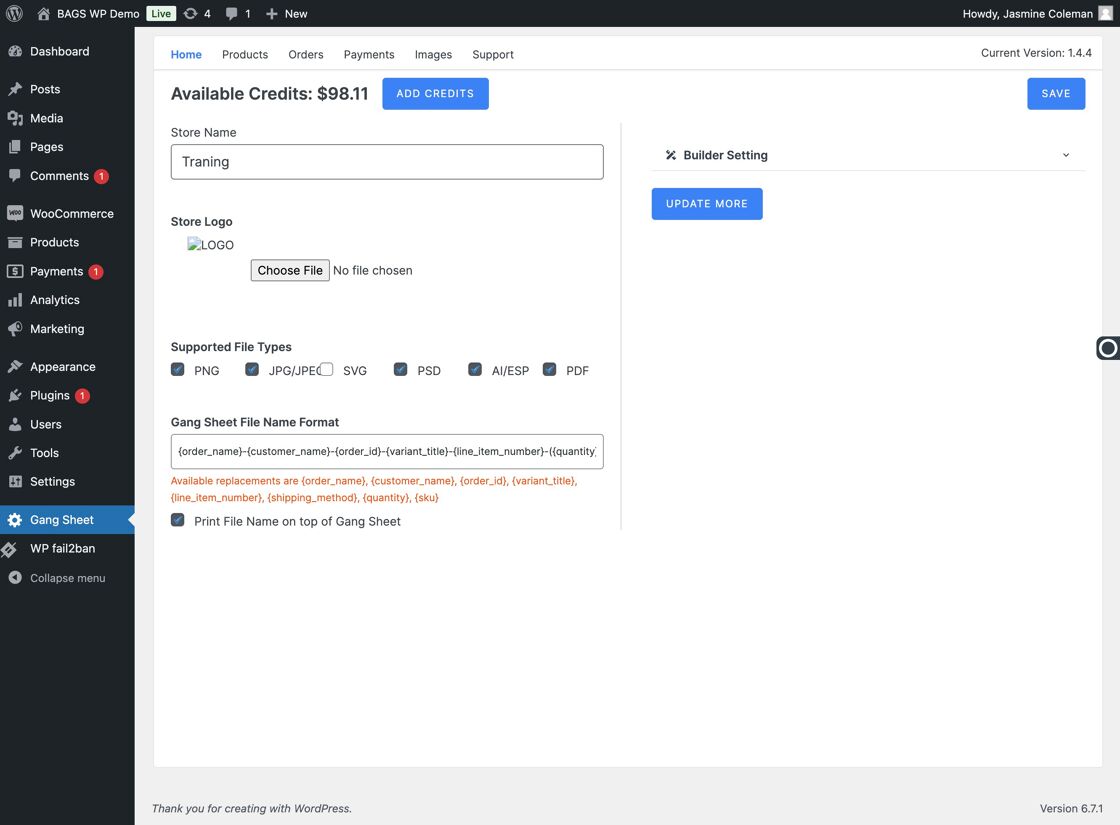
Gang Sheet Option - Select Update More –
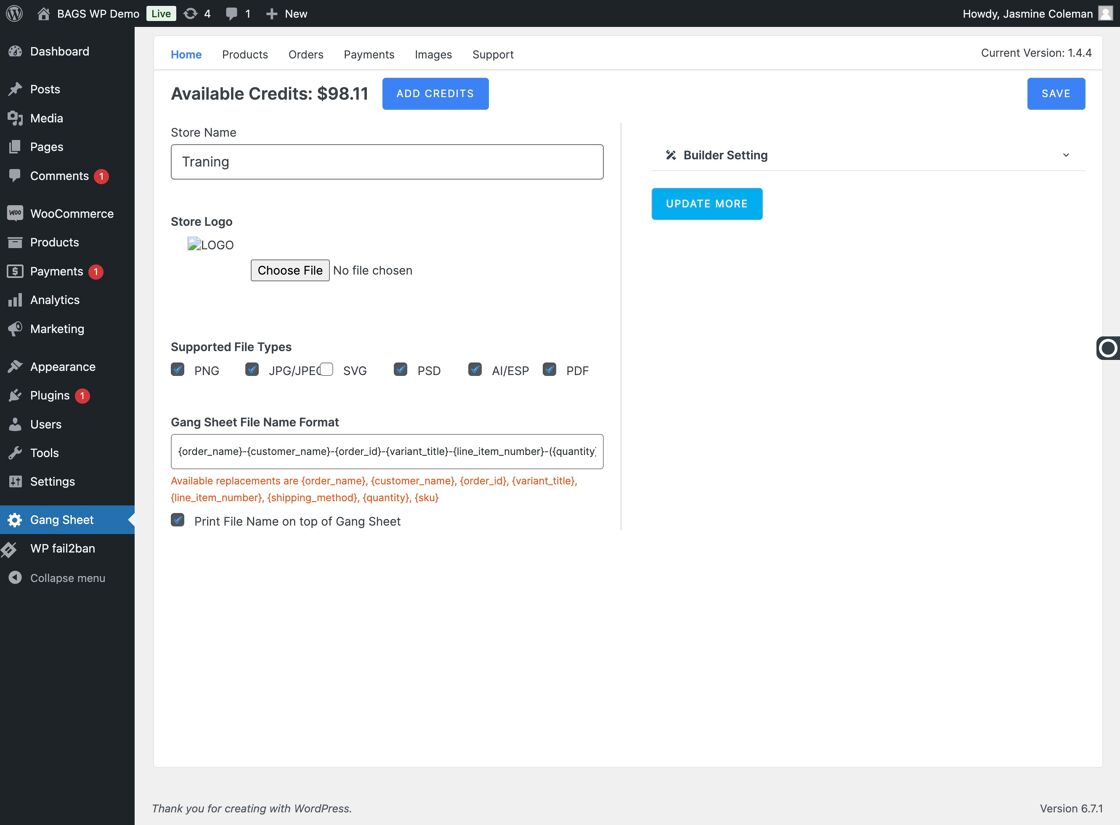
Update More Tab - Go to Settings –
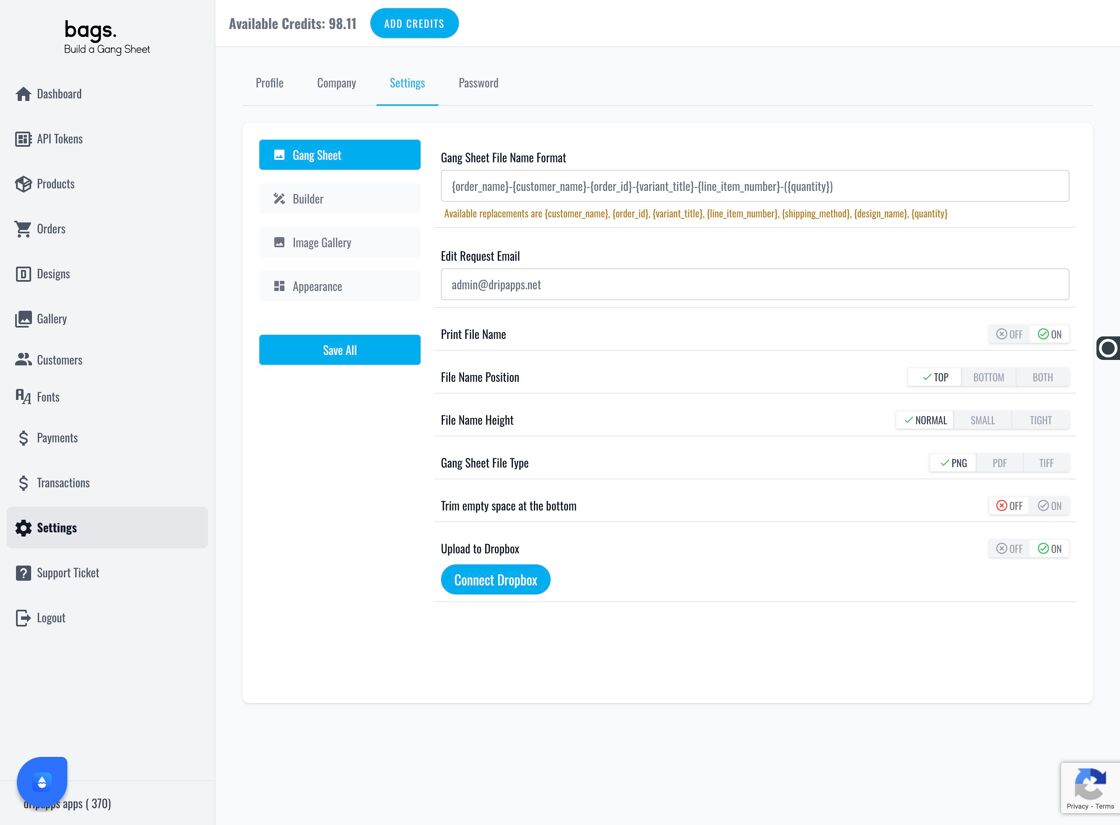
Settings Menu - Select the Settings tab –
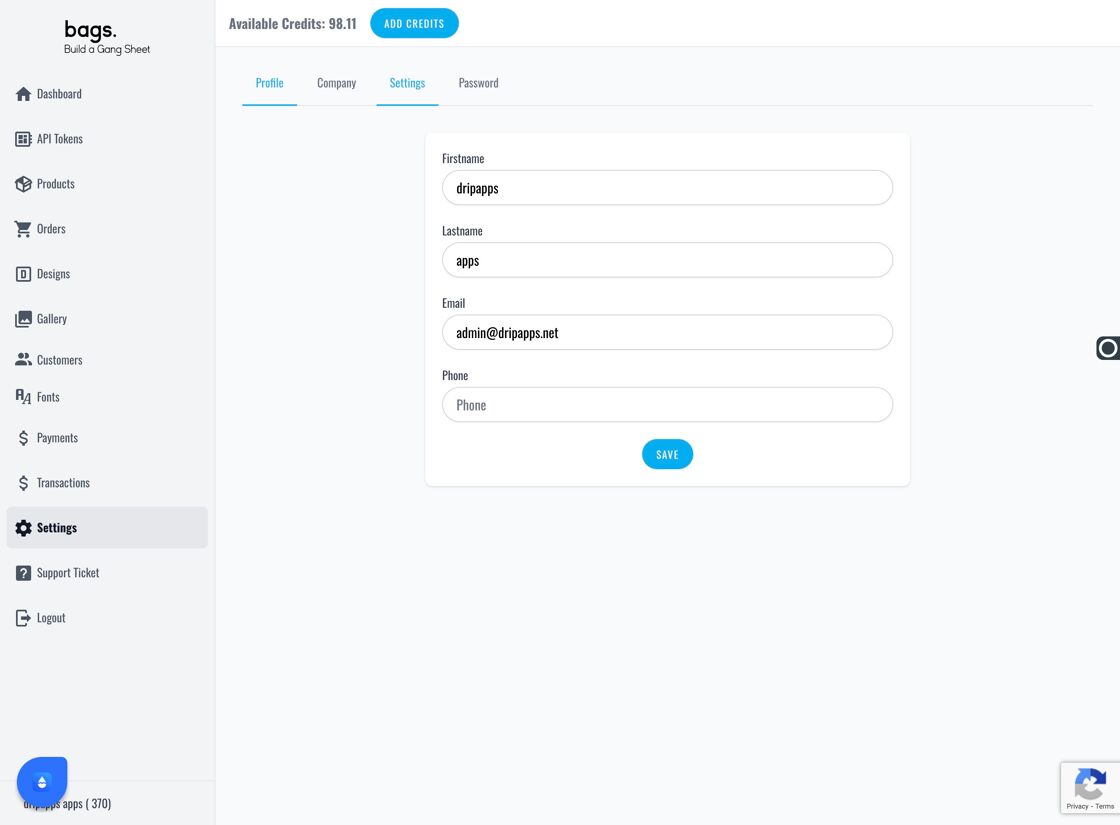
Settings Submenu - Click Image Gallery –
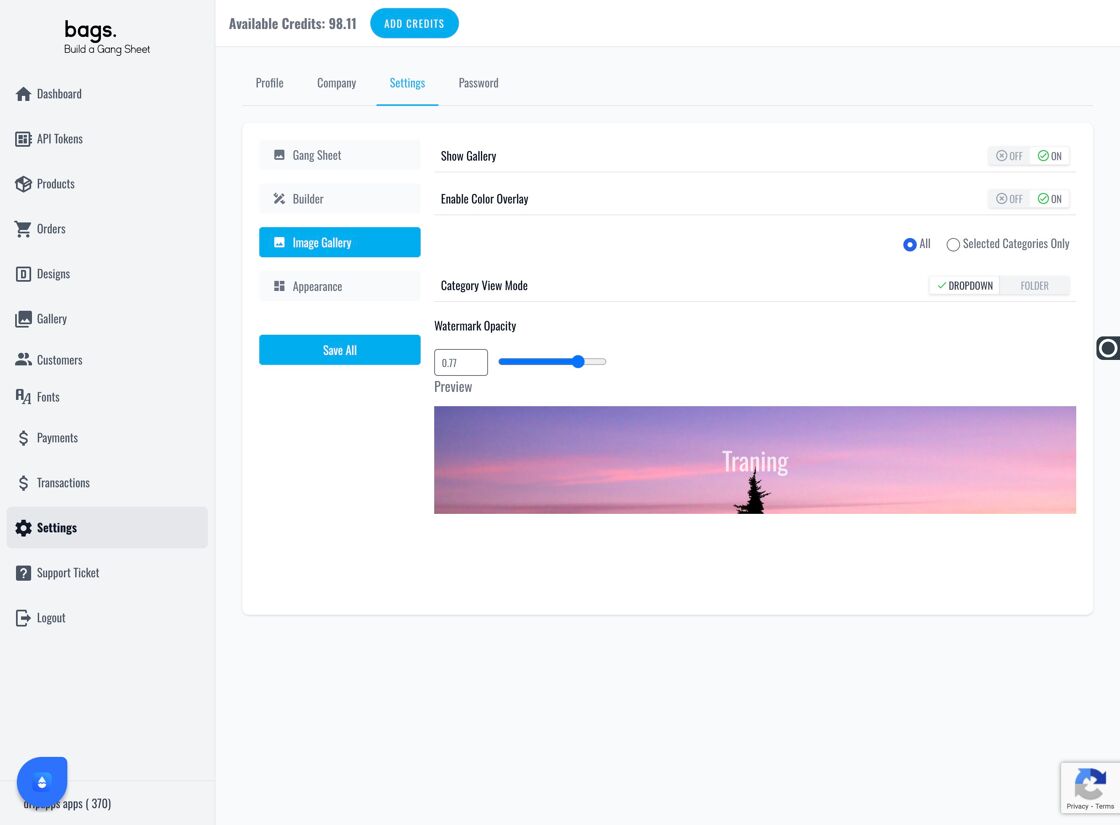
Image Gallery Settings - Adjust Watermark Opacity – You can increase or decrease the watermark visibility for your uploaded artwork.
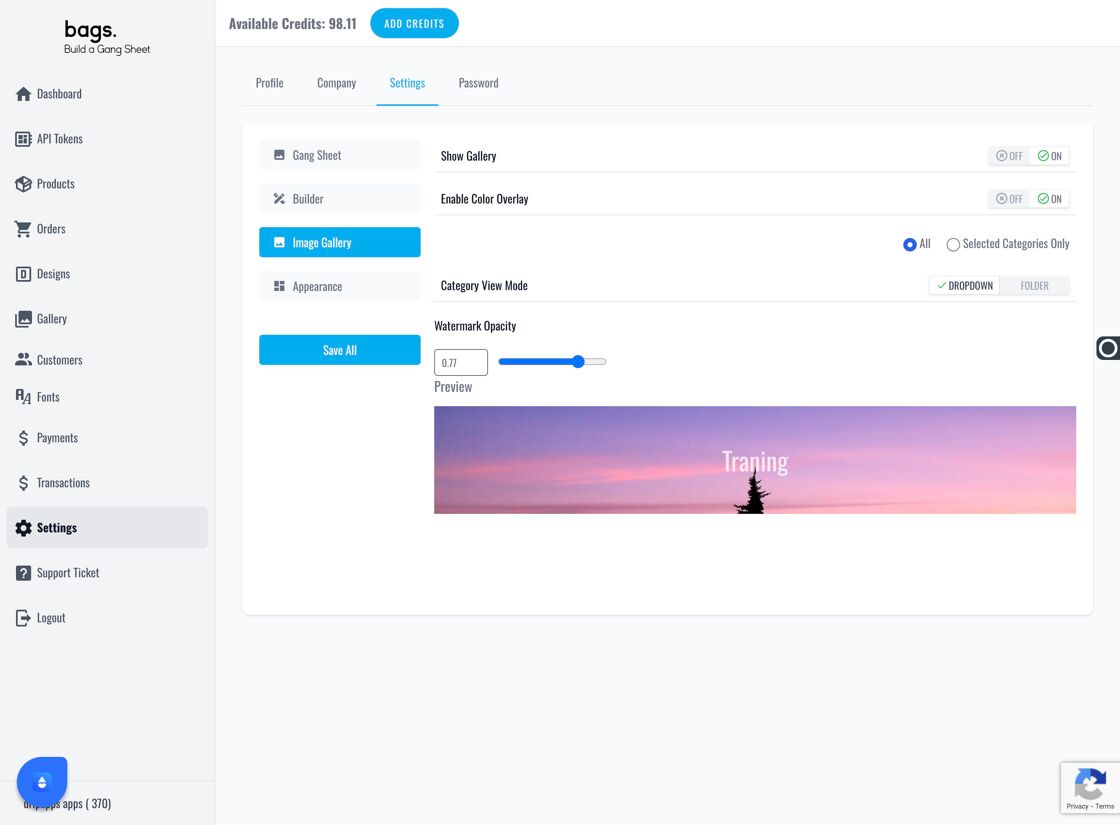
Watermark Control - Watermark Preview Area – Changes will reflect in real time in the image preview gallery.
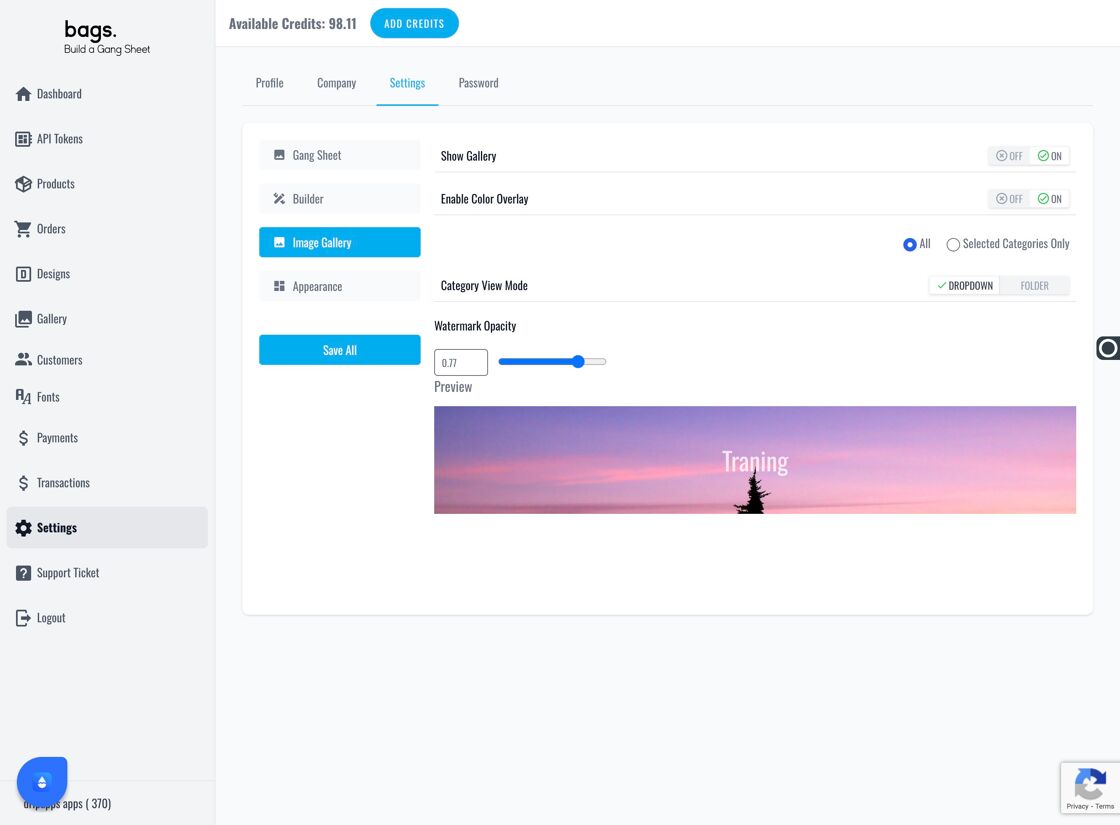
Watermark Display Area