
Steps
- Click Gang Sheet –
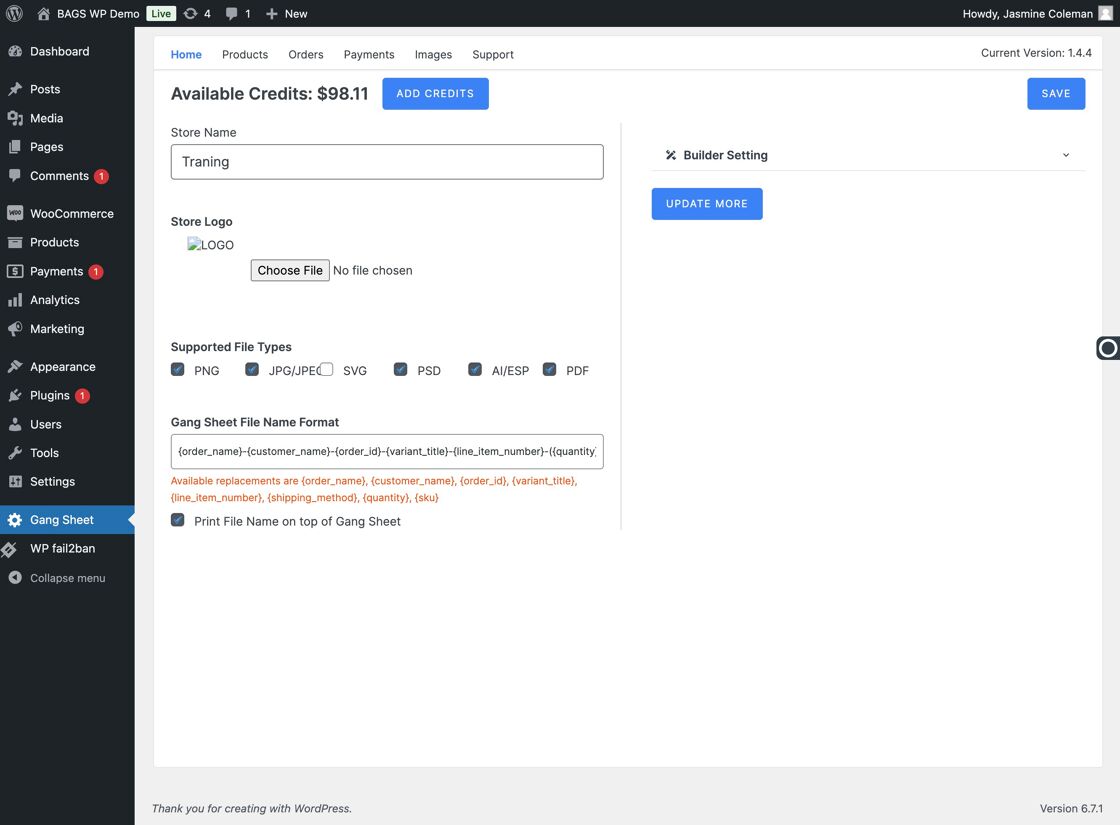
Gang Sheet Option - Select Update More –
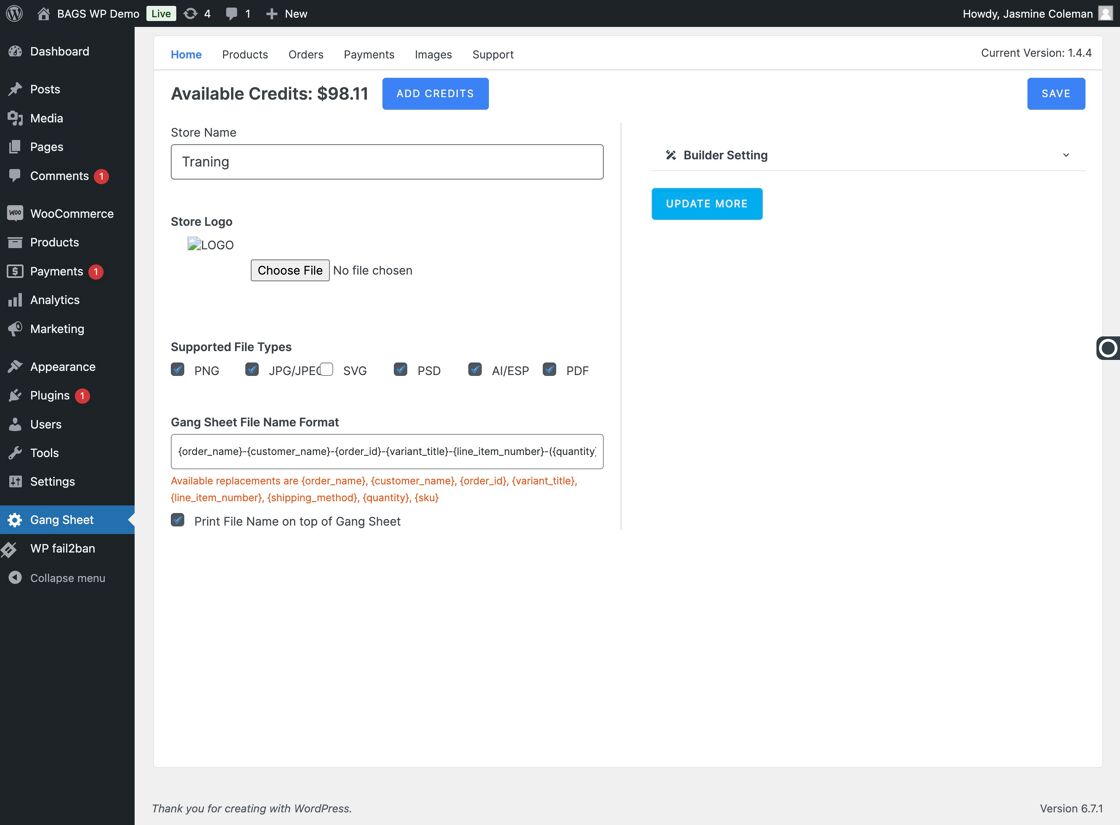
Update More Option - Open the Settings –
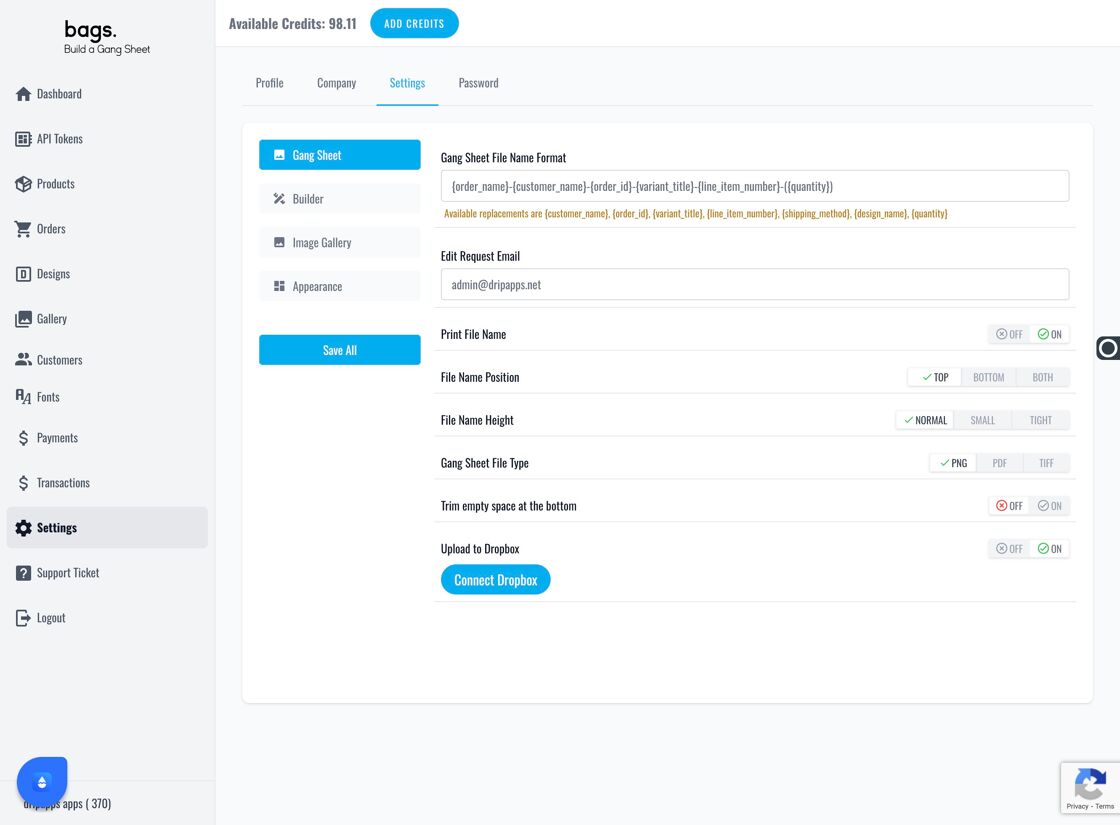
Settings Tab - Click the Second Settings Tab –
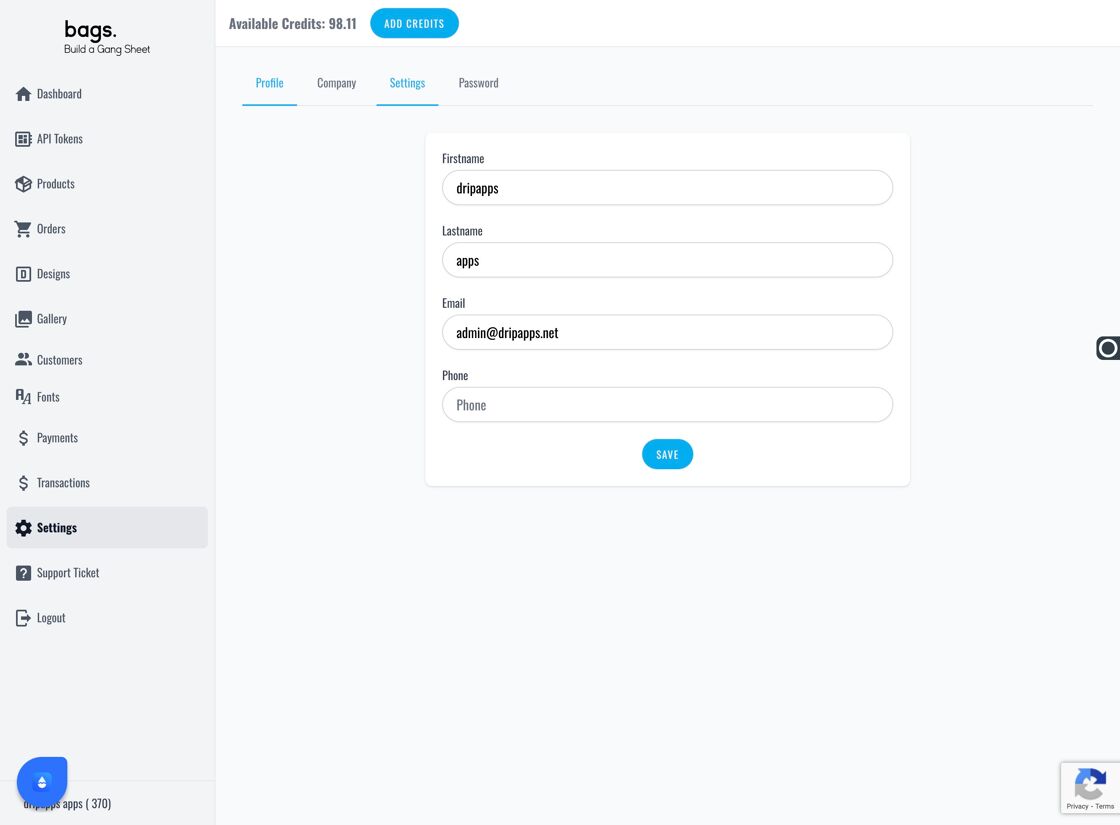
Secondary Settings Navigation - Select Image Gallery –
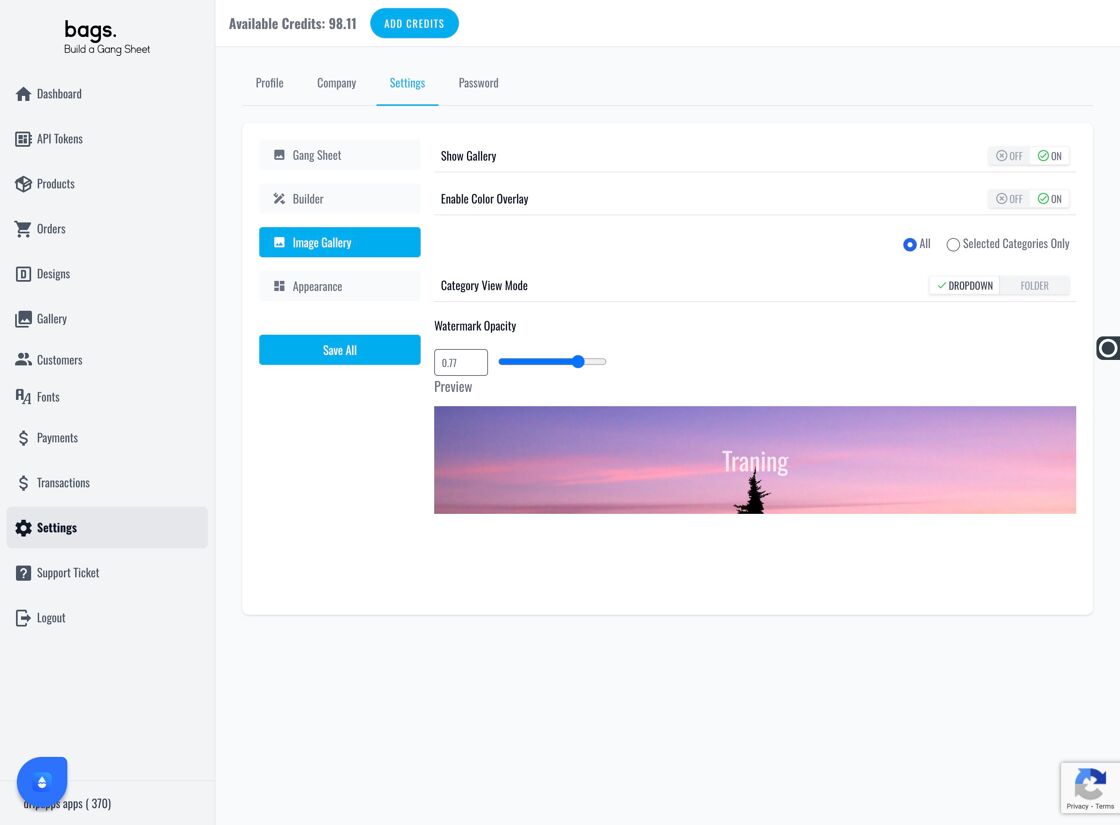
Image Gallery Panel - Choose Gallery Display Style – Use the "Category View Mode" dropdown to determine how your gallery categories are shown (e.g., grid, list, preview, etc.).
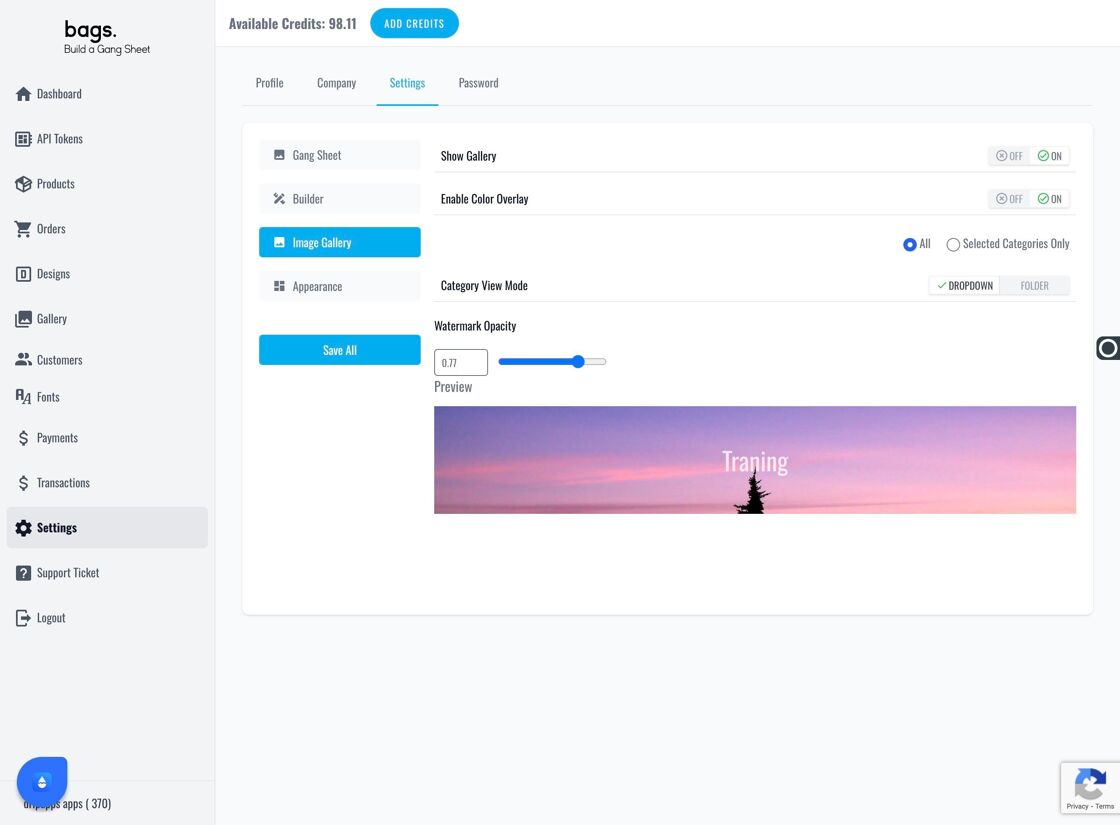
Gallery View Mode Option