
Steps
- Click Gang Sheet –
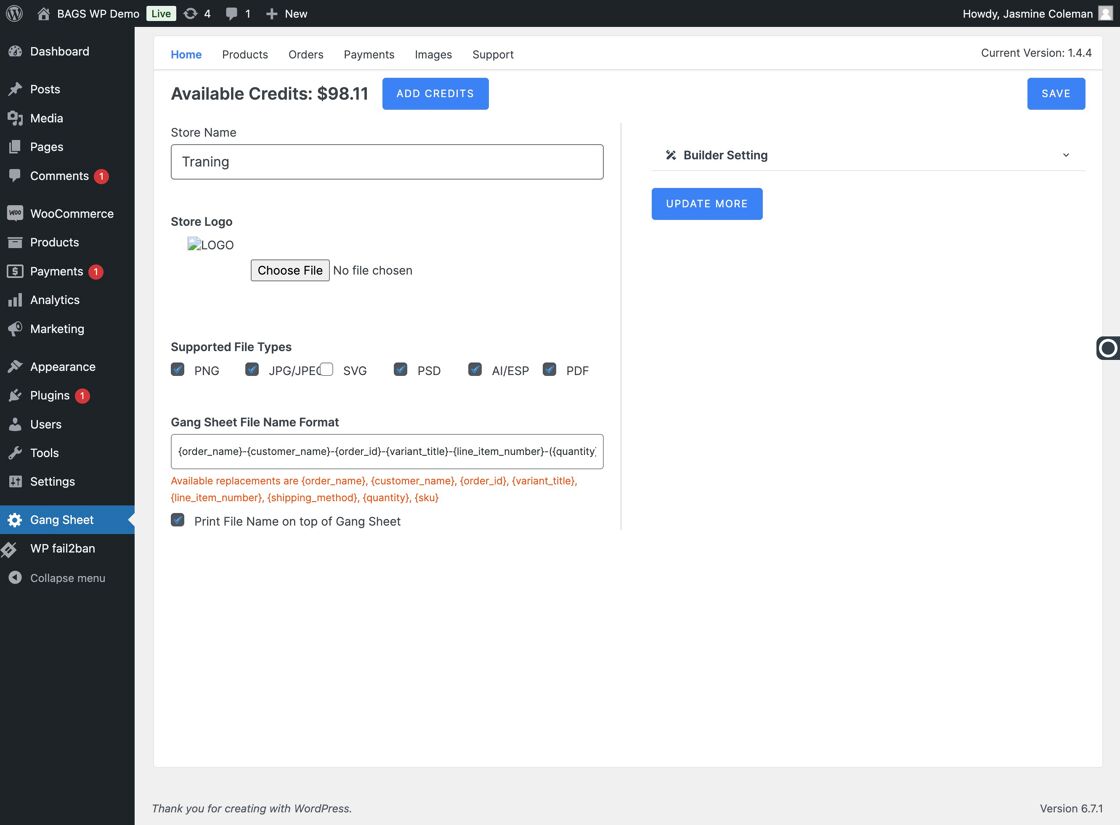
Gang Sheet Menu - Select Update More –
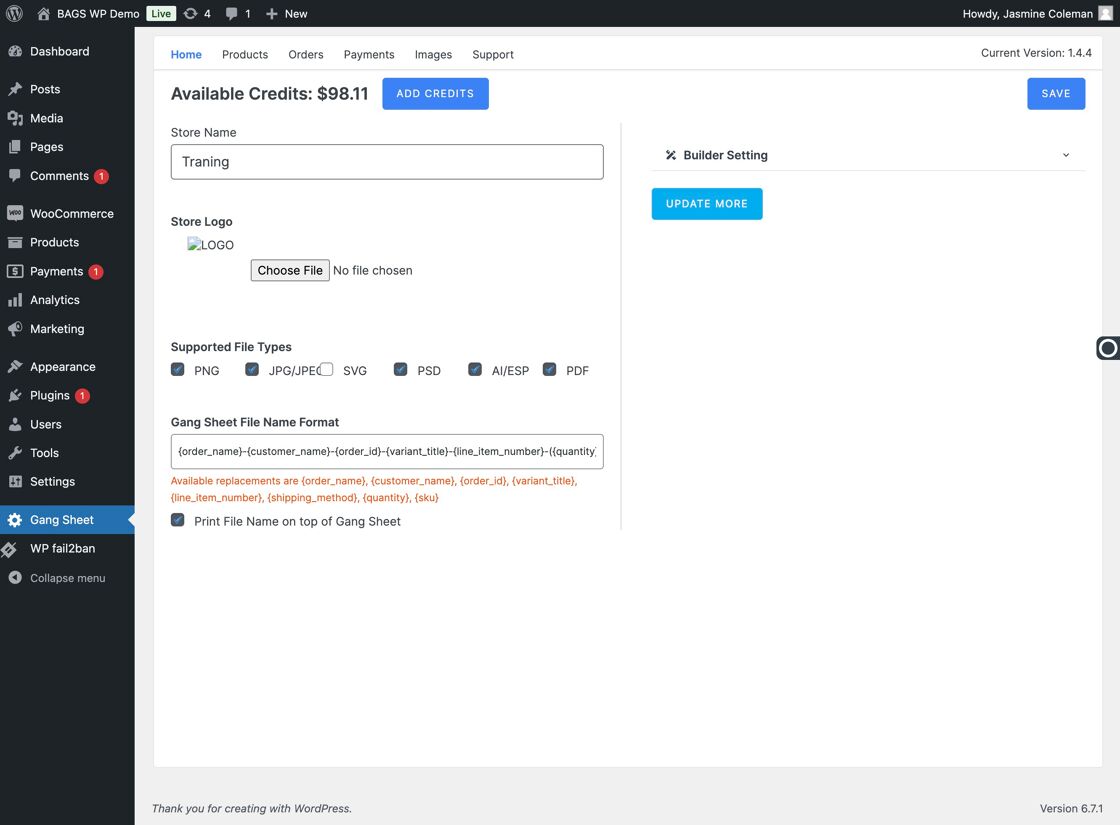
Update More Tab - Go to Settings –
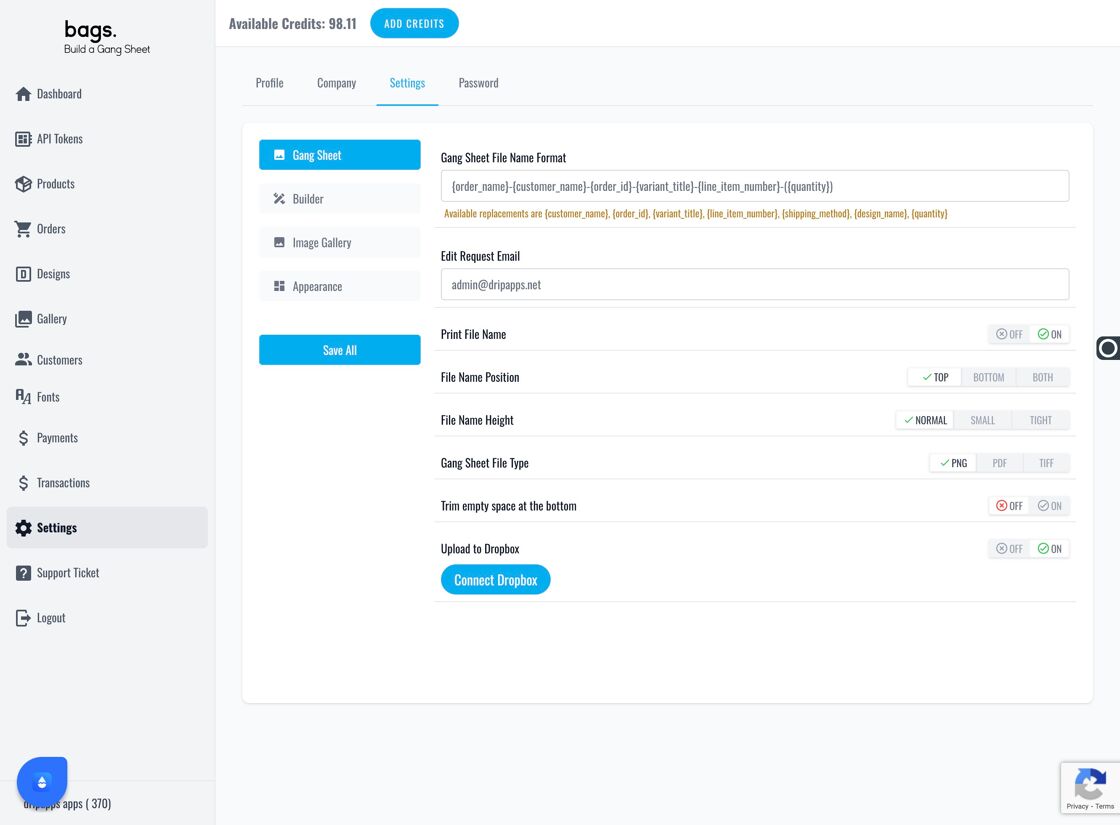
Settings Panel - Select the Settings Tab –
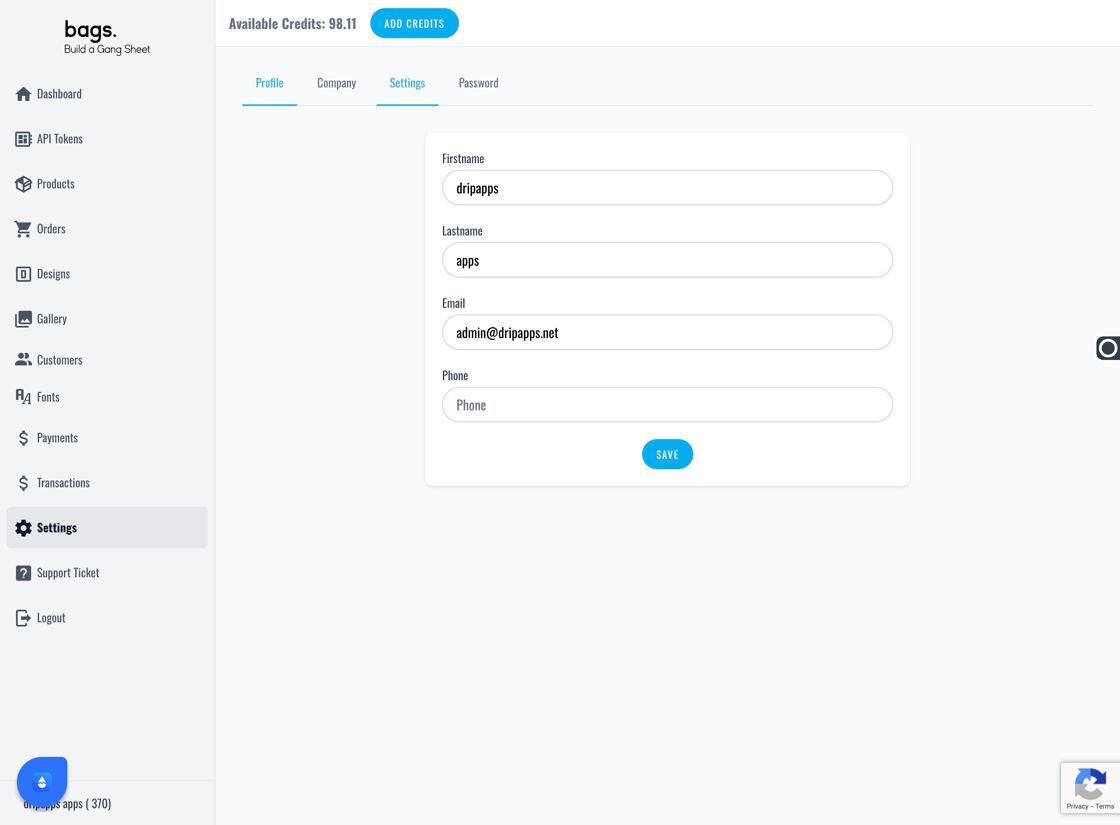
Settings Navigation - Click Image Gallery –
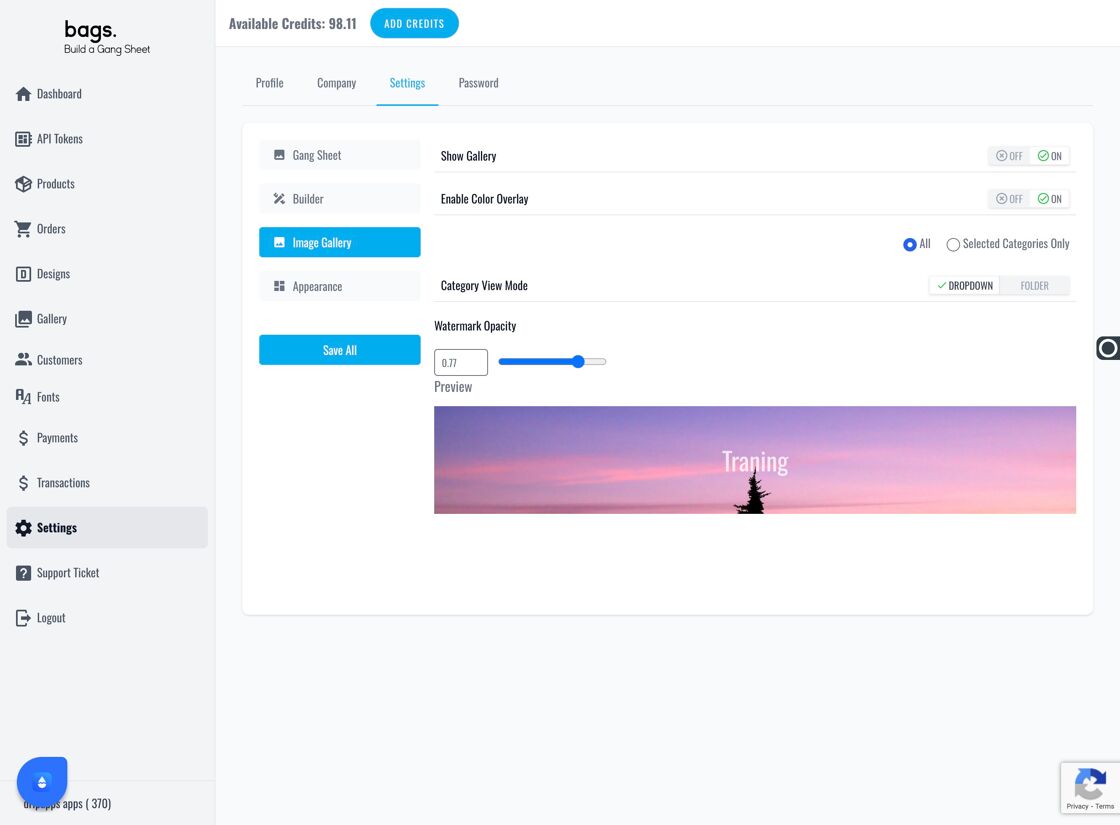
Image Gallery Option - Enable the Color Overlay Option – This setting allows customers to apply custom color overlays to their artwork.
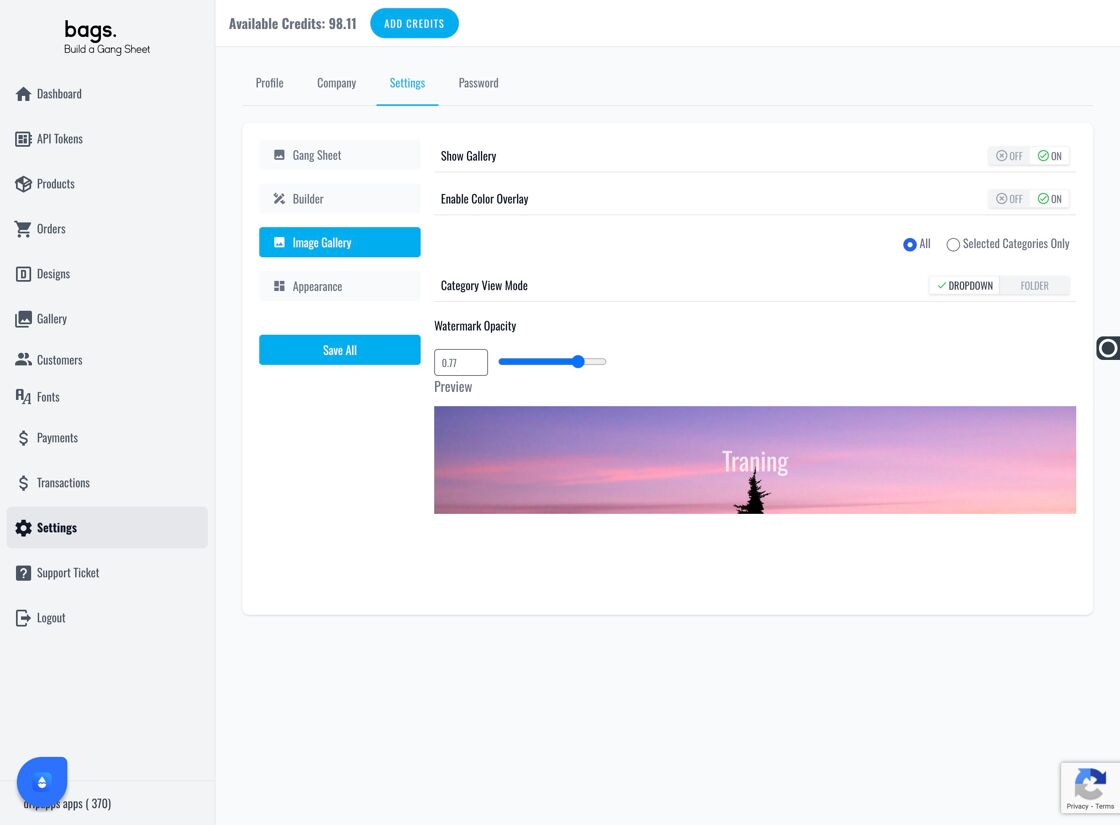
Enable Color Overlay Toggle - Apply Overlay Globally or Selectively – Choose whether the overlay is applied across all gang sheets or only selected ones.
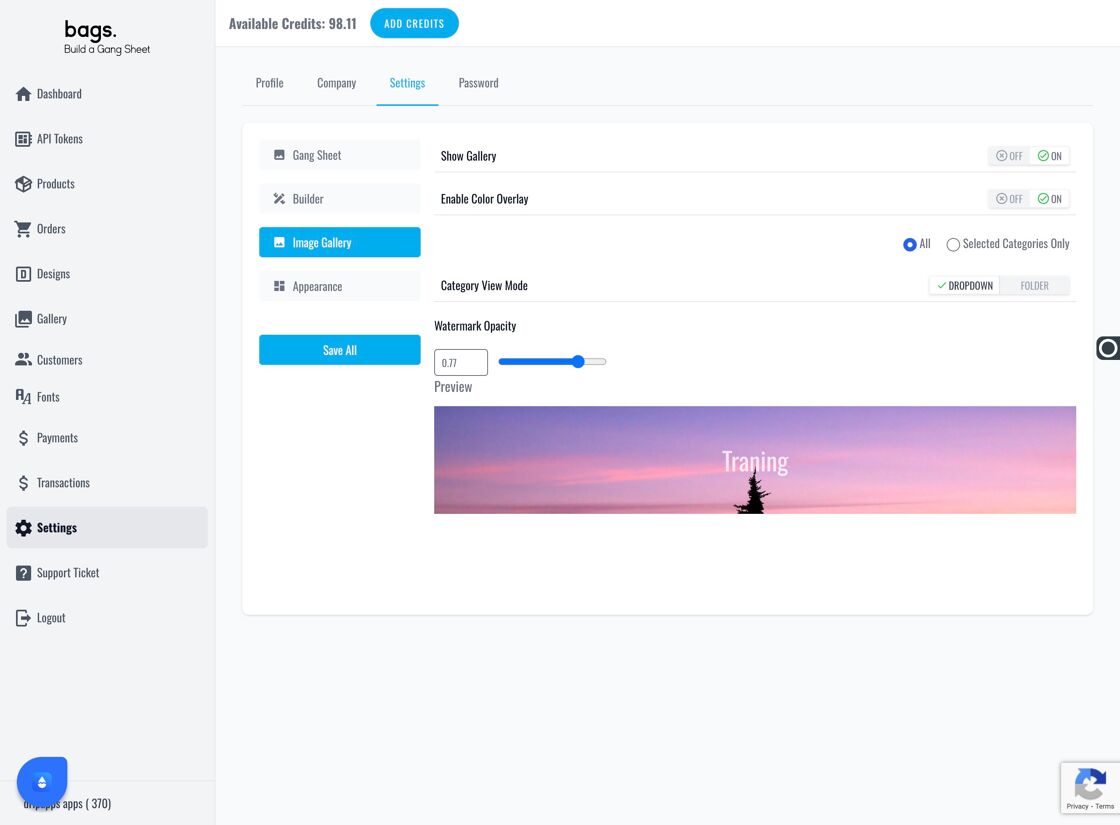
Apply Overlay Scope - Blend Mode Explained – Blend mode allows users to merge their image colors with selected gallery colors.
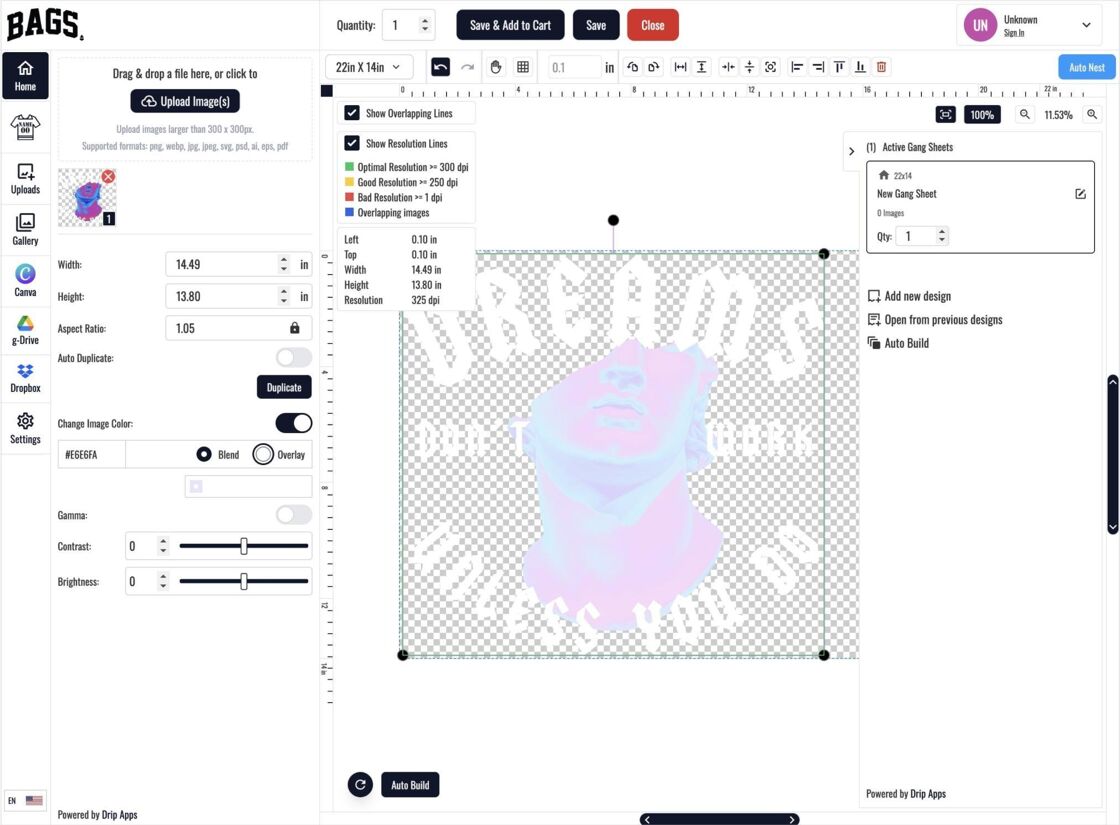
Blend Mode Example - Overlay Mode Explained – Overlay mode places a solid color layer over existing designs.
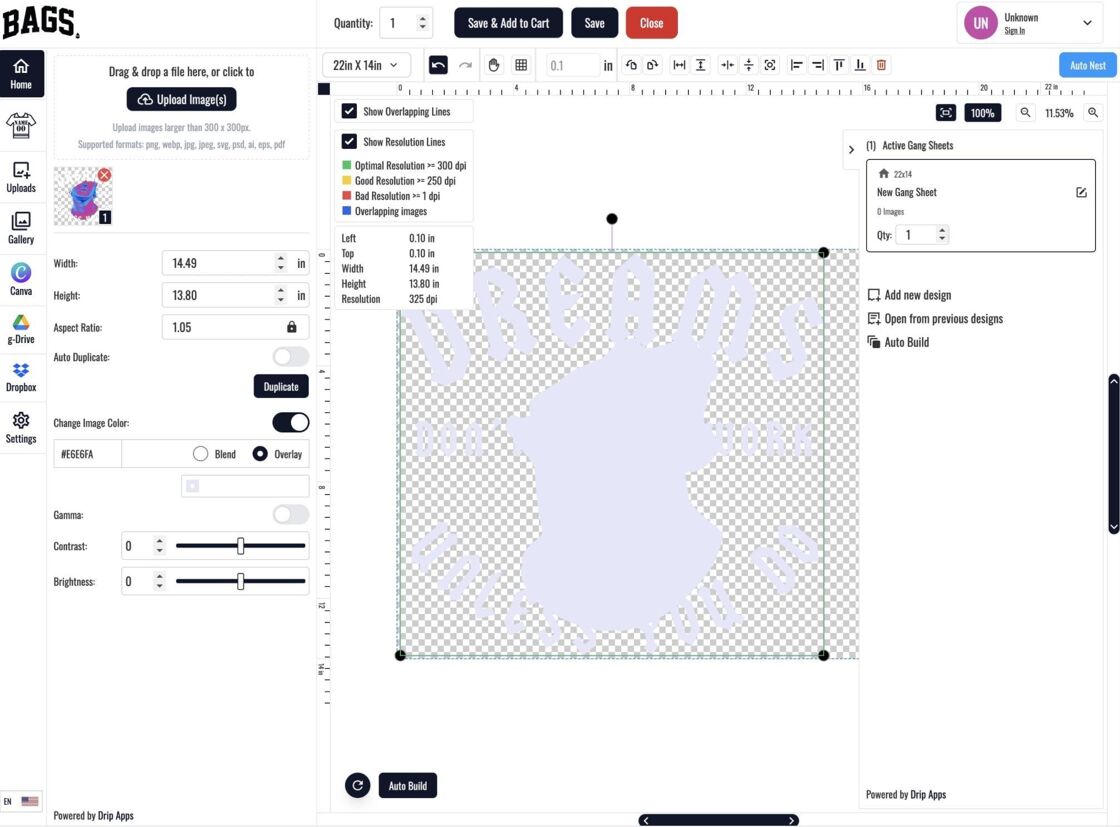
Overlay Mode Example - Don’t Forget to Save – Click "Save All" to apply the new overlay settings.
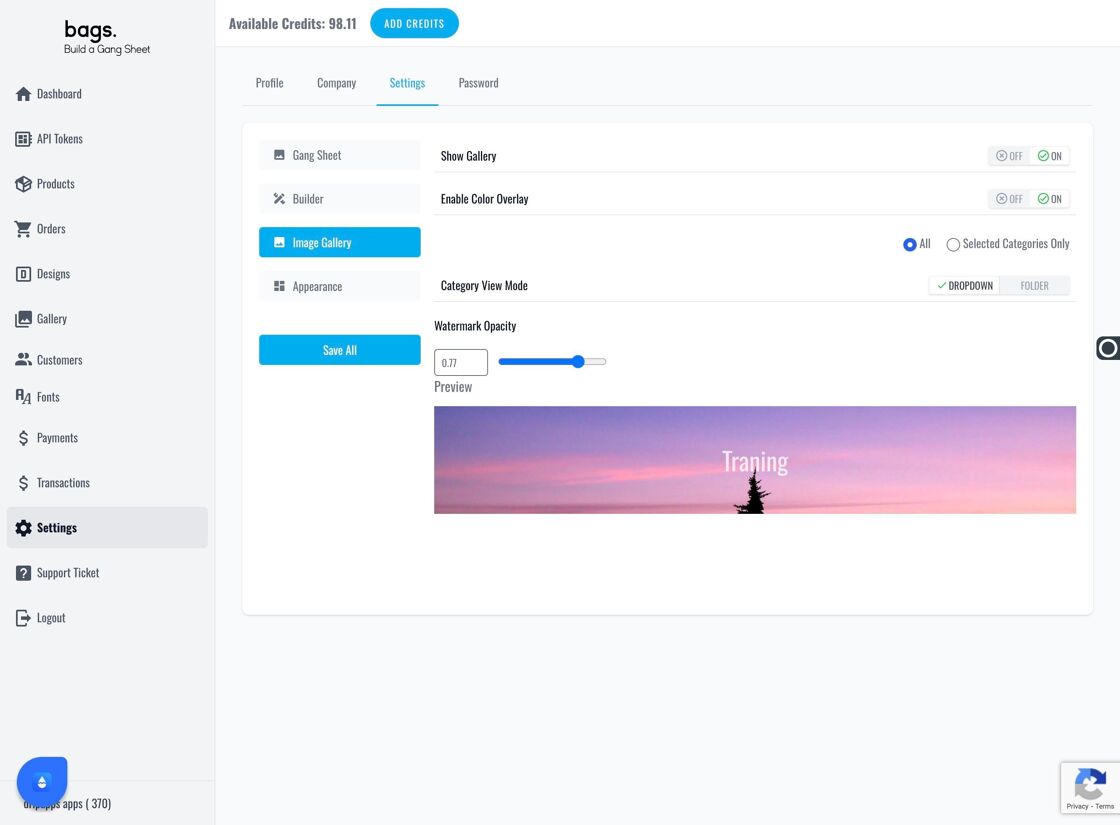
Save All Button