
Steps
- Click Settings – Start by navigating to the Settings panel within the BAGS app from your Shopify dashboard.
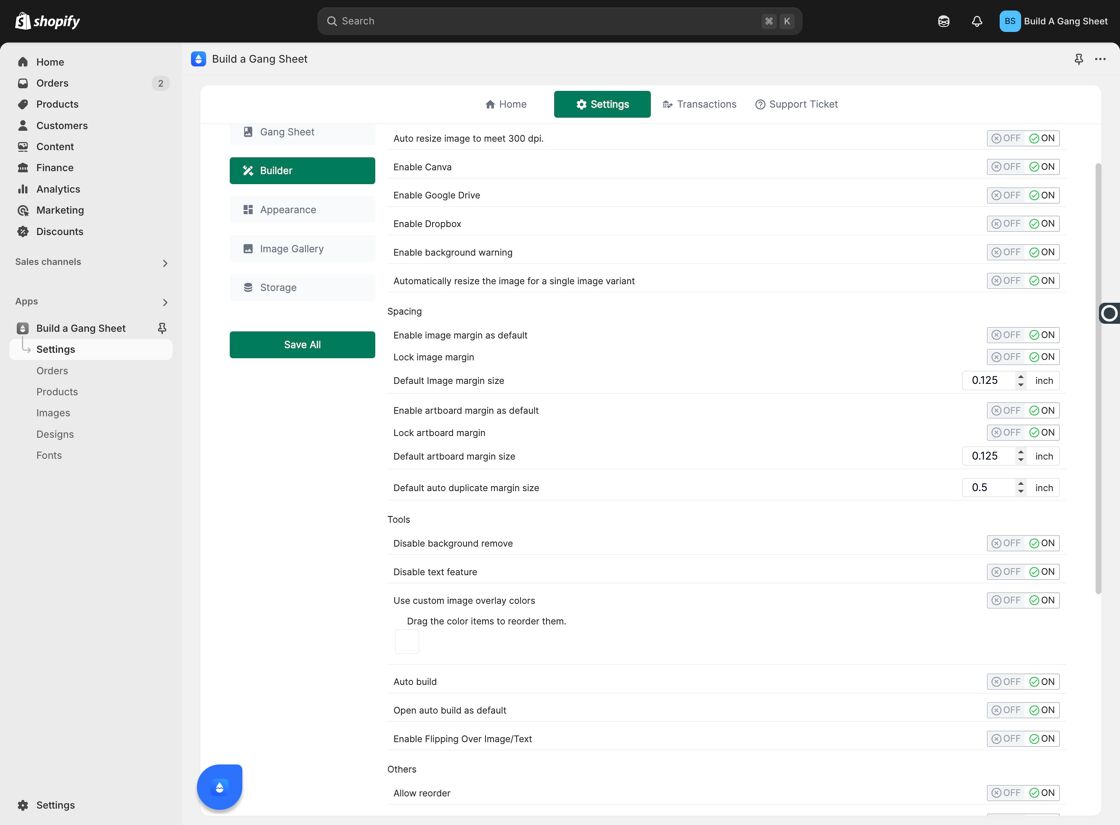
Settings Button - Click Builder – Access the Builder settings to find advanced configuration options.
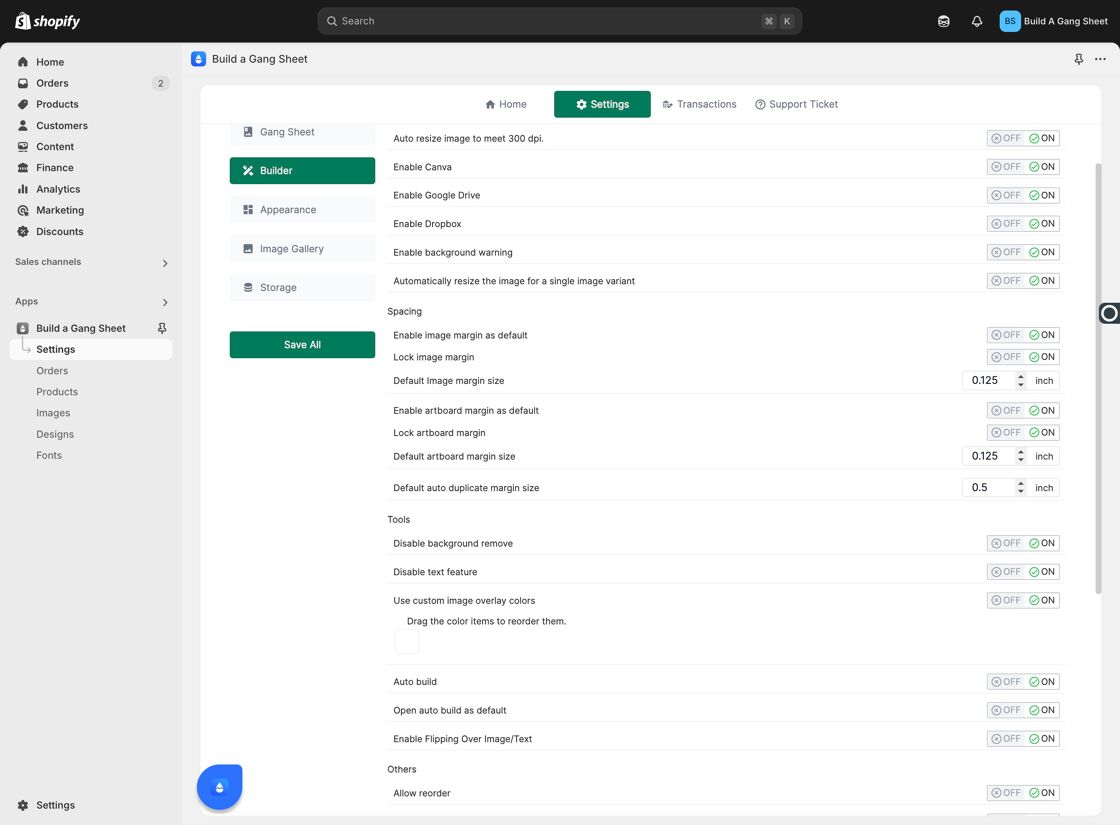
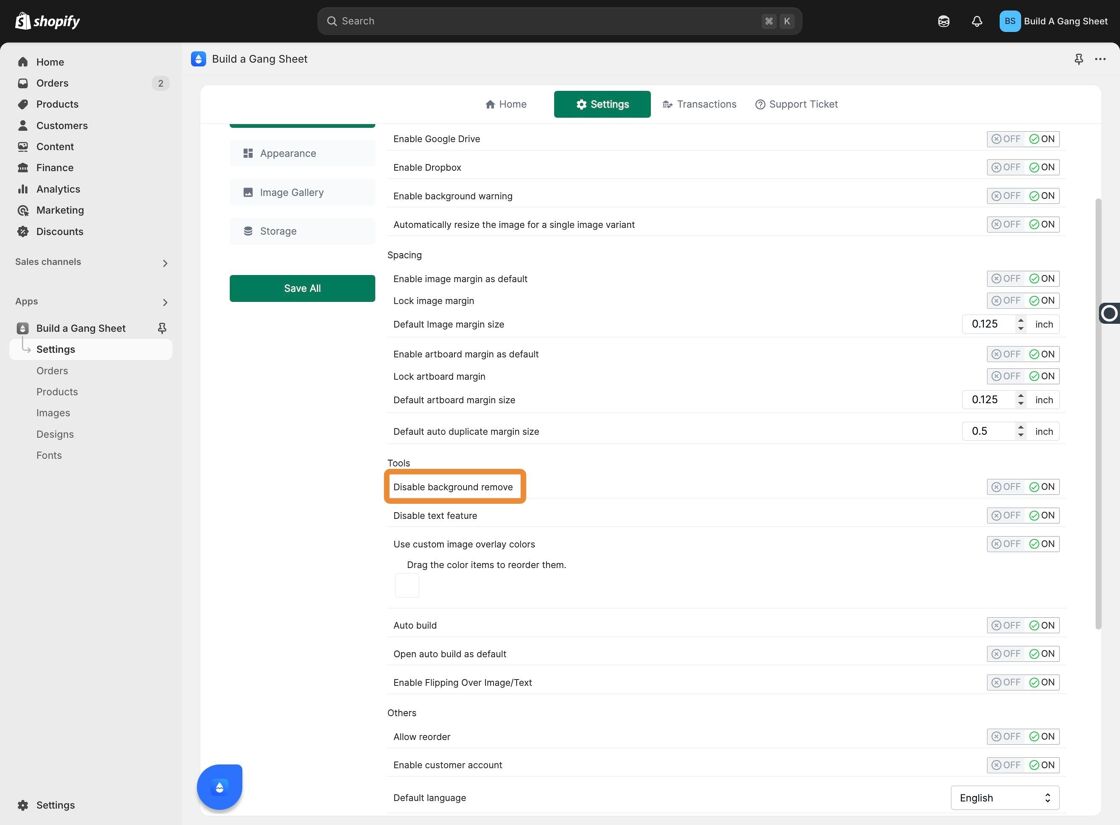
Builder Tab - Toggle Disable Background Remove – Enable the Disable Background Remove option to block customers from using the background removal tool.
Disable Background Remove Toggle - Customer View (Feature Enabled) – When enabled, customers will no longer see or interact with the background removal option.
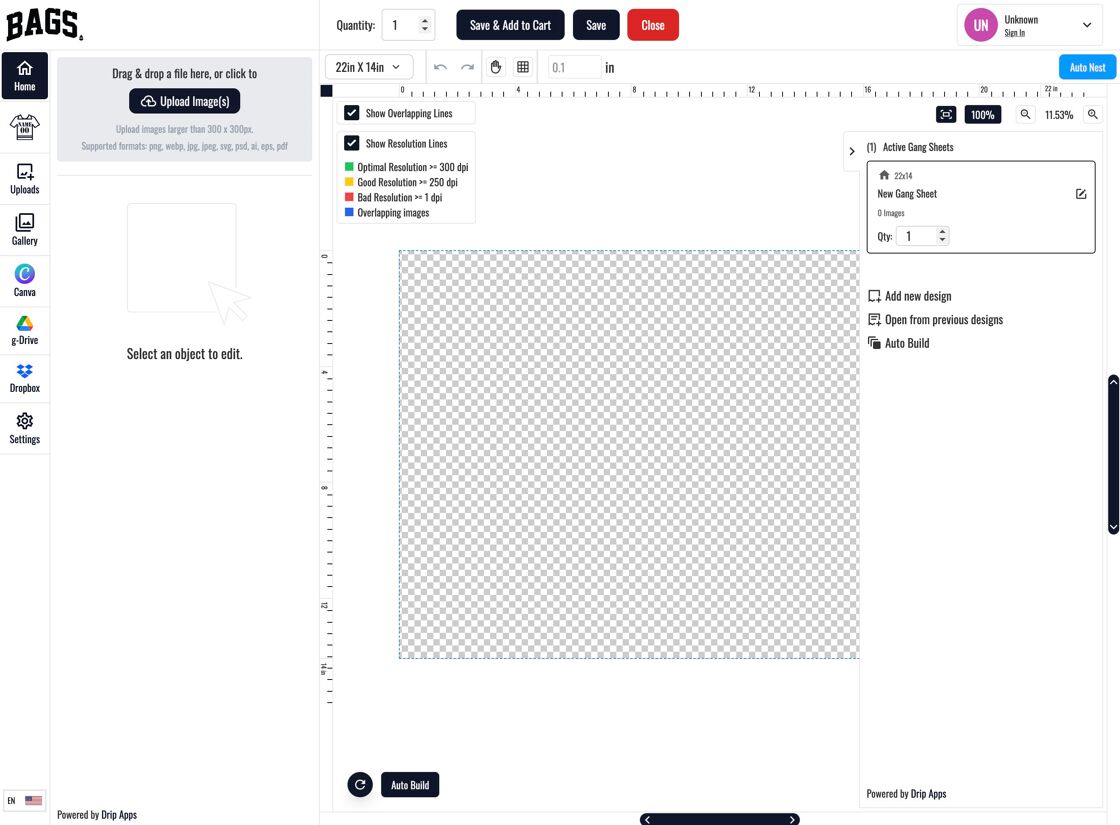
What Customers See - Customer Workflow (Feature Disabled) – When disabled, customers can proceed with image selection and background editing:
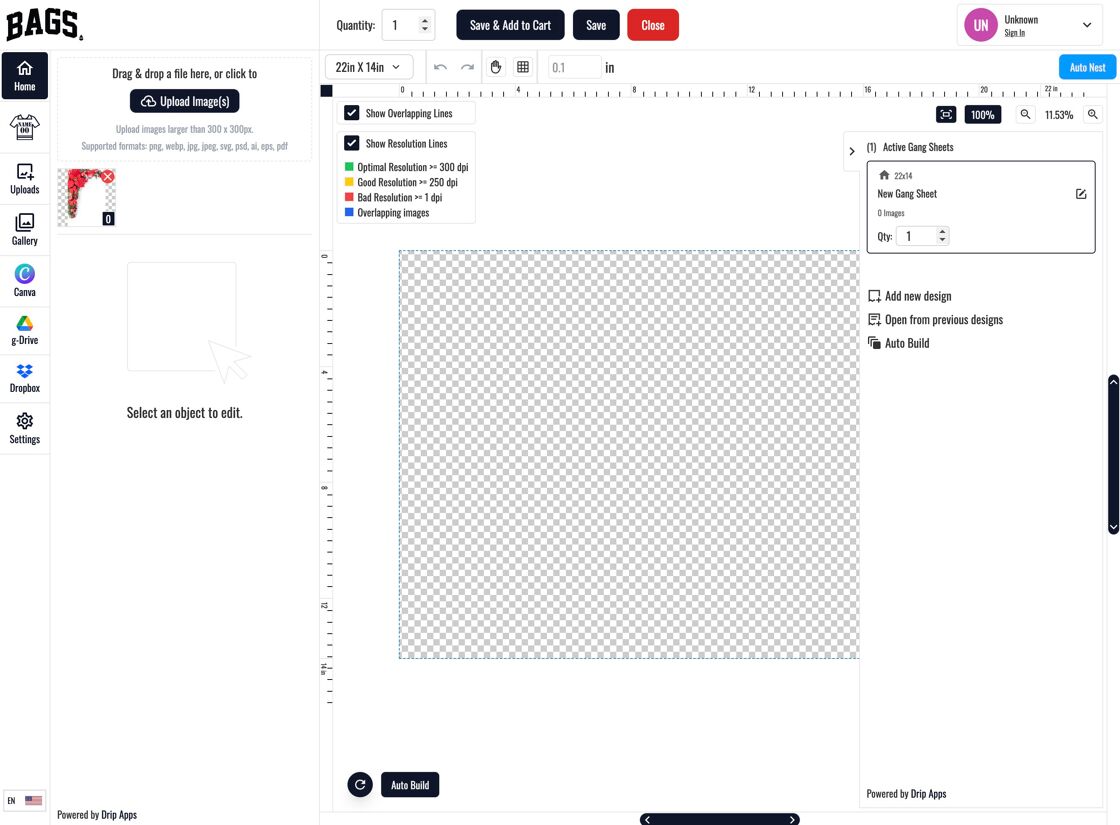
Selecting an Image 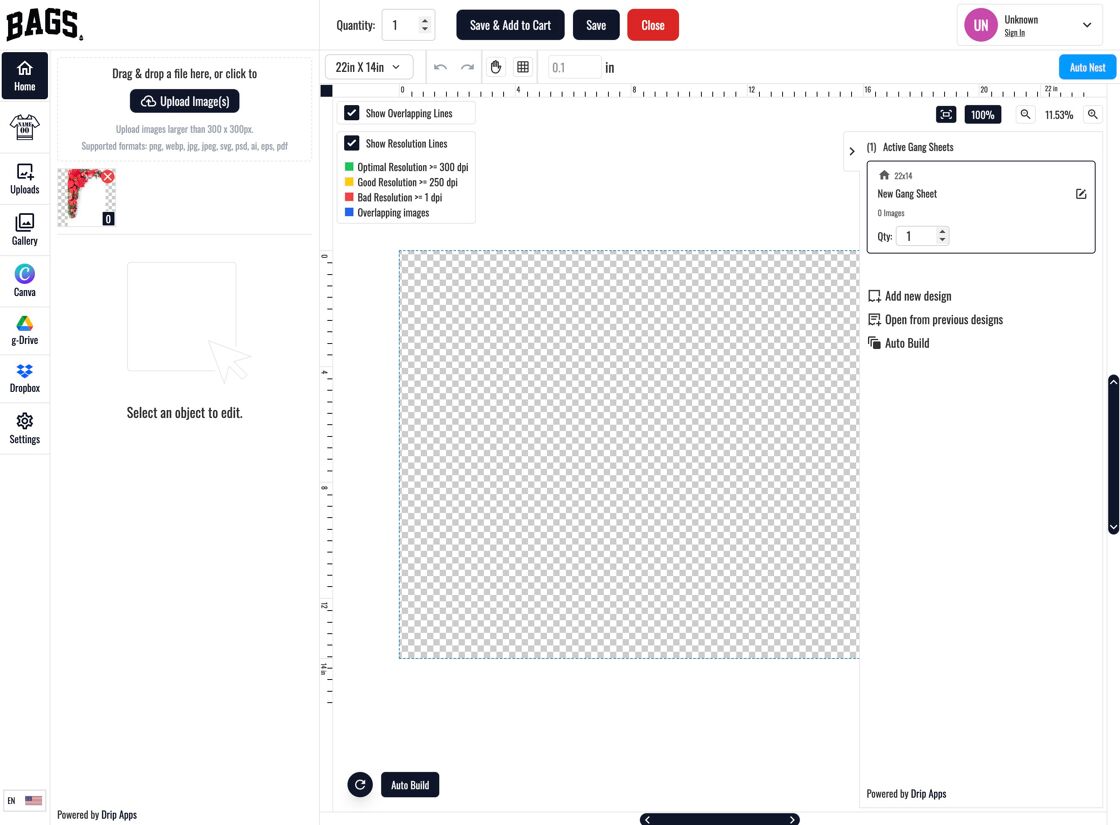
Click Image 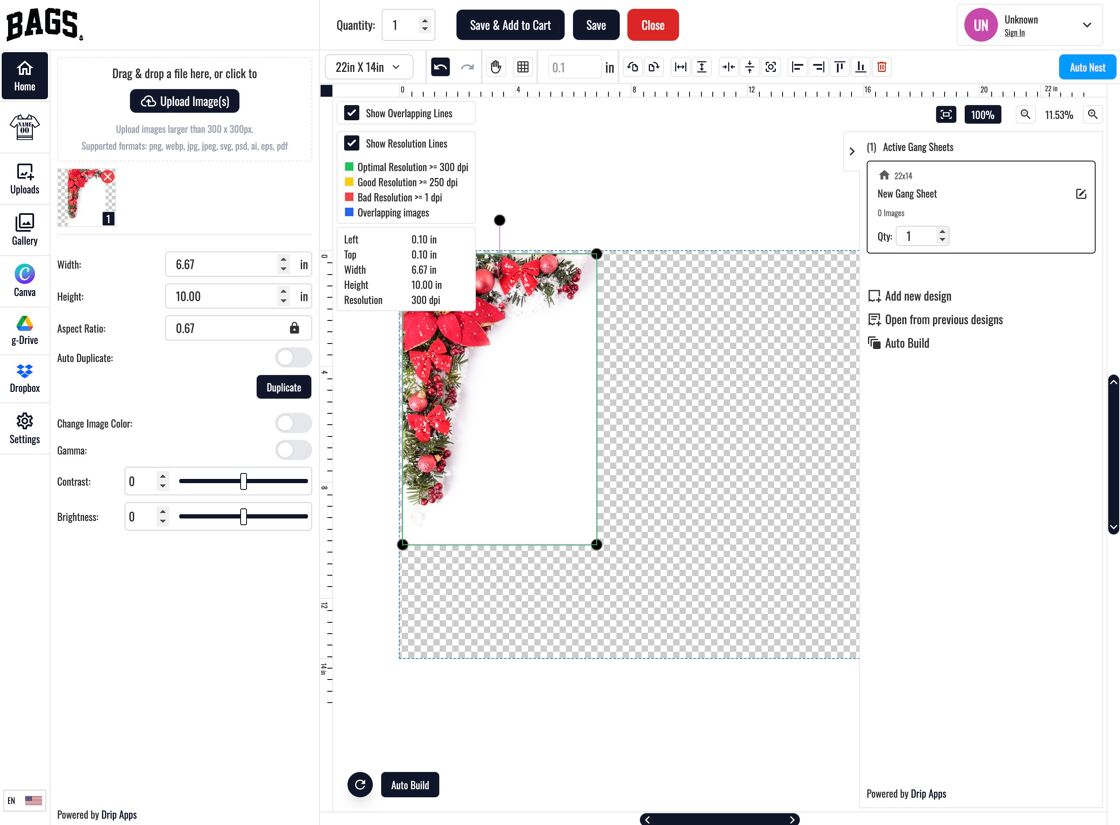
Tool Visible 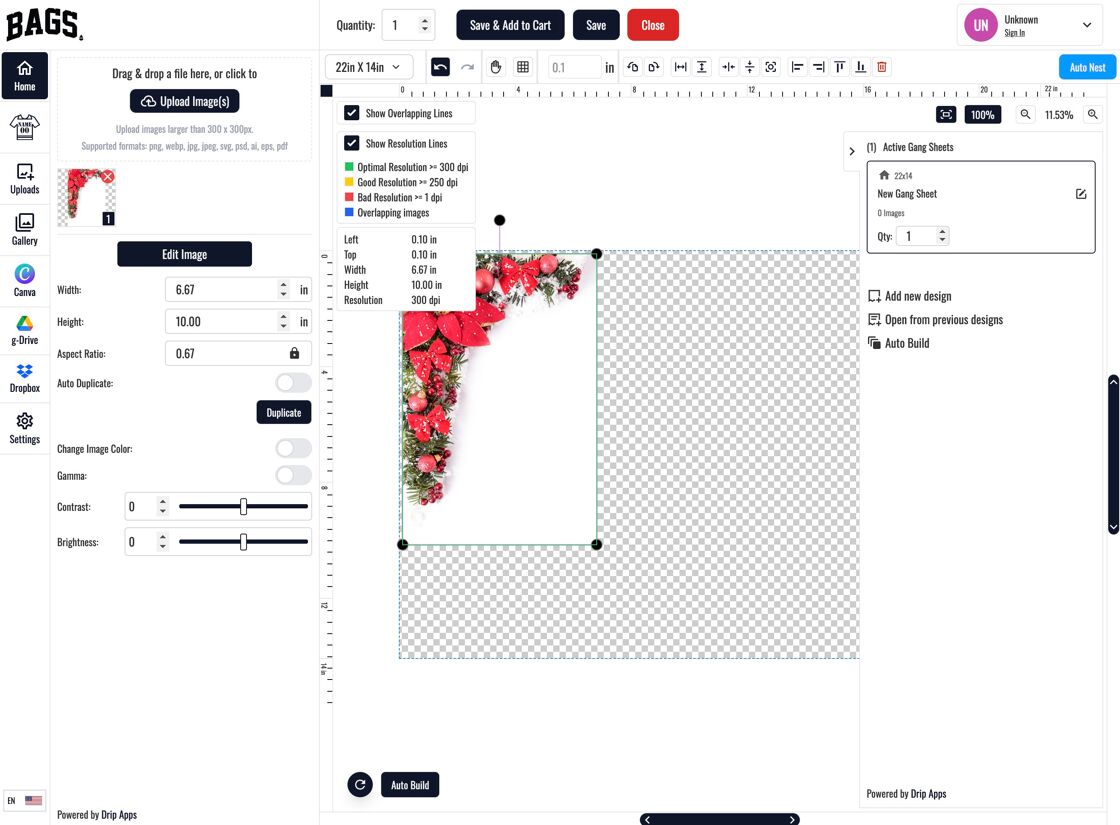
Original Image 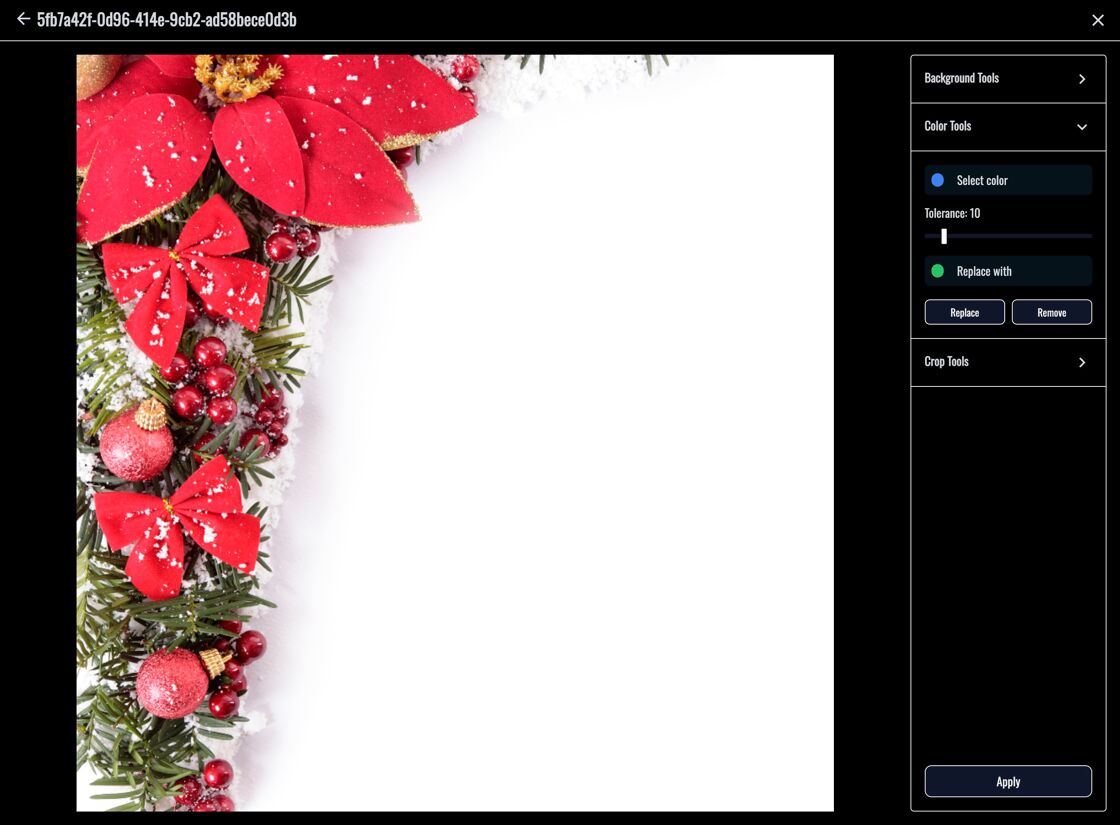
Background Tool Popup
Why Disable Background Remove?
- Maintains design consistency when background integrity is essential
- Prevents unintended alterations that may degrade print quality
- Simplifies the builder interface for faster customer decisions