Steps
- Click Fonts –
Click Fonts Menu - Click Add Fonts –
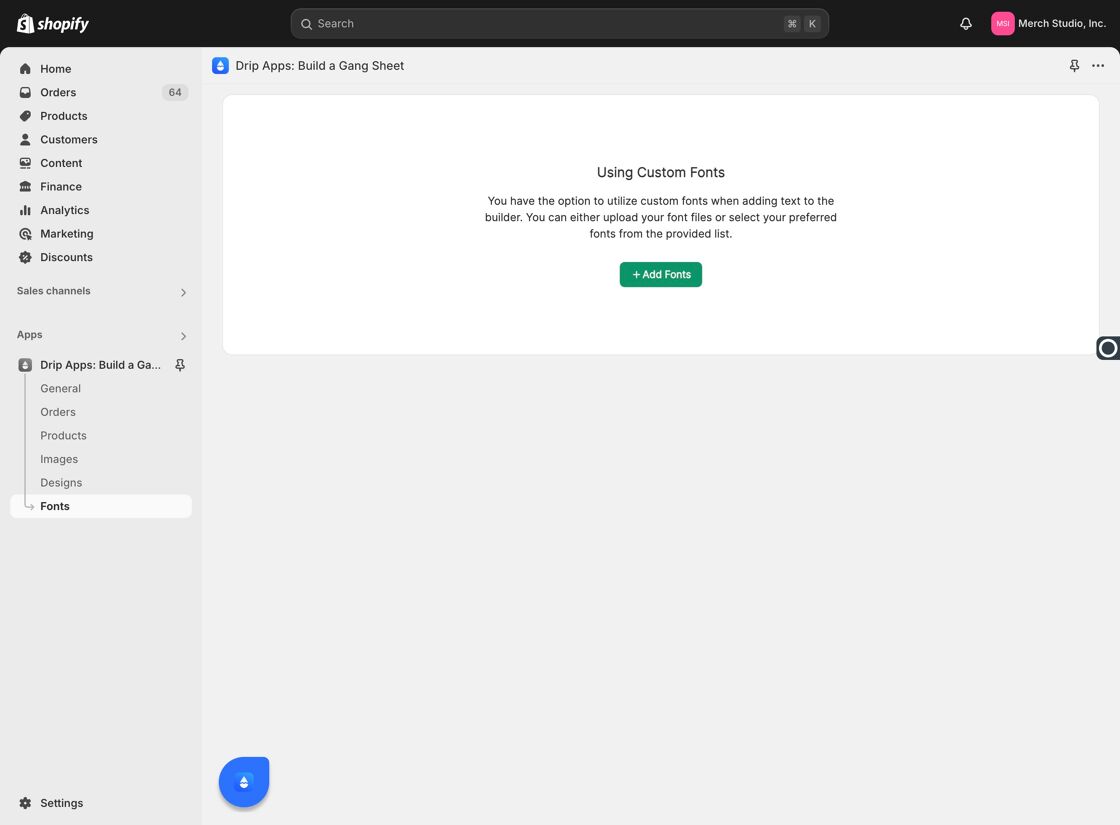
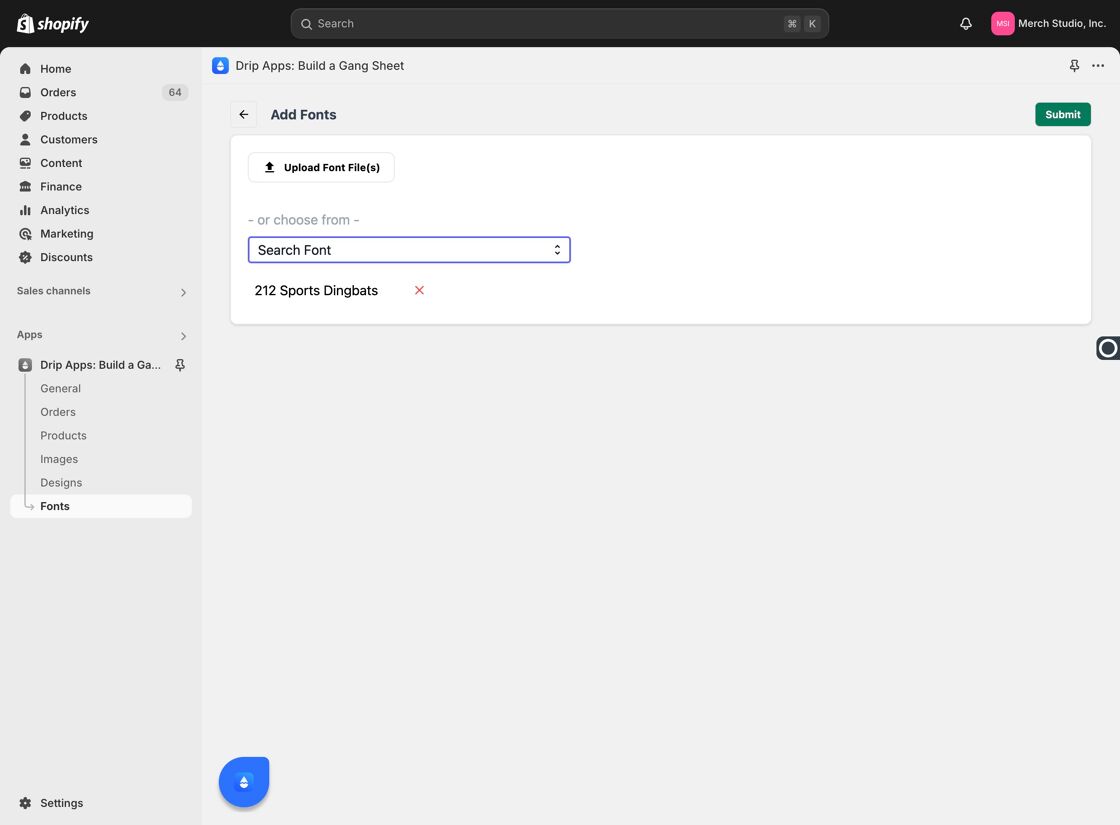
Add Fonts Option - Click Search Font –
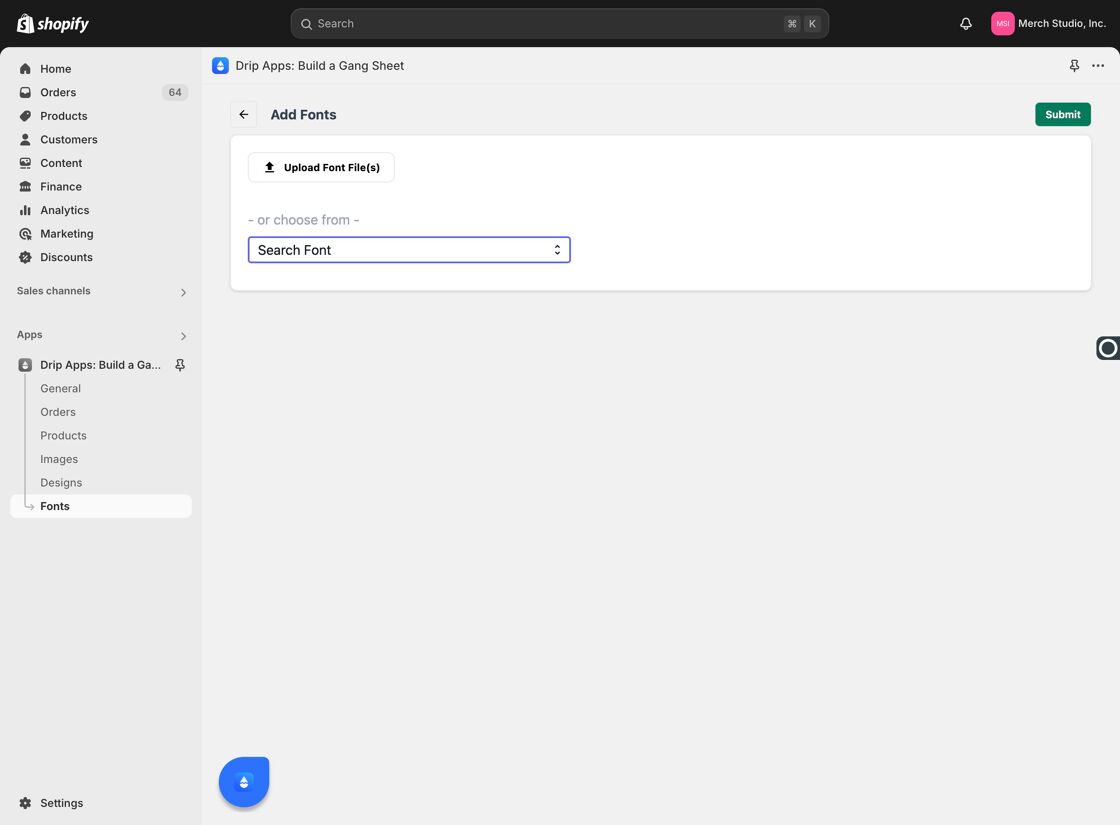
Search for Font - Select a Font – Choose a font from the list displayed.
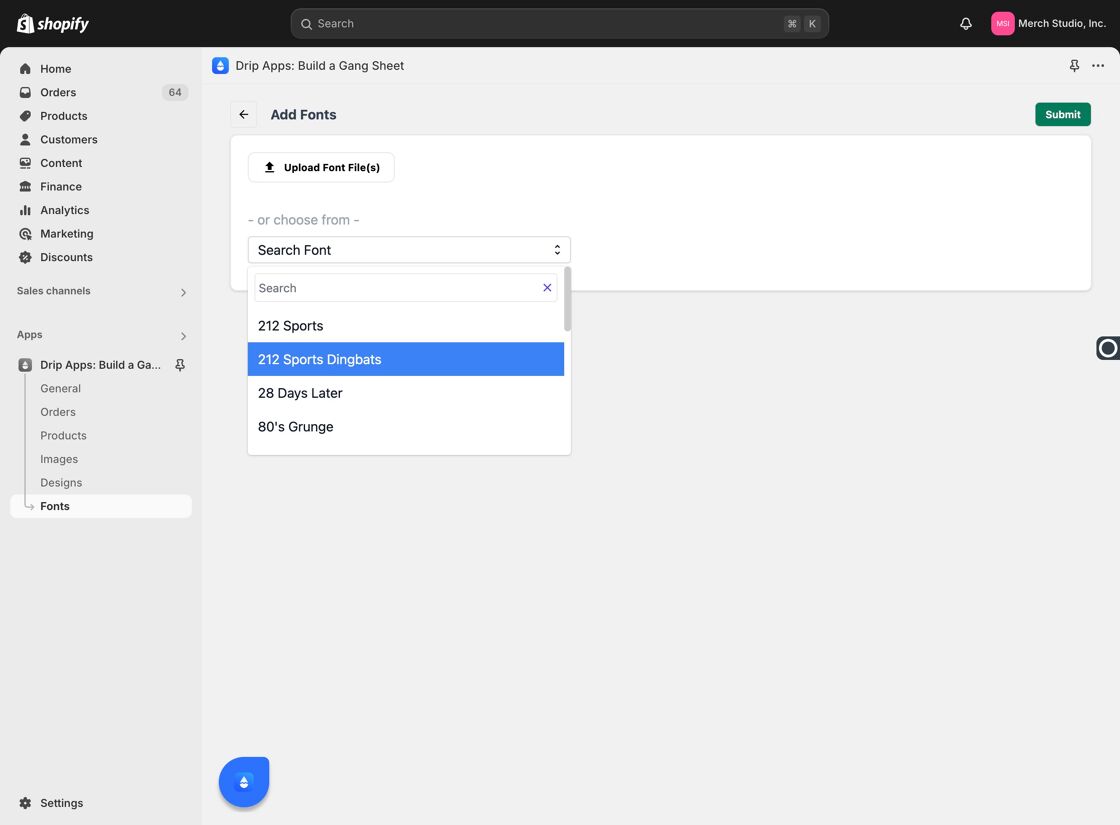
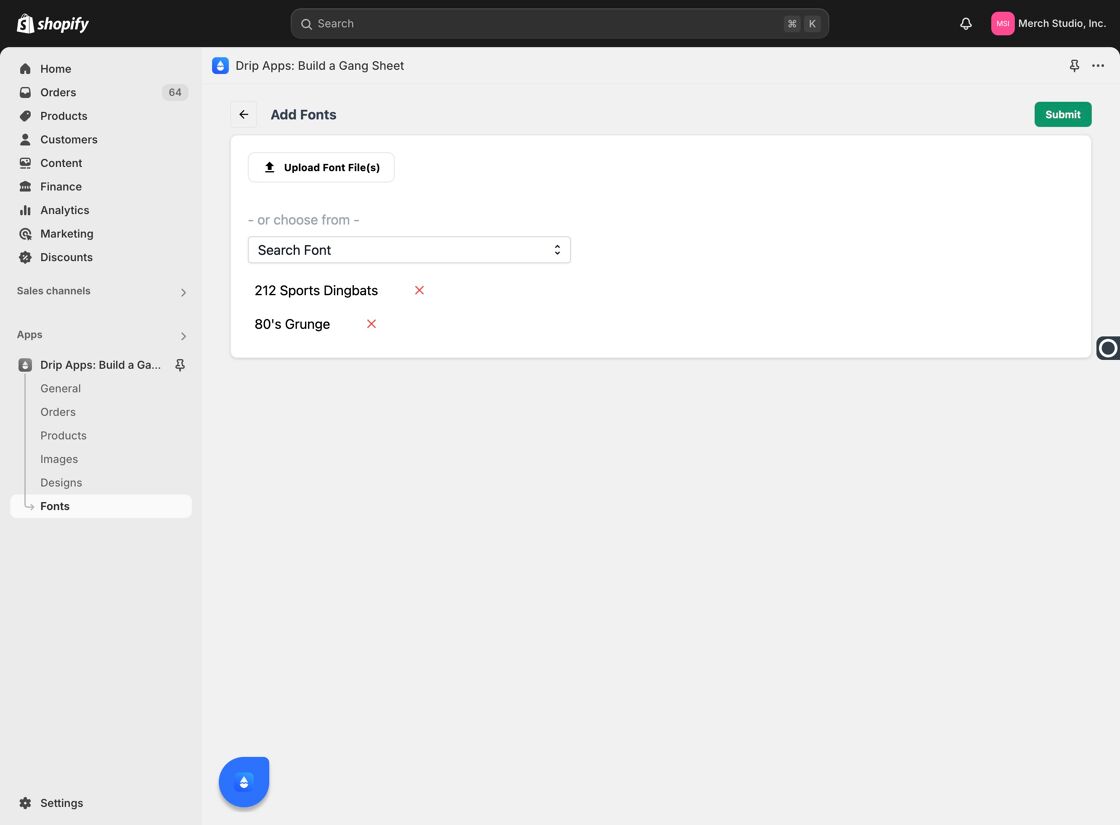
Choose Font - Click Add on Each Font –
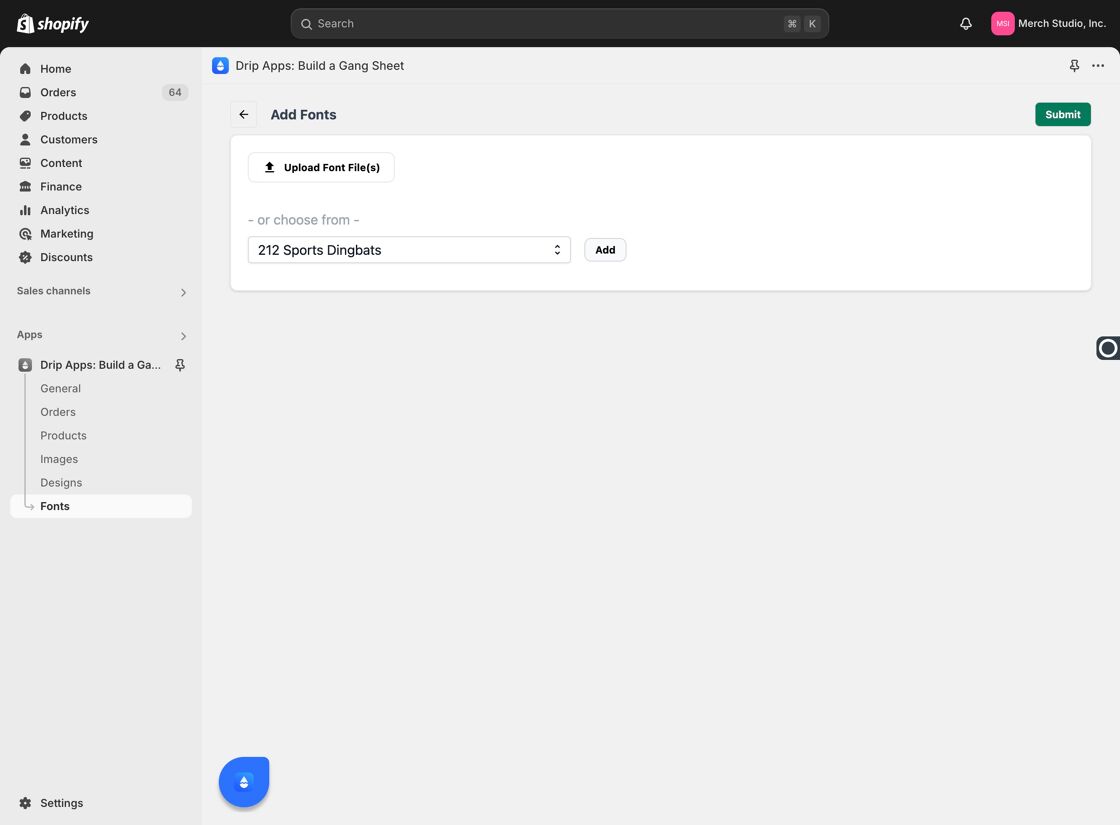
Add Selected Font
Steps
- Click + Add Fonts –
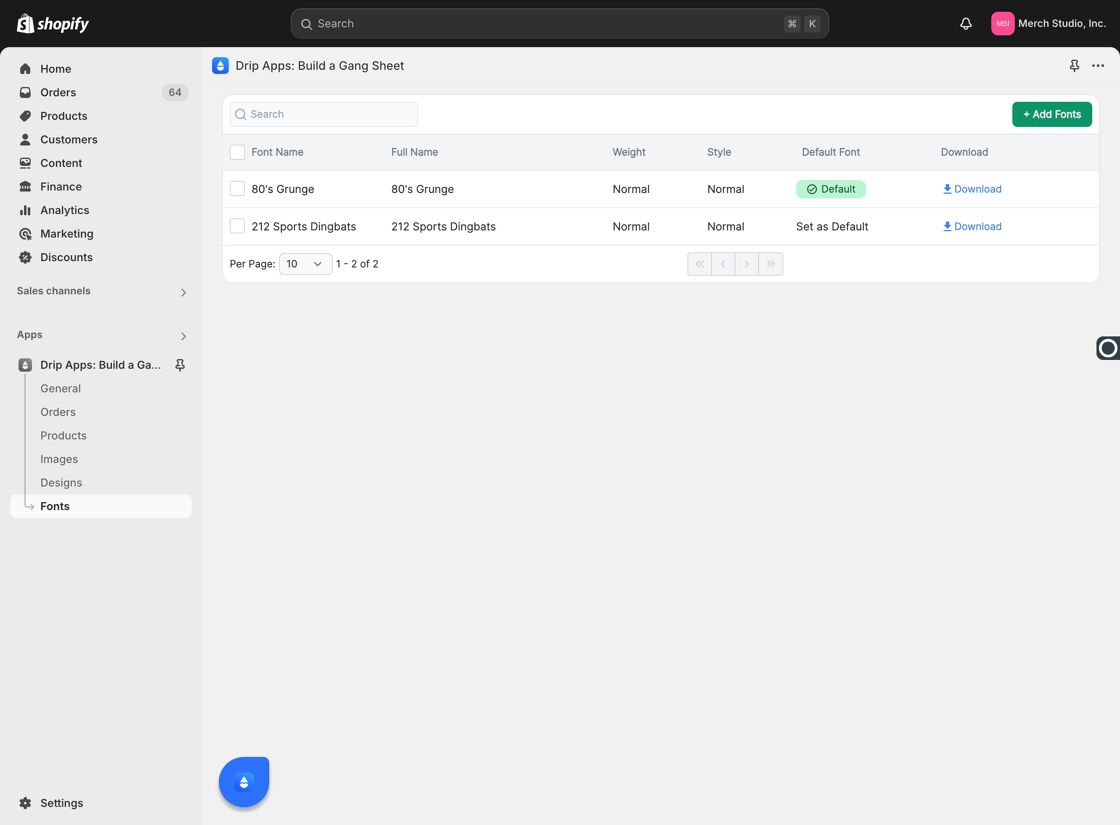
Add Fonts Again - Upload Font Files – You can upload custom fonts such as from DaFont.com or other free-use font sources.
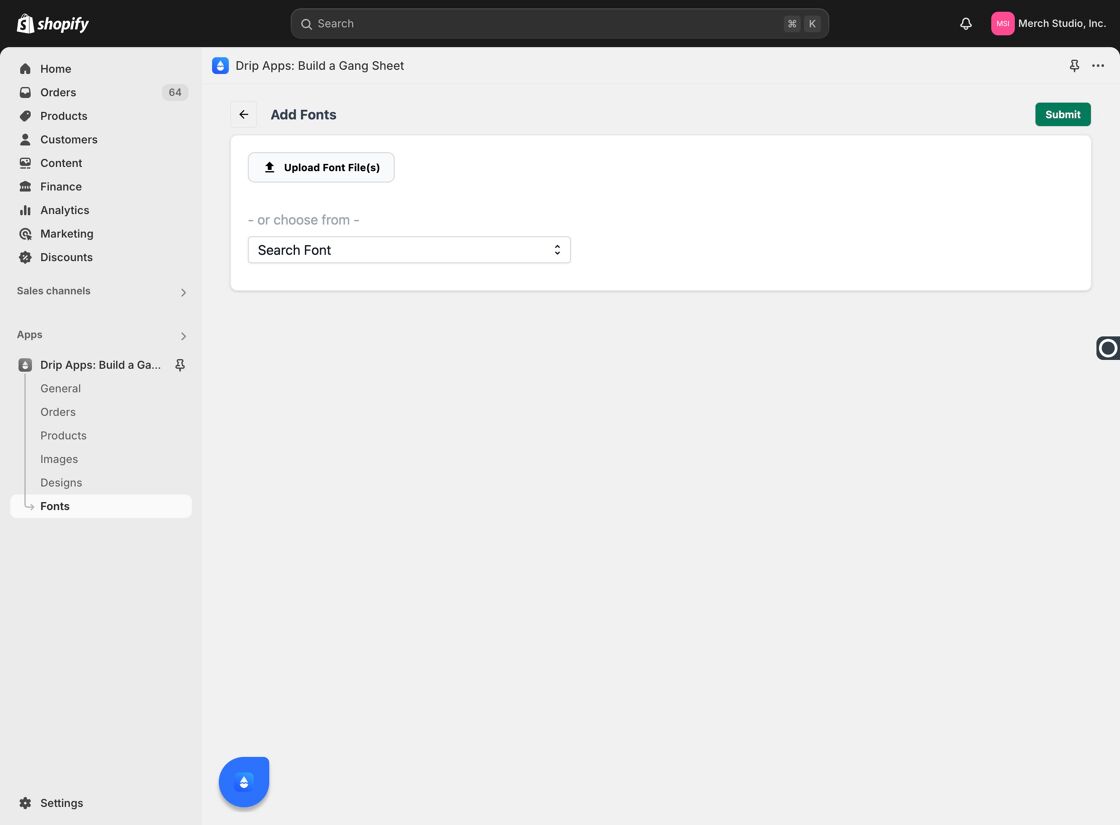
Upload Font Files - Submit Uploaded Fonts –
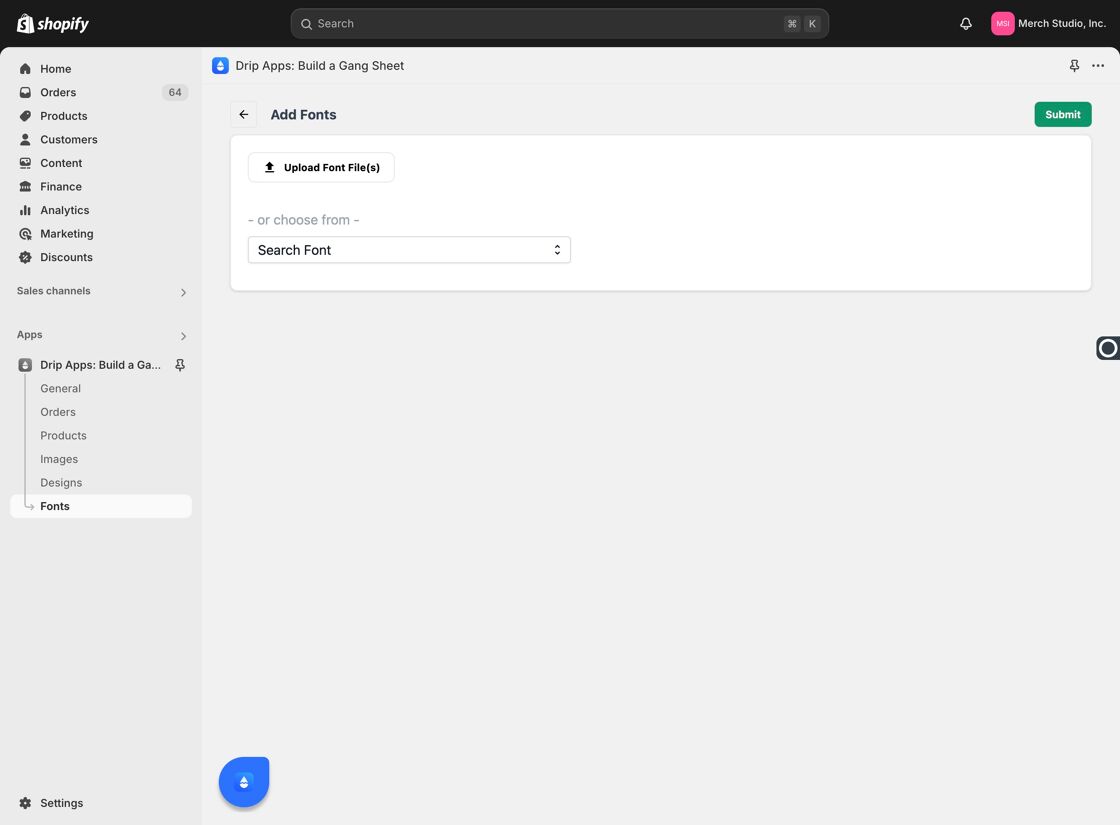
Submit Upload
6–7. Confirm and Submit Font Selections
Search again if needed, then click "Submit" to finalize your font choices.