
Steps
- Access the Gang Sheet Dashboard – Start by clicking the Gang Sheet menu in your dashboard.
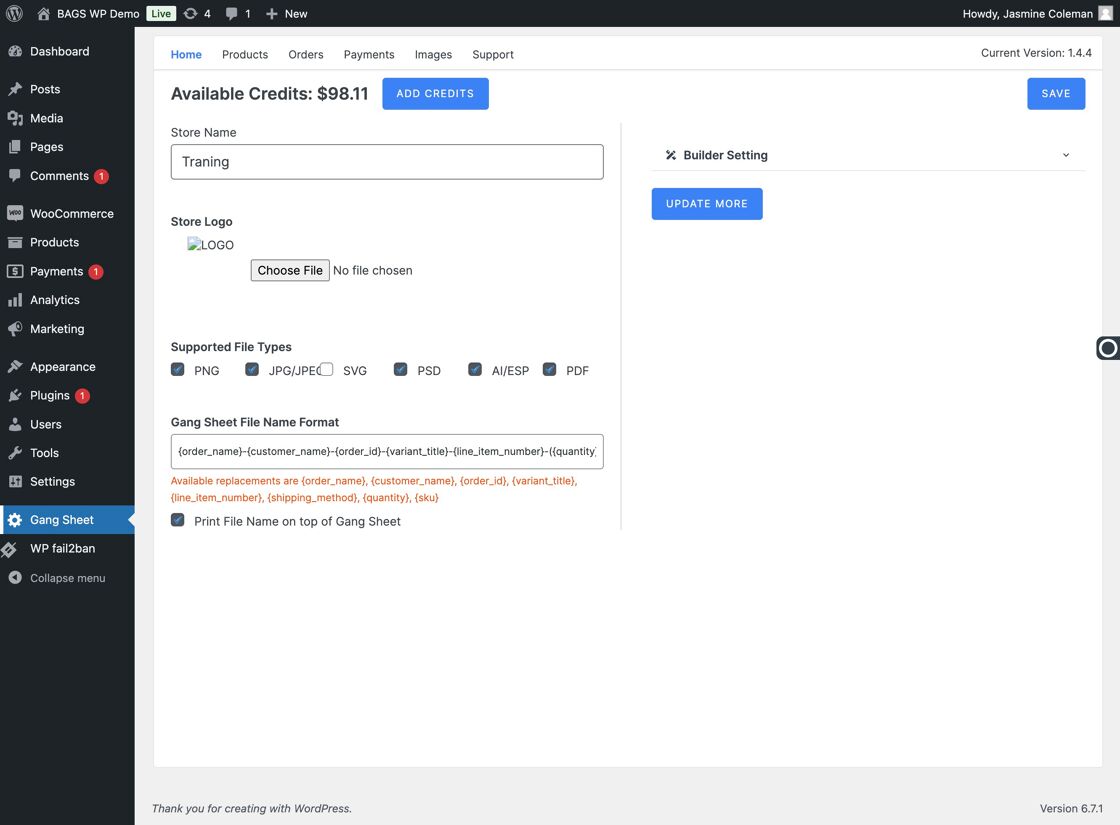
Click Gang Sheet - Click Update More – Navigate to the Update More section to access advanced builder settings.
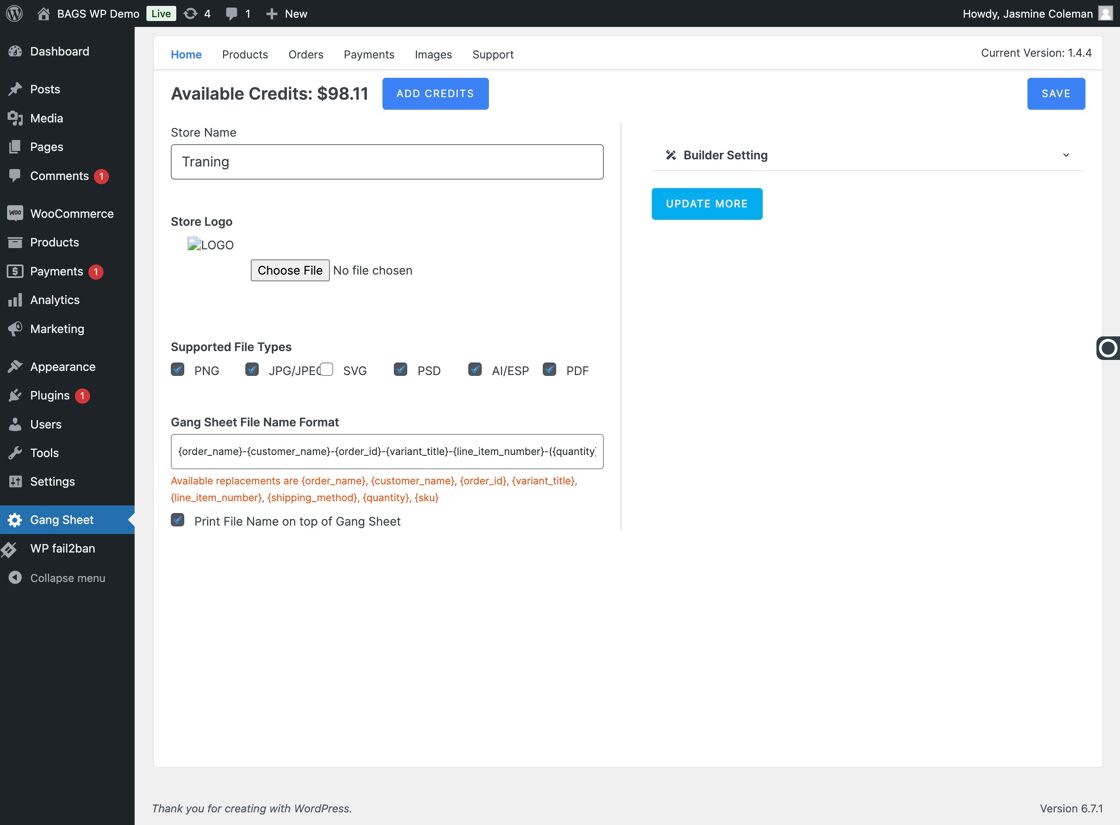
Click Update More - Go to Builder Settings – Click on Settings in the menu, then select the Builder tab from the available options.
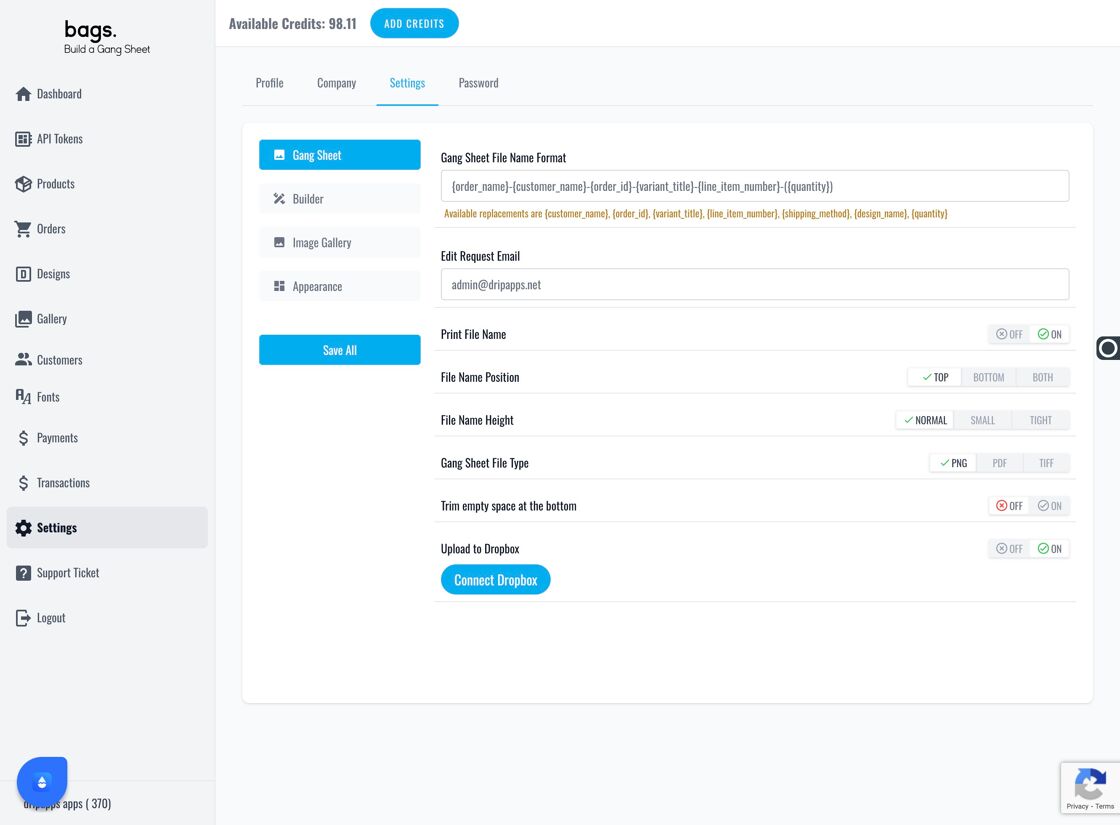
Go to Settings 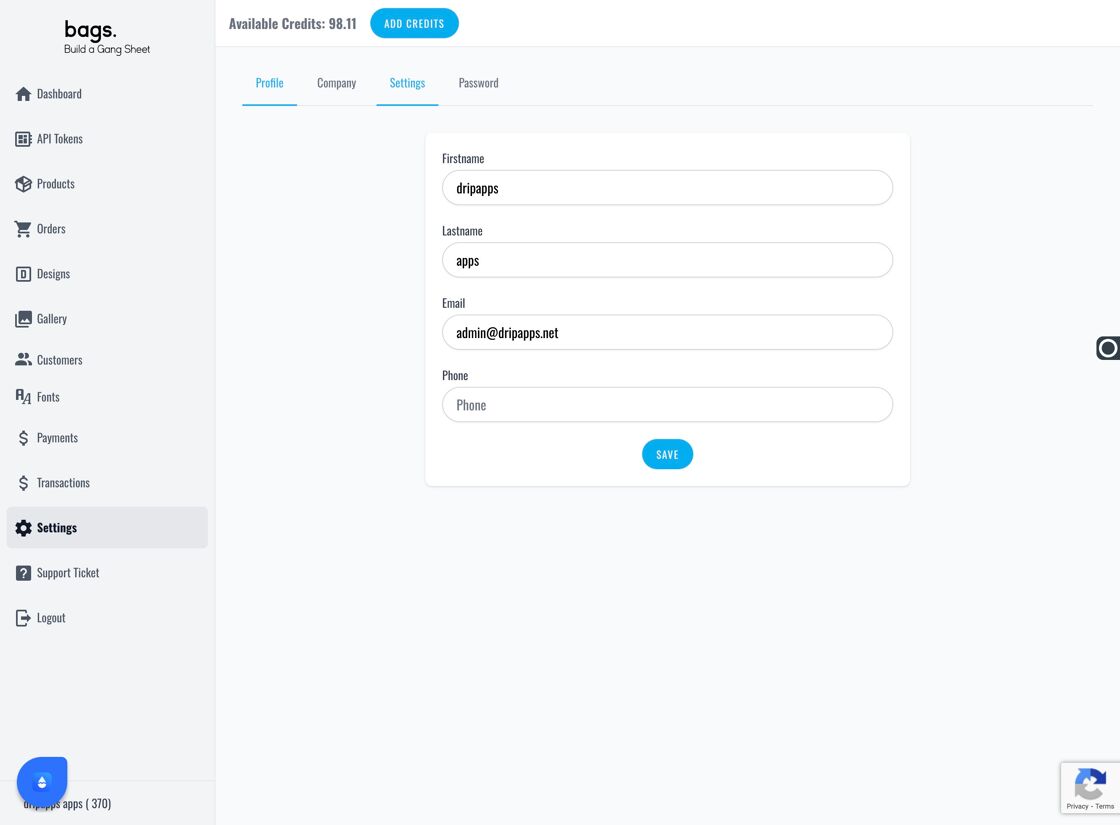
Click Settings Again 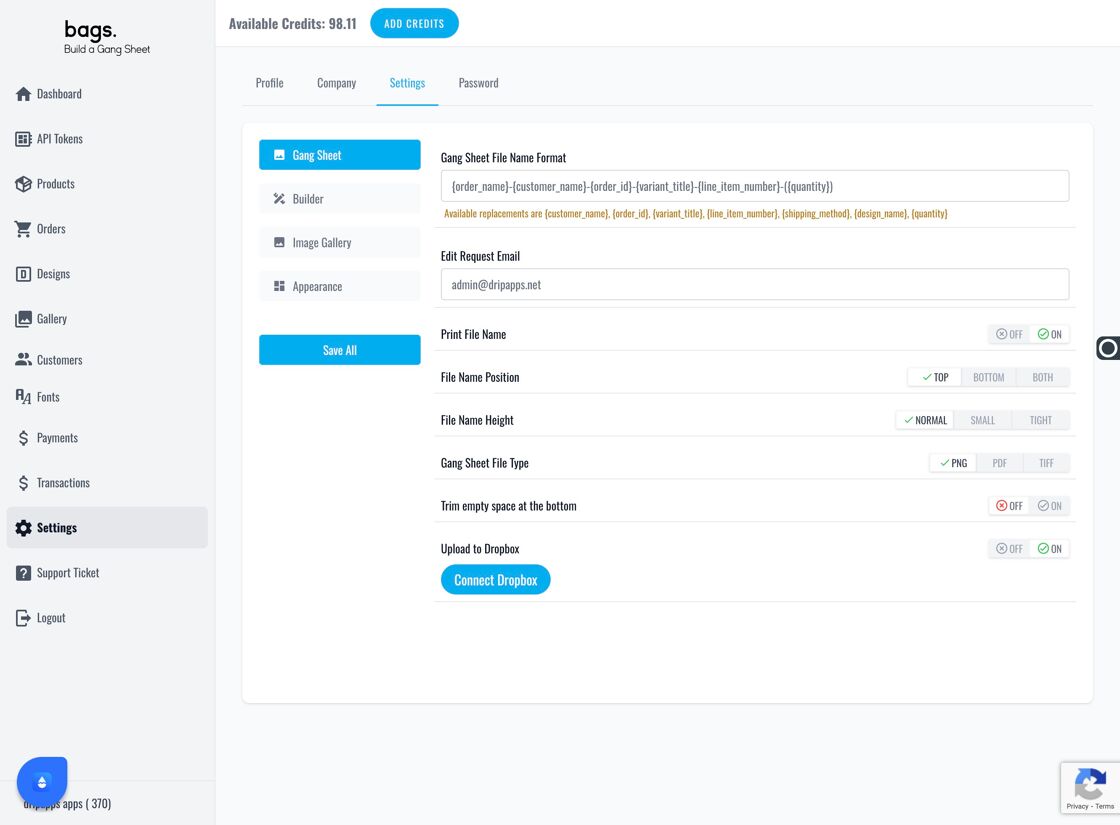
Click Builder Tab - Locate Upload Settings – Inside the Builder tab, you'll find a section labeled Supported File Types . This is where you define which file formats are accepted from users.
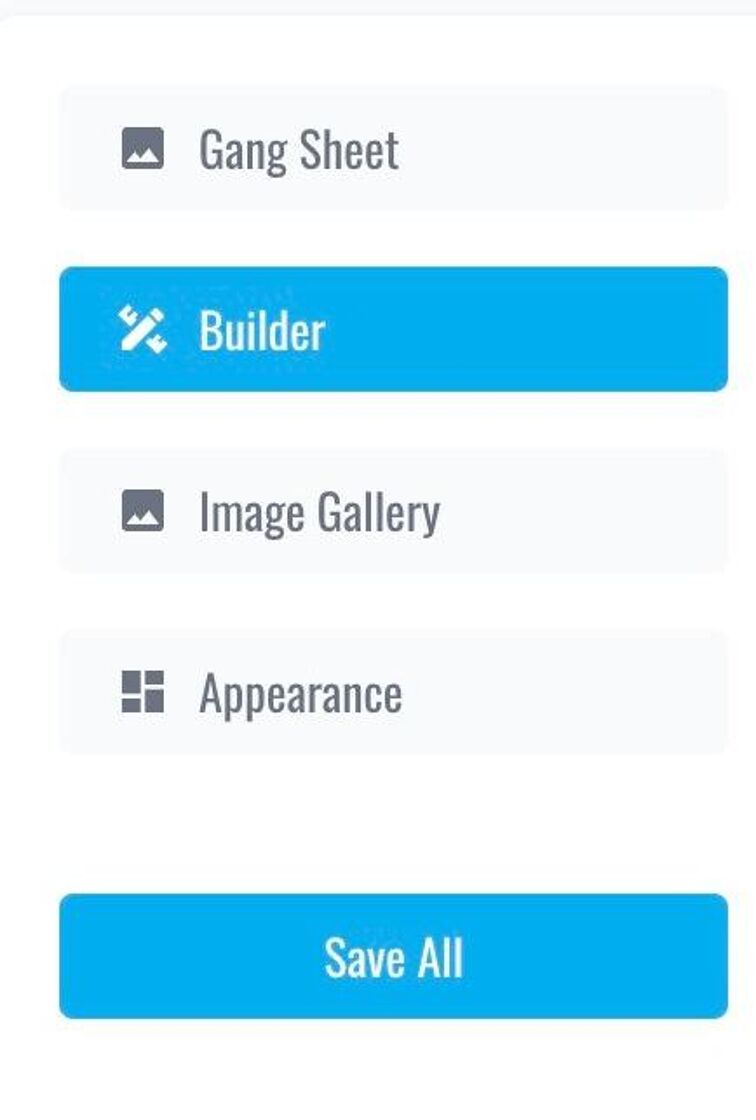
Builder Tab Overview - Edit File Type Preferences – Update the Supported Upload File Types field with your preferred formats (e.g., PNG, JPEG, SVG, PDF, etc.). This ensures customers can only upload files your print process can handle.
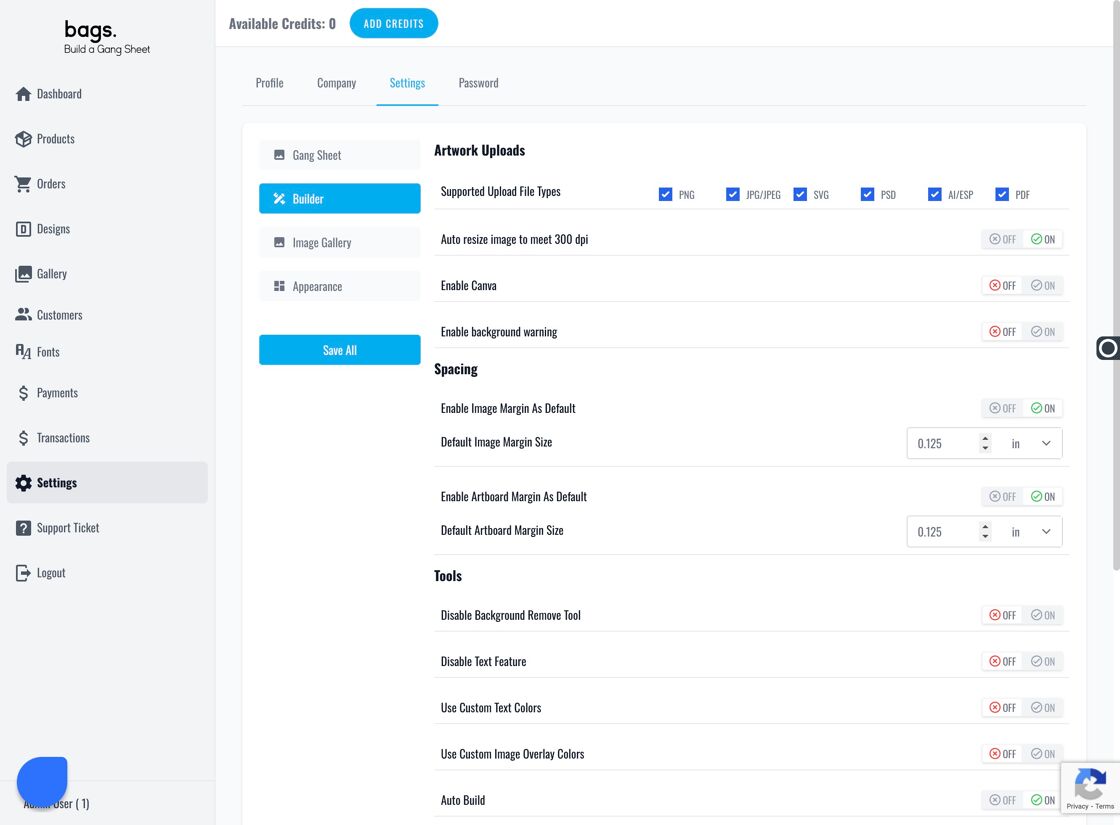
Edit Supported Upload File Types