Builder Settings: How To Change Supported Upload File Types
1 min readUpdated 2025-07-01
Steps
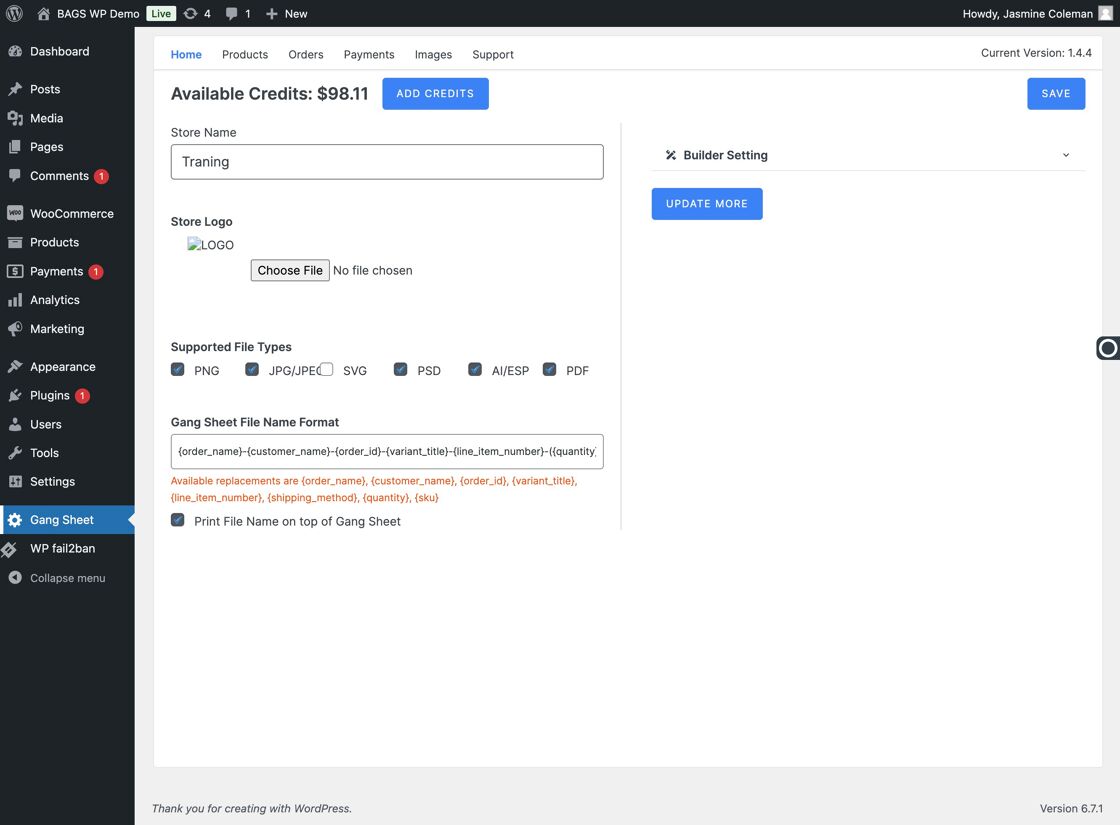
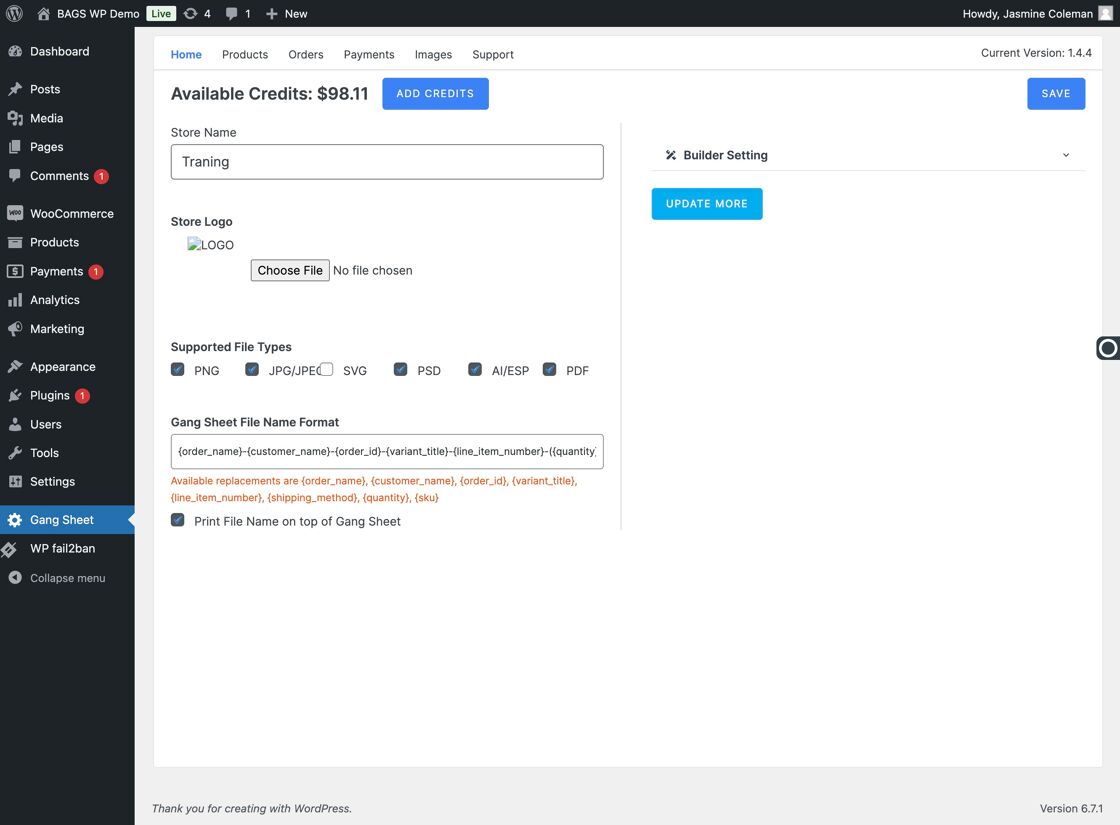
Access the Gang Sheet Dashboard – Start by clicking the Gang Sheet menu in your dashboard.
Click Update More – Navigate to the Update More section to access advanced builder settings.
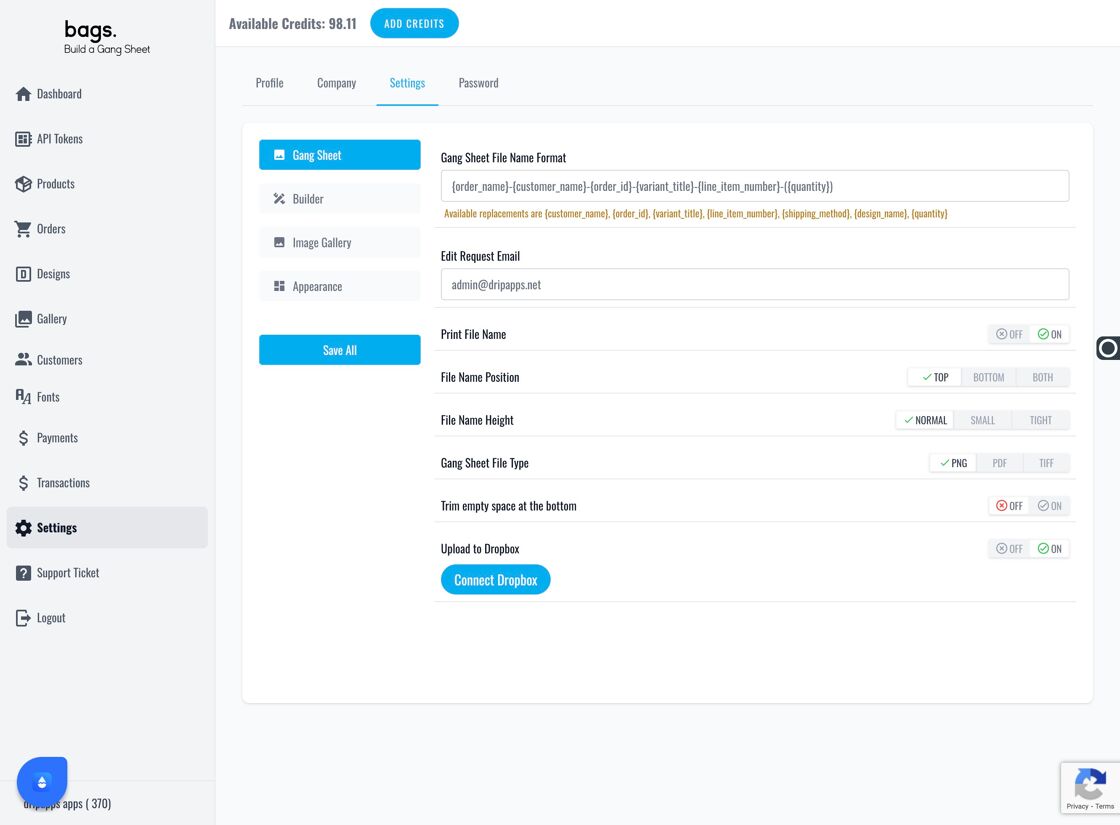
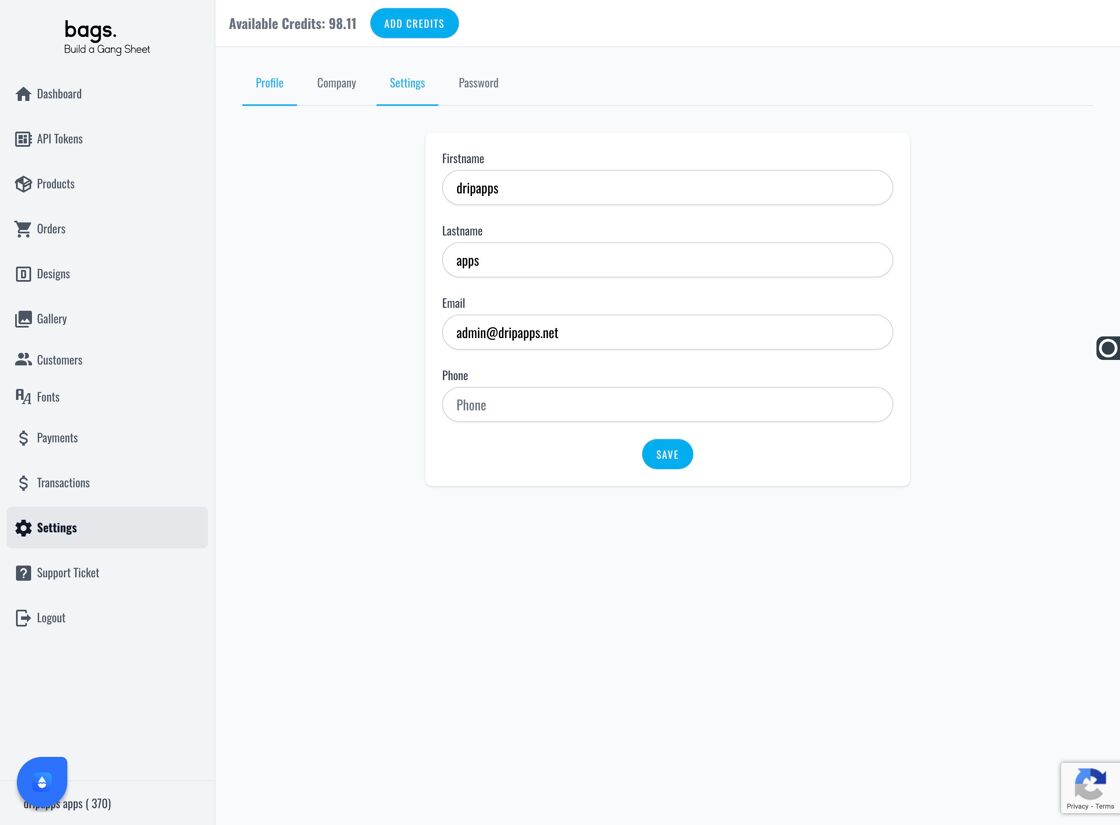
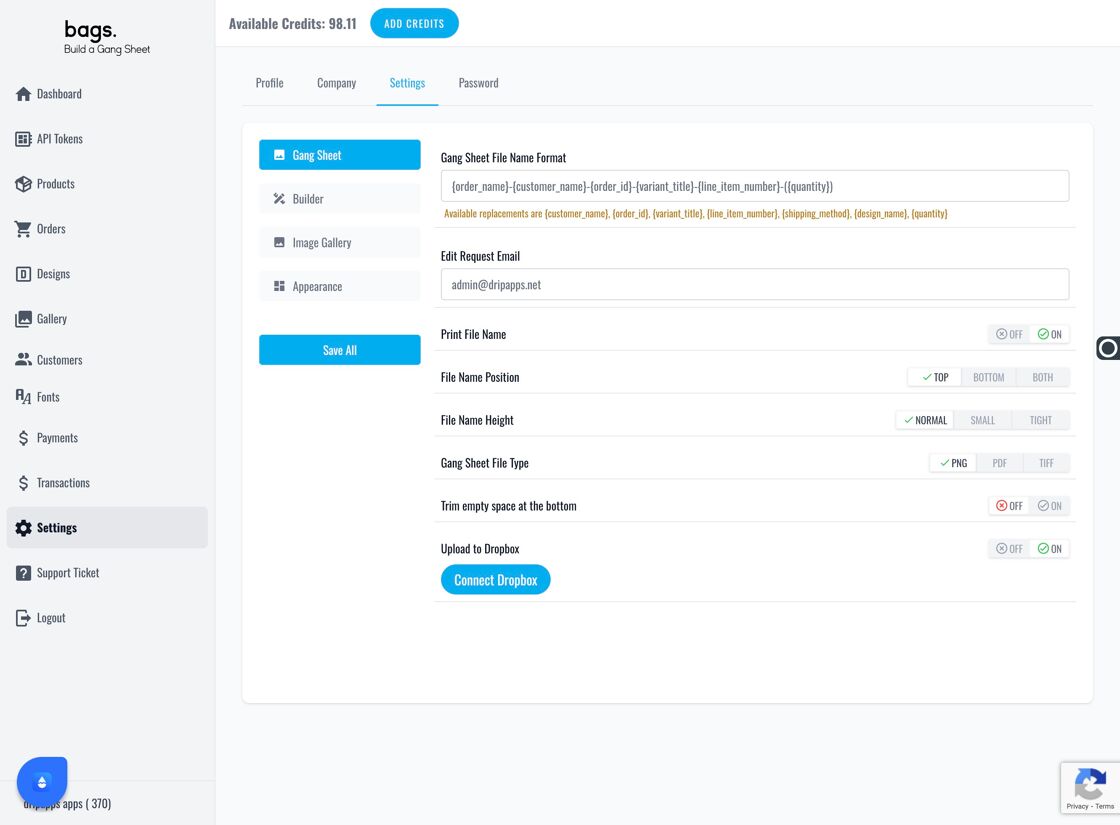
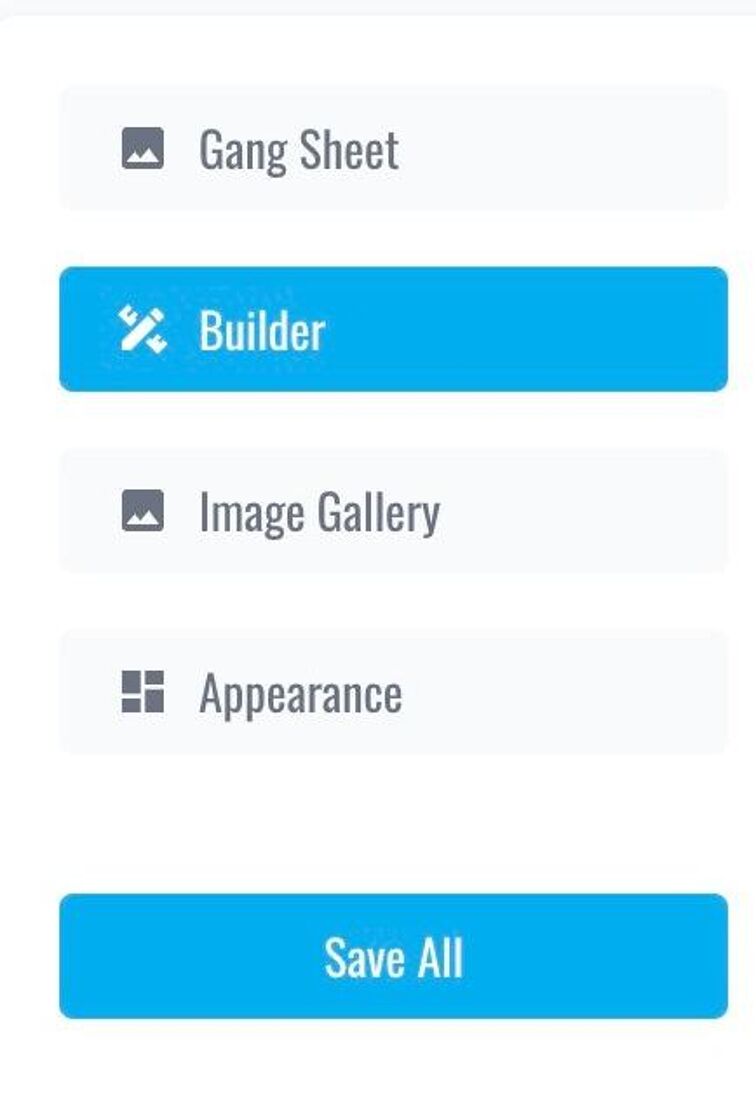
Go to Builder Settings – Click on Settings in the menu, then select the Builder tab from the available options.
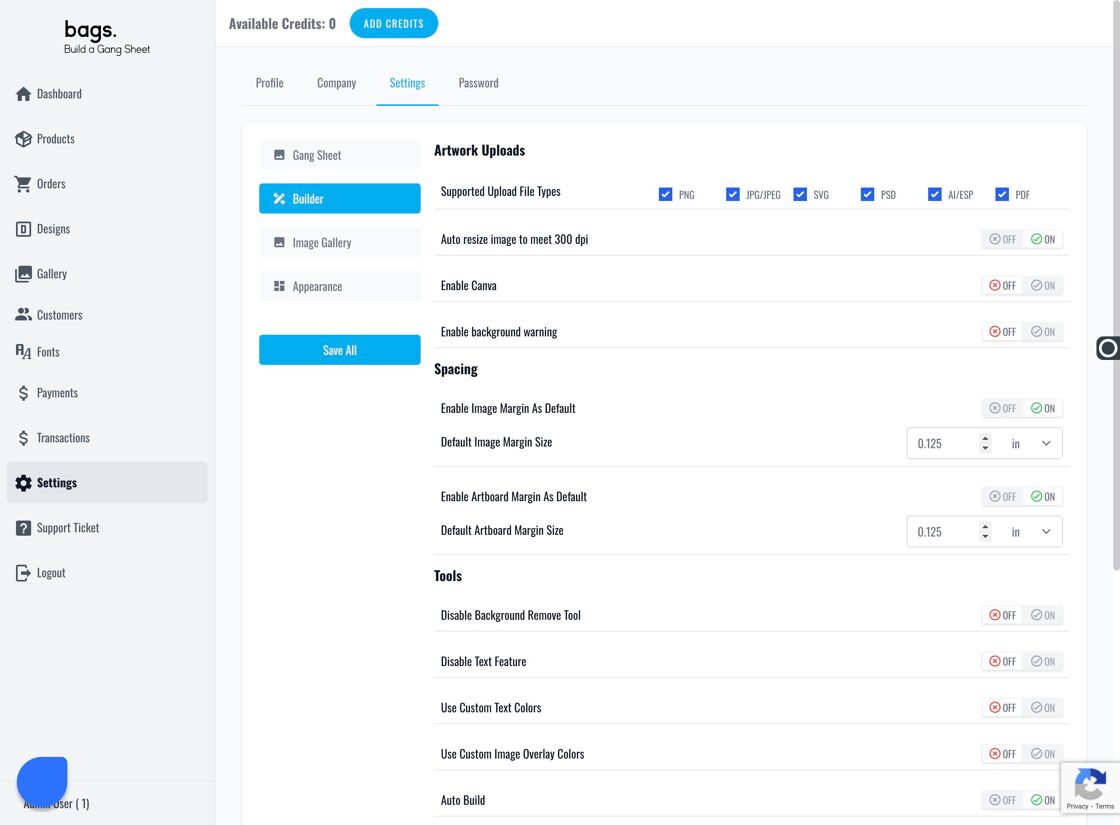
Locate Upload Settings – Inside the Builder tab, you'll find a section labeled Supported File Types . This is where you define which file formats are accepted from users.
Edit File Type Preferences – Update the Supported Upload File Types field with your preferred formats (e.g., PNG, JPEG, SVG, PDF, etc.). This ensures customers can only upload files your print process can handle.