
Steps
- Open the Add Credits Panel – From your dashboard, click the Add Credits button. This is always visible on the homepage.
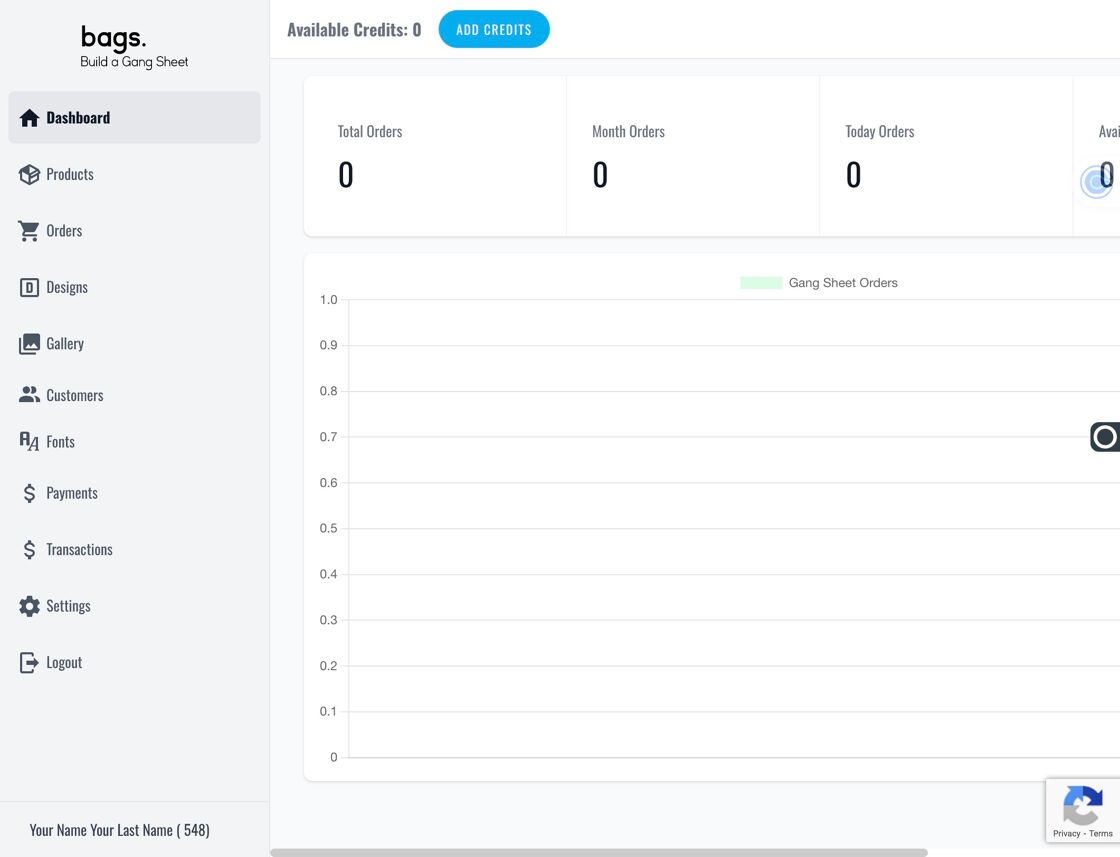
Add Credits on dashboard - Enter Credit Amount – In the popup window, enter your desired credit amount in the Amount field.
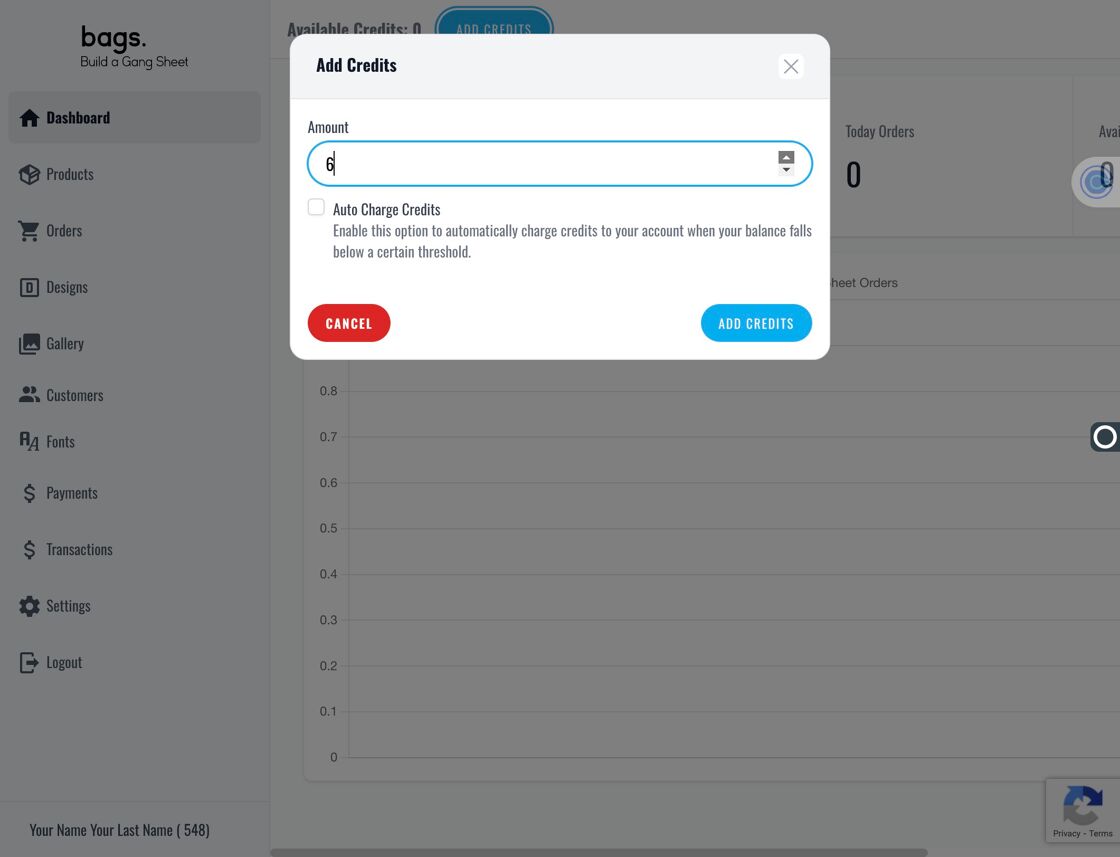
Credit Amount Field - Confirm Manual Credit – Click Add Credits to confirm your entry and proceed to payment details.
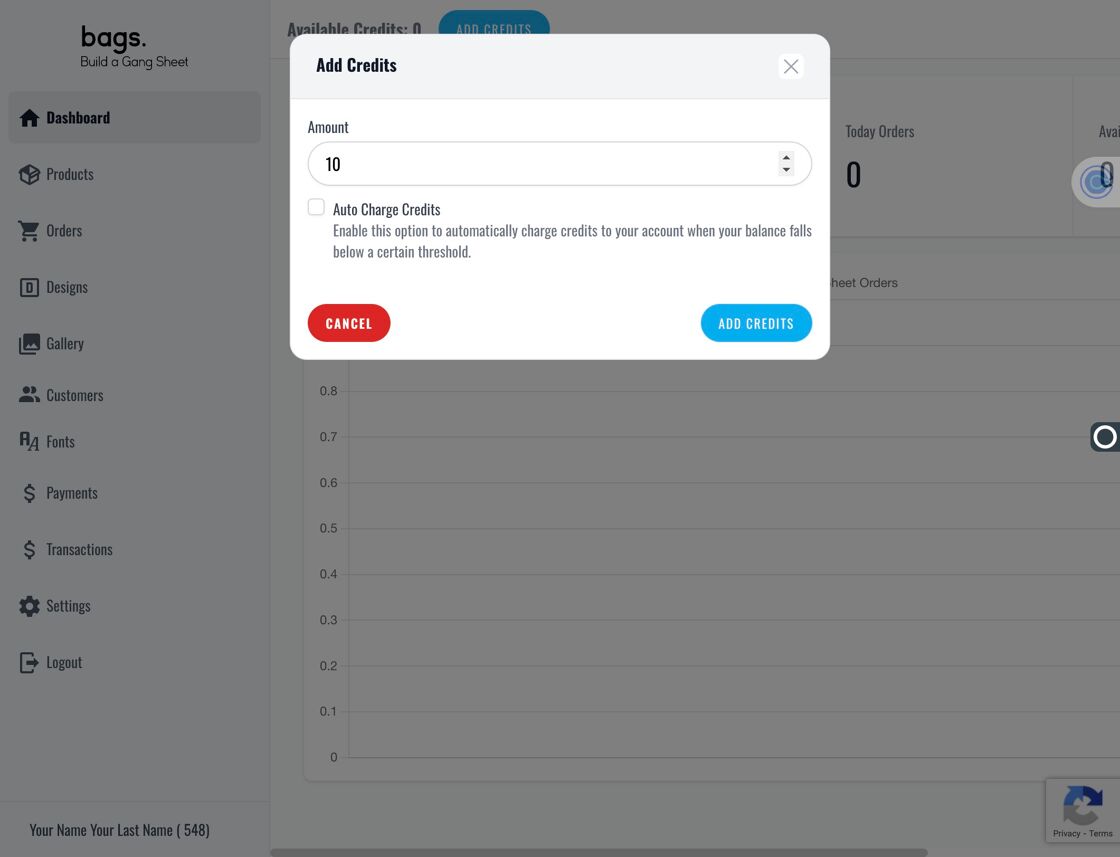
Click Add Credits - Enter Payment Information – Enter your banking or card information to complete the manual credit purchase.
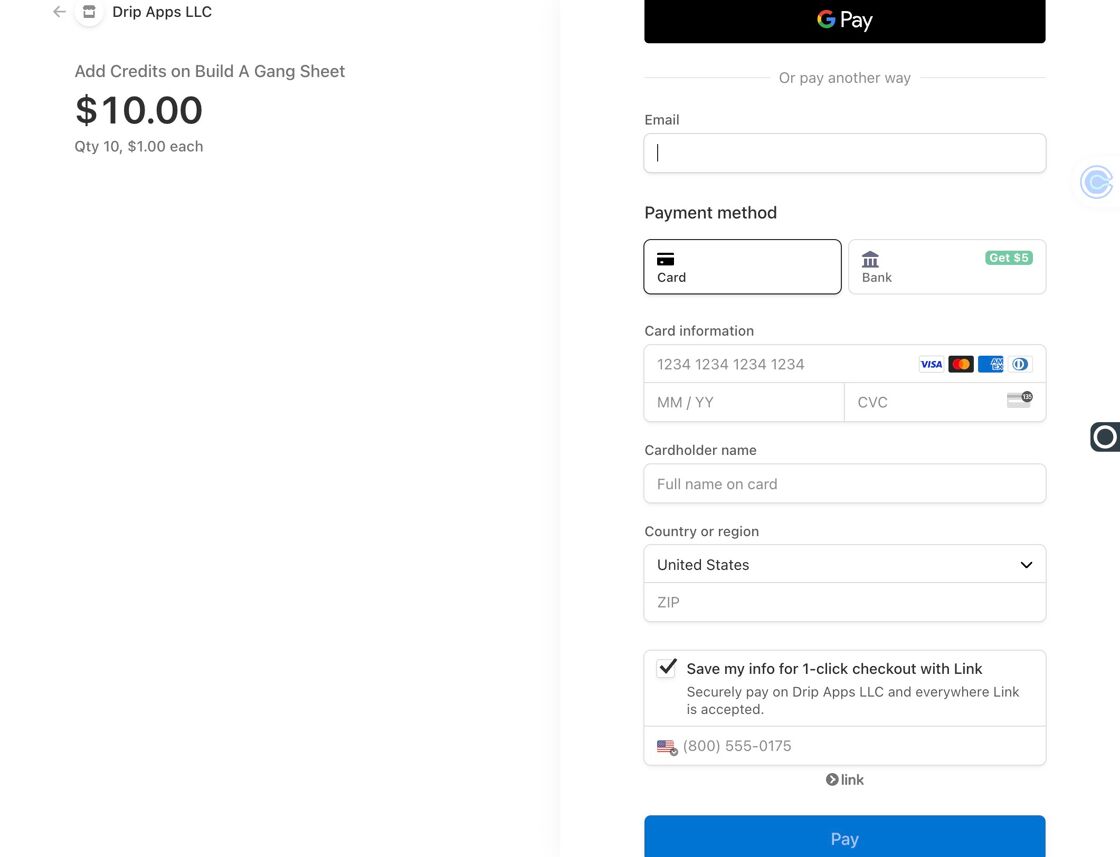
Enter Banking Details - Enable Auto Credit – To automate credit top-ups, click Add Credits again and then check the Auto Charge Credits option.
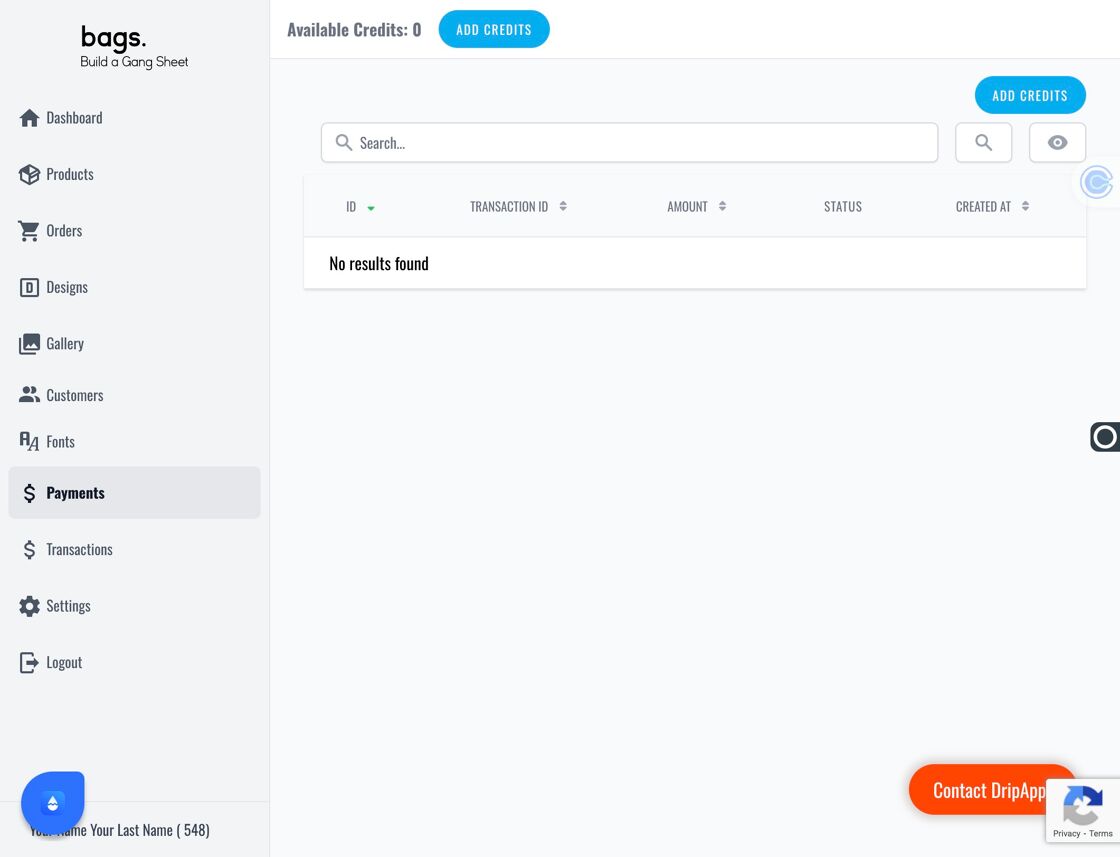
Add Credits Again 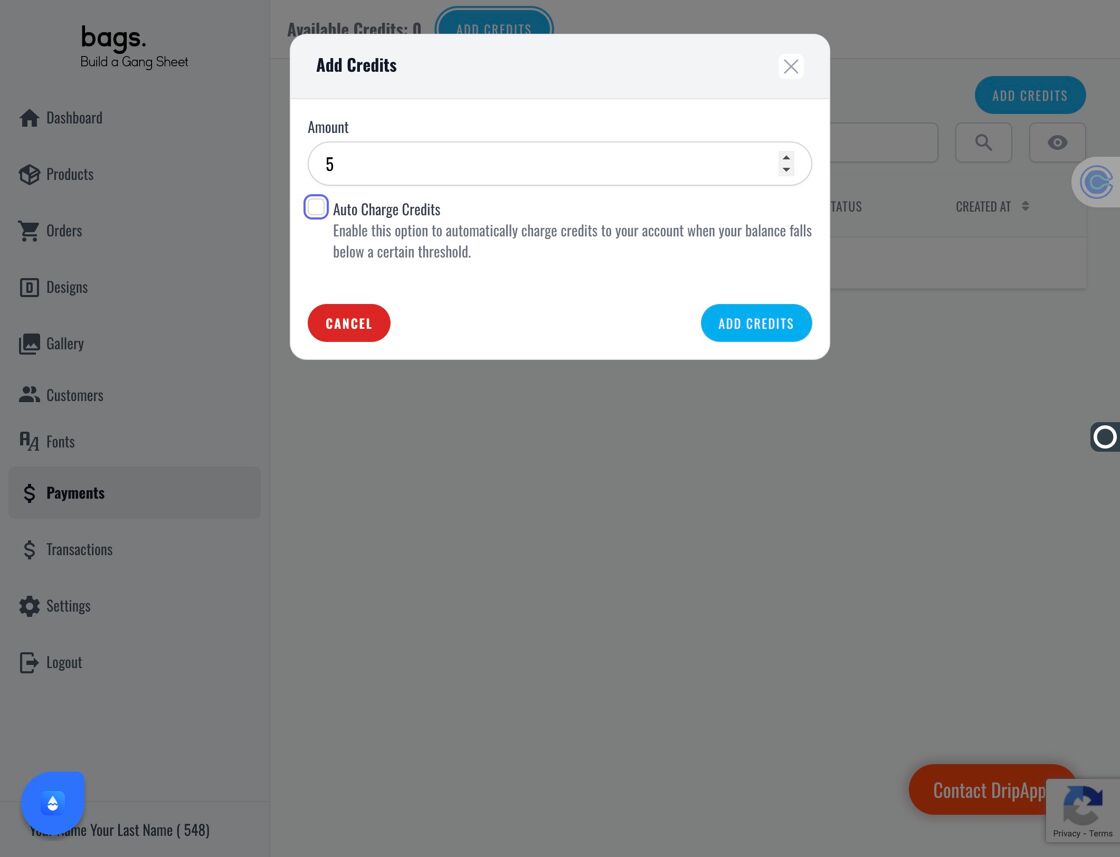
Auto Charge Option - Set Auto Charge Amount and Minimum – The Amount sets the cap for automatic charges. The Minimum Credit field allows you to trigger auto-charging when your balance falls below this amount.
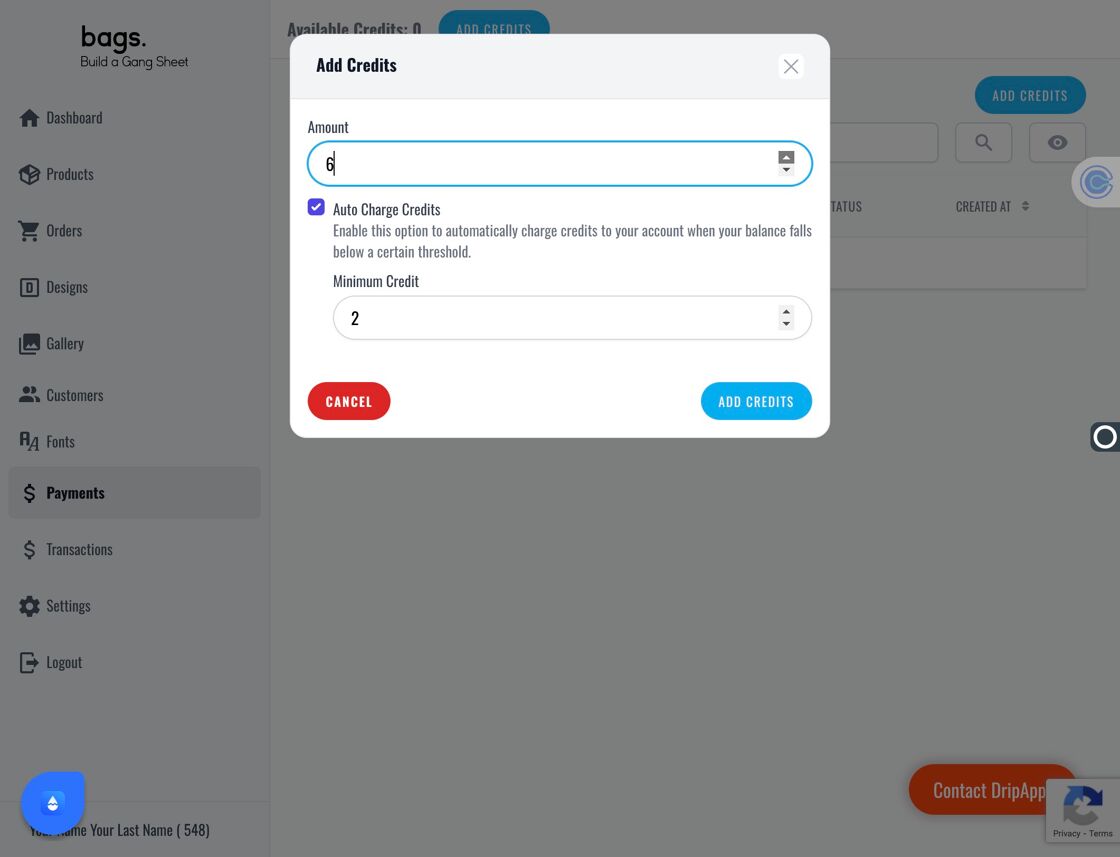
Auto Charge Amount 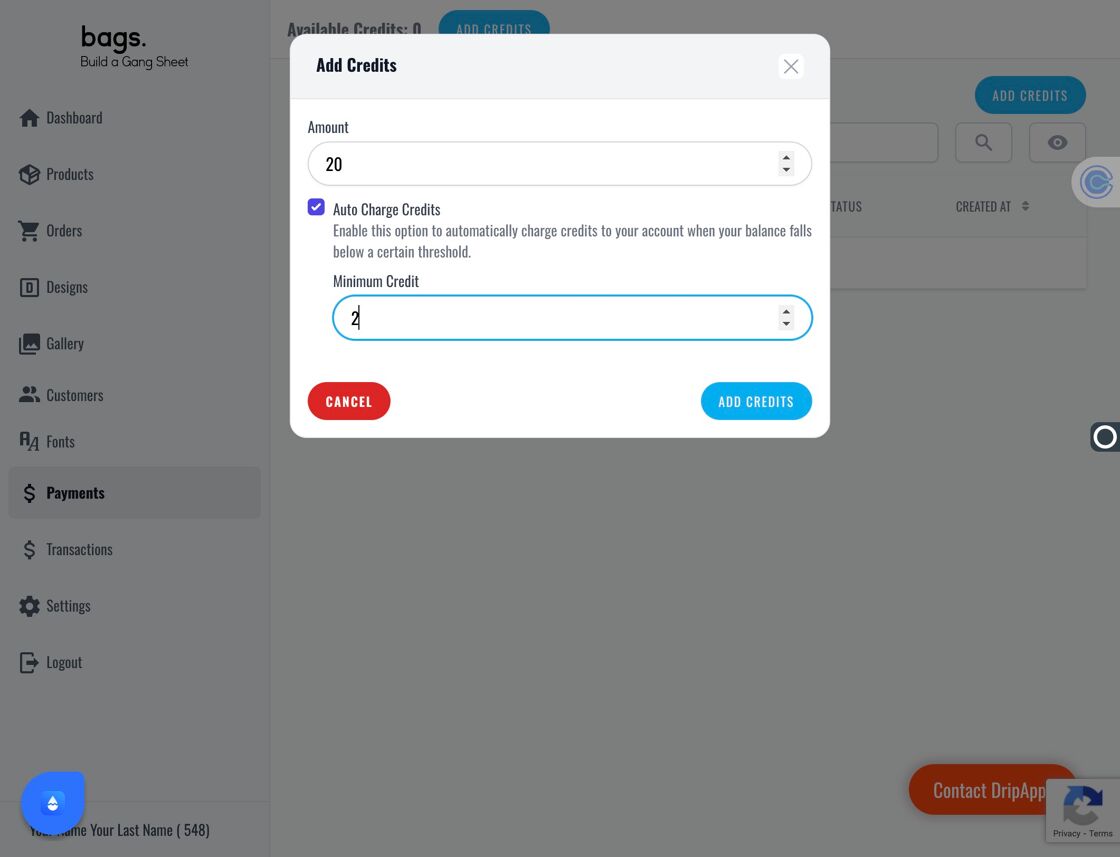
Minimum Credit Field - Finalize and Save – Click Add Credits one last time and confirm your card info to save automated credit settings.
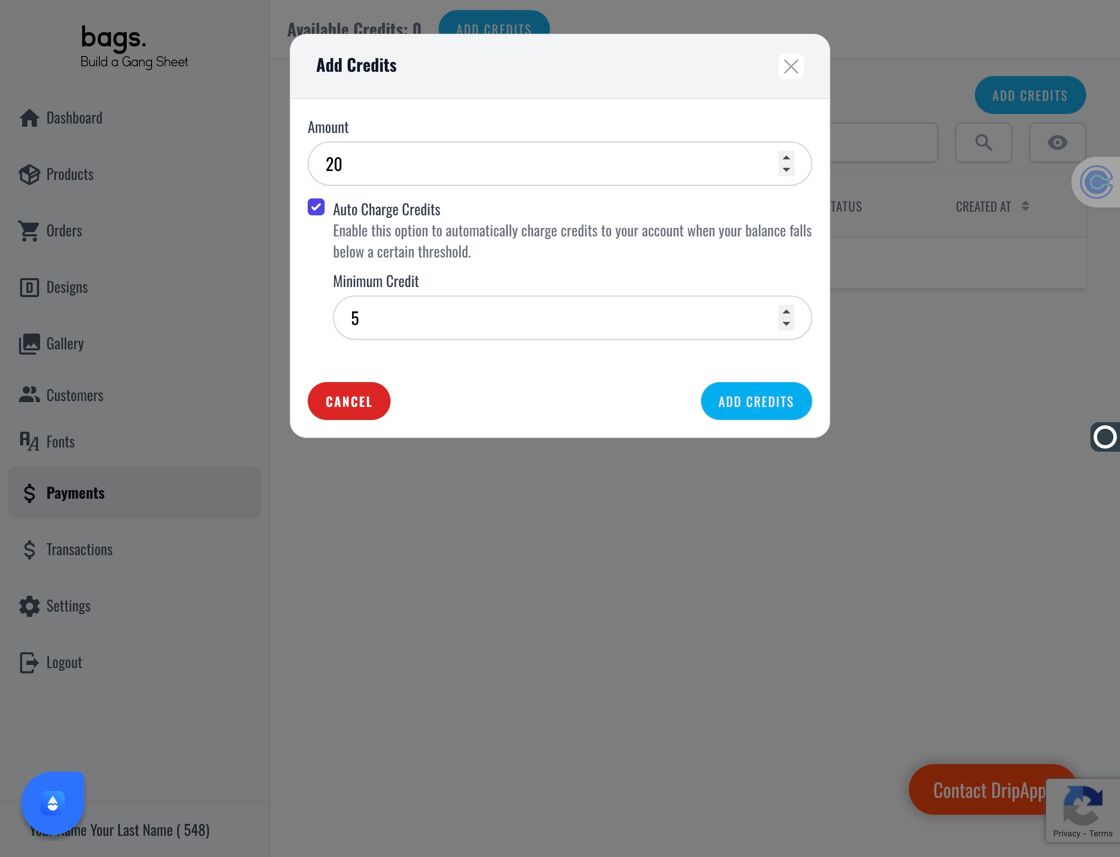
Final Add Credits 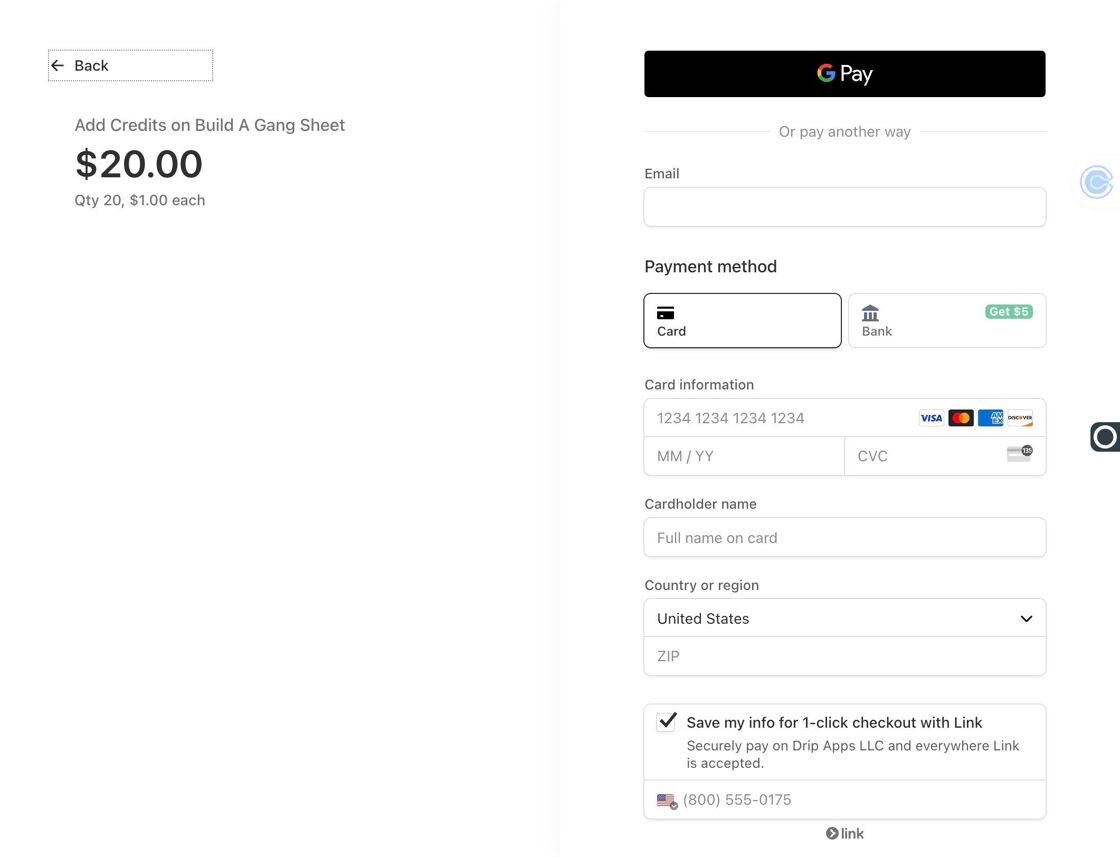
Enter Card Info - You're All Set 🎉 Your credits are active and automatic top-ups will run against the settings you just saved.